Steps with AutoCAD LAYTRANS
- Open one drawing and enter LAYTRANS.
- Load the drawing (.dwg, .dws or .dwt) that holds your standard layers.
- Select the layers to translate and the standard layers they go to, and map them.
- Save the mappings to a .dws file.
- Translate and save the drawing. For the next drawings, load the saved .dws in LAYTRANS to translate with the same mappings.
Ask AI to do it in one step
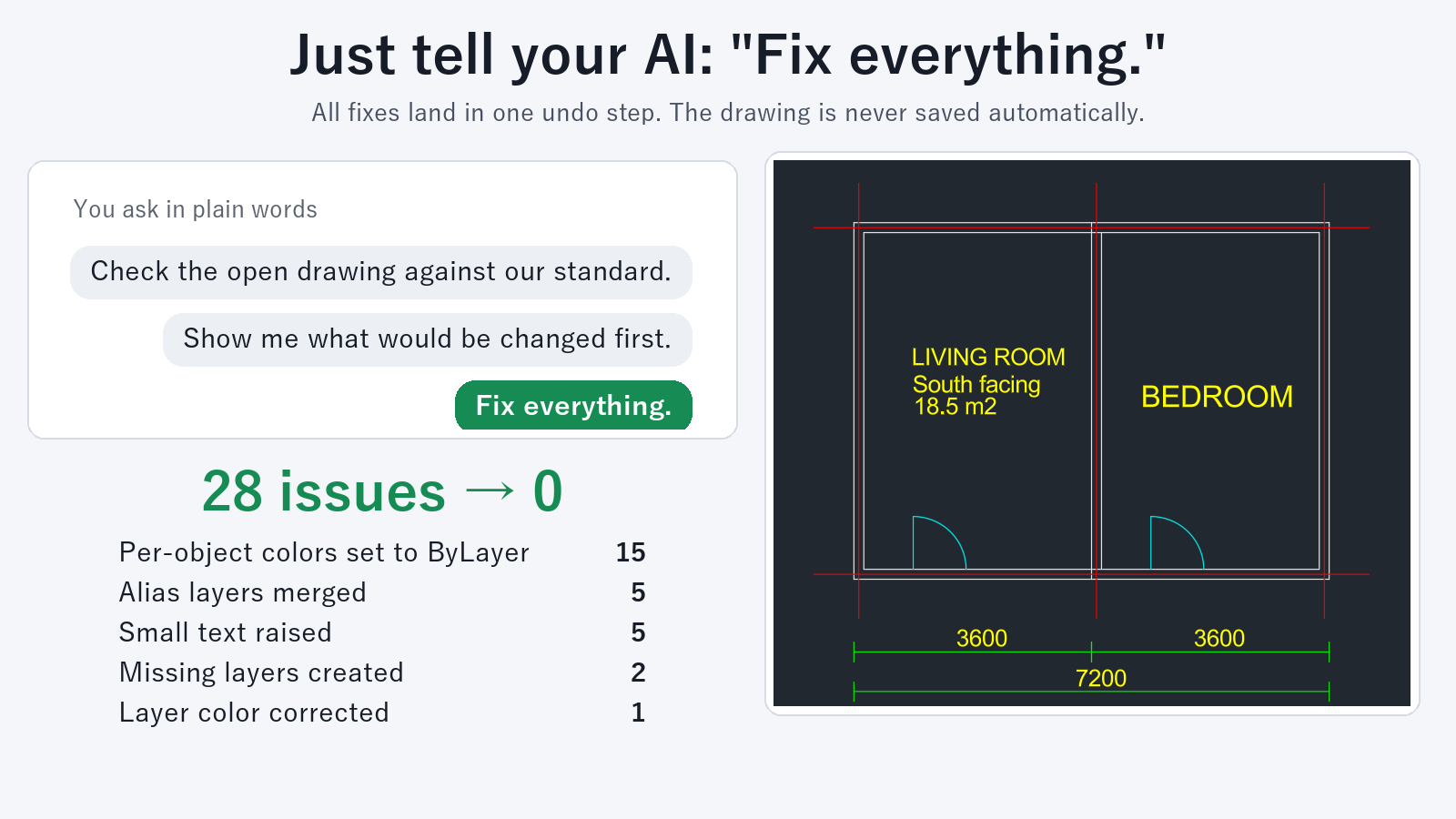
Ask an AI that has Drawing Rule Fixer for AutoCAD installed (for example Claude Desktop). For DWG files, keep AutoCAD running.
First, open the drawing that holds your standard layers and create rules from it:
"Create rules from this drawing"
If a partner's layer names differ from your standard, add the mapping to the rules:
"Add to the rules: merge layers WALLS and WALL-OLD into A-WALL"
Then ask for the whole folder:
"Fix the drawings in C:\Drawings\ProjectA to our standard and save them in a folder named Fixed"
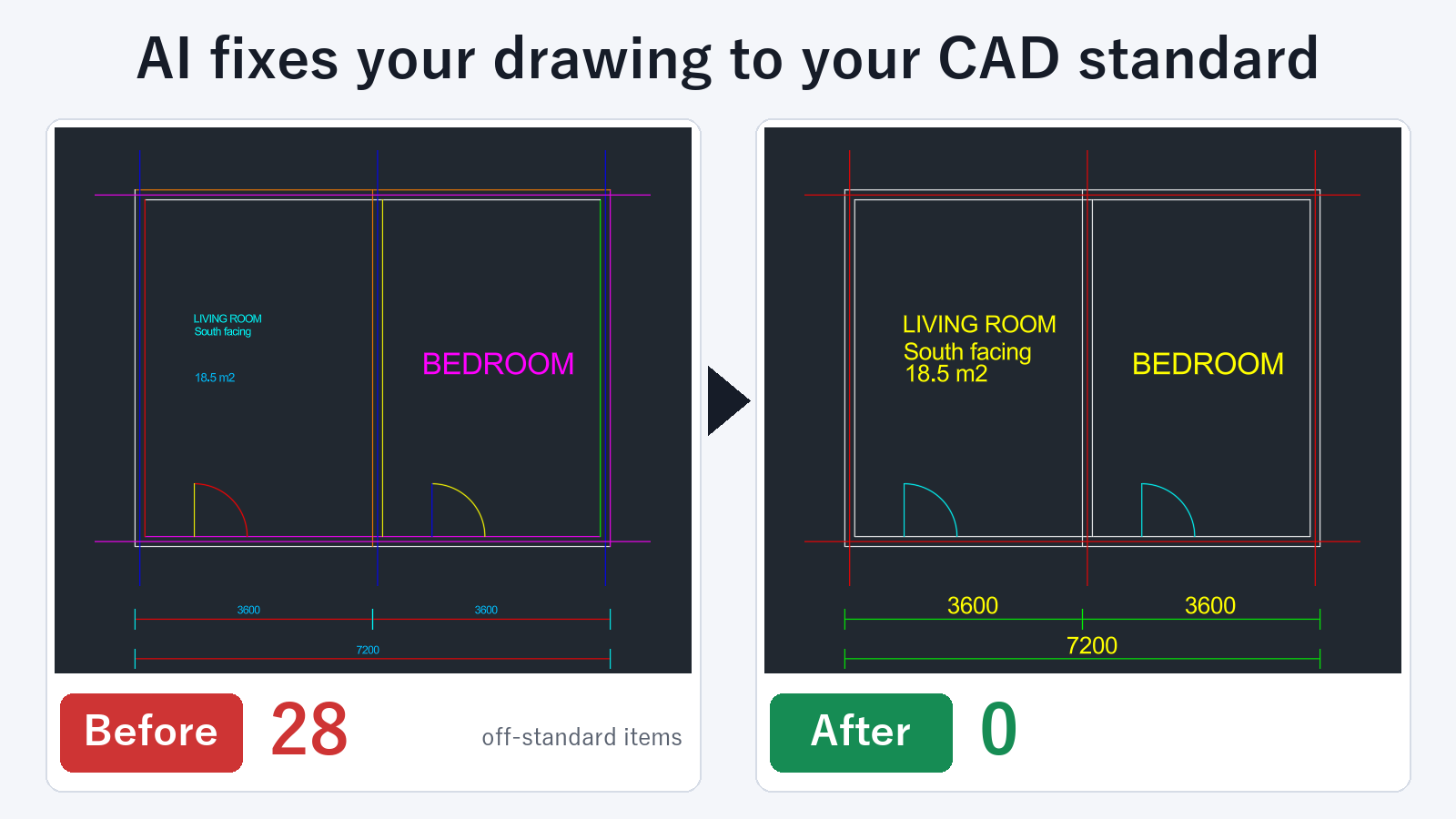
In each drawing, only the layers that match the rules are moved to the standard layer and merged into one. Layer color and linetype can also be set to match the standard.
Built to be safe to hand over
- Your original files are not changed. Fixed drawings are saved in the folder you name when you ask. You cannot choose the same location as the originals.
- Objects inside blocks are moved too.
- Anything where a person must choose the target layer is left alone. Layers that are not in the standard and objects on layer 0 are only listed for you.
- Locked layers and the contents of external references (Xrefs) are not changed.
- Folders that mix DWG and DXF files work. The drawings directly inside the folder you specify are processed, up to 500 drawings at a time.
Checking one drawing at a time, previewing a fix, and creating rules are free. Fixing drawings and batch checking or fixing a folder are subscription features.
FAQ
What is the difference between LAYTRANS and asking the AI?
LAYTRANS translates the layers of one open drawing. Asking the AI uses the mappings written in the rules to fix the layers of every drawing in the folder at once.
Can it fix drawings from partners who use different layer names?
Yes. Write mappings in the rules, such as "this name goes to this standard layer". In each drawing, only the layers that match are fixed.
Are layers that are not in the standard translated too?
No. A person must decide where they go, so they are only listed. Add a mapping to the rules and ask again, and they become targets.