How to Remove Duplicate Vertices (Merge by Distance) in Blender
In Edit Mode, select the vertices (press A for all), then choose Mesh › Merge › By Distance. You can also press M and pick By Distance from the Merge menu. Vertices that sit within the set distance of each other are merged into one.
- Mode
- Edit Mode (3D Viewport)
- Menu
- Mesh › Merge › By Distance
- Shortcut
- M (opens the Merge menu)
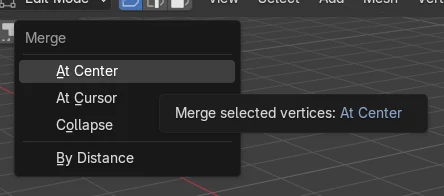
Mesh > Merge
Choose By Distance in the Merge menu. It is also under Mesh › Clean Up.
Press M
Opens the Merge menu in Edit Mode. Press A first to select everything.
Doubles removed
In the test, 16 vertices became 8. The scene still held the same 3 objects.
Before and after

AI Scene Builder is a Blender add-on. You type what you want, and it builds it in your scene: buildings, neon signs, wet pavement, fog and lights. Nothing in this picture was modeled by hand.
On a phone now? The add-on runs in Blender on a computer. Send yourself the link and open it there.
Step by step (Blender 5.x)
- Select your mesh object and press Tab to enter Edit Mode.
- Press A to select all vertices, or select only the area you want to clean.
- Open Mesh › Merge › By Distance (or press M and choose By Distance).
- Press Tab to return to Object Mode.
Other ways to do it
- Mesh › Clean Up › Merge by Distance
- Right-click in Edit Mode › Merge Vertices › By Distance
Common snags
Nothing seems to happen
Only selected vertices are checked. Press A in Edit Mode to select all before running the command.
Not in Edit Mode
The Merge menu only appears in Edit Mode. Press Tab with the mouse over the 3D Viewport to enter it.
Joined objects still doubled
After joining objects, overlapping vertices stay separate until you run By Distance. Select all in Edit Mode and merge.
Or type one line in AI Scene Builder
AI Scene Builder is a Blender add-on that carries out the steps for you from one typed request. For this task, type a request like this one, using your own object names:
Merge duplicate vertices of the selected mesh by distance A log cabin room built with the add-on from 9 typed requests. See every request →
Questions
What is the shortcut for Remove Doubles in Blender?
Press M in Edit Mode to open the Merge menu, then choose By Distance. There is no single key for it by default.
What the pictures show
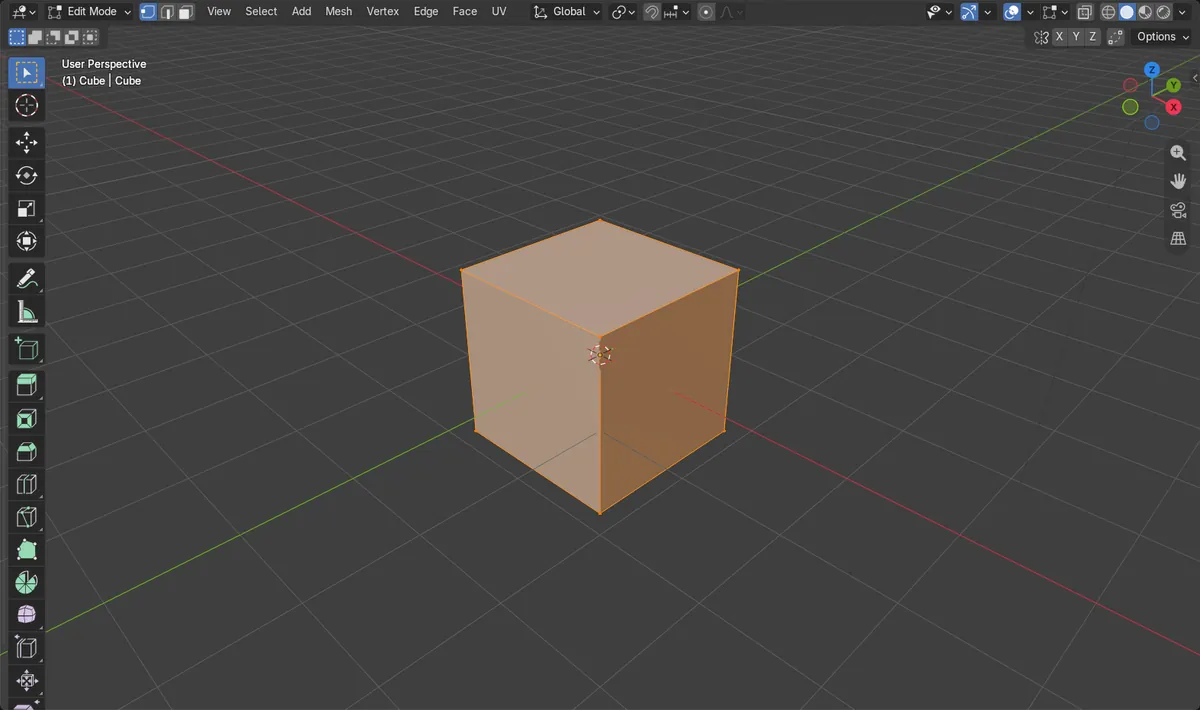
- Before: a joined pair of overlapping cubes had 16 vertices.
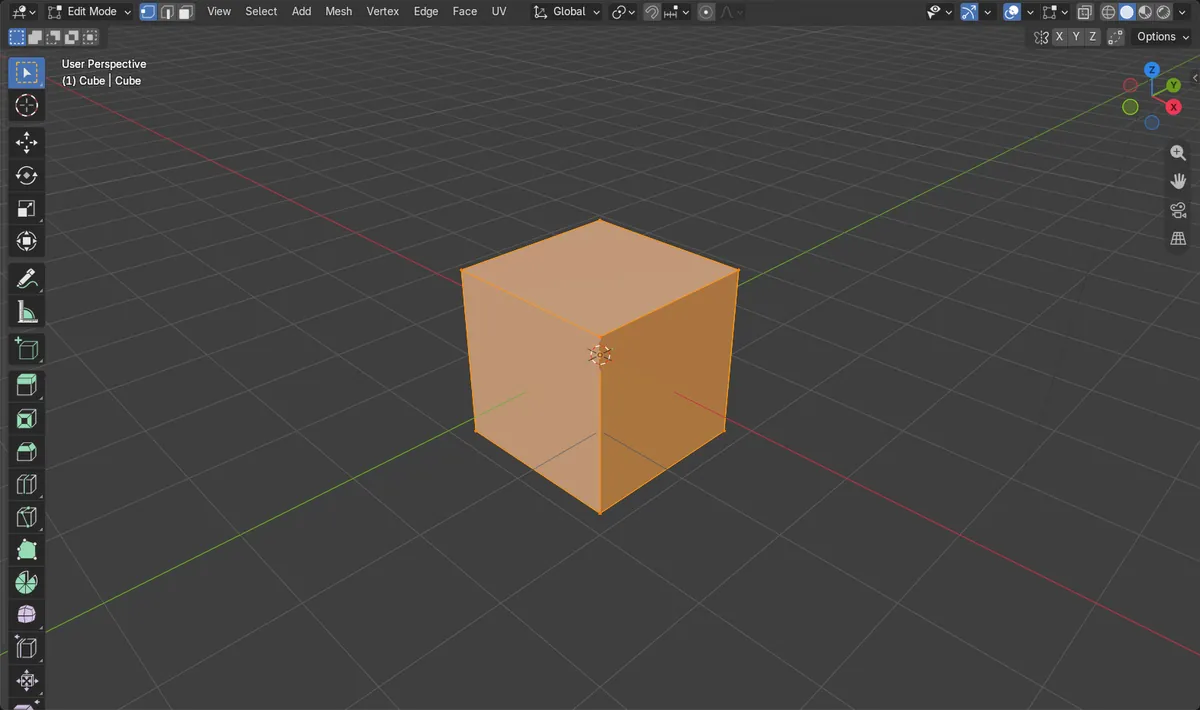
- After Merge by Distance: 8 vertices remained.
- The vertex count dropped by 8, and the scene still held the same 3 objects.