How to Close a Big Hole in a Mesh in Blender
Select the edge loop around the hole in Edit Mode, then choose Face › Grid Fill. Grid Fill covers the opening with a grid of quads instead of one large n-gon. For a quick single face you can press F (Make Edge/Face) or Alt + F (Fill) instead.
- Mode
- Edit Mode (Edge select mode)
- Menu
- Face › Grid Fill
- Shortcut
- Alt + F (Fill); F (Make Edge/Face)
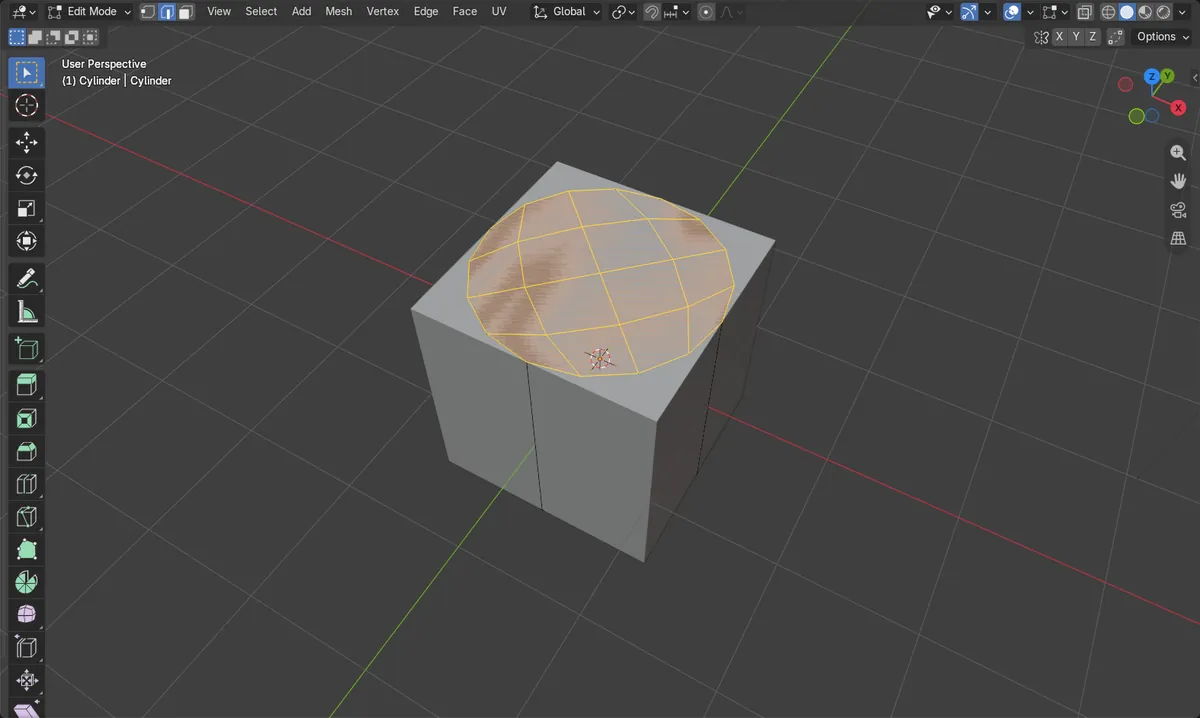
Face > Grid Fill
Fills the selected loop with quads. Best for big, round holes.
Select the loop
Press 2 for Edge mode, then select all the boundary edges of the hole.
Quick alternatives
F makes one face, Alt + F uses Fill. Both leave n-gons or triangles.
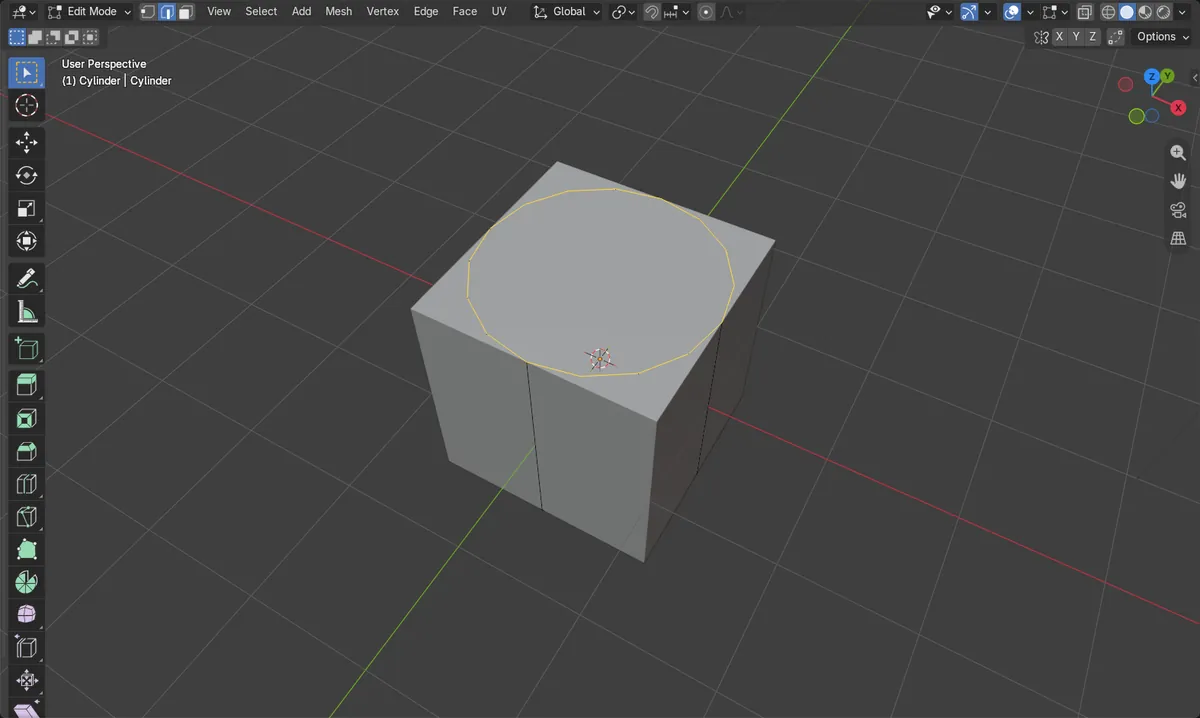
Before and after

AI Scene Builder is a Blender add-on. You type what you want, and it builds it in your scene: buildings, neon signs, wet pavement, fog and lights. Nothing in this picture was modeled by hand.
On a phone now? The add-on runs in Blender on a computer. Send yourself the link and open it there.
Step by step (Blender 5.x)
- Select the mesh object and press Tab to enter Edit Mode.
- Press 2 to switch to Edge select mode.
- Select every edge around the hole (Alt + click on one edge selects the whole loop).
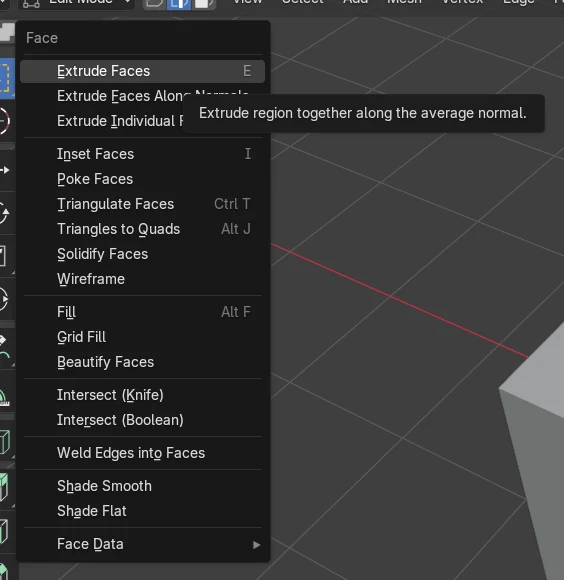
- Choose Face › Grid Fill from the 3D Viewport header.
- Check the result: the hole is covered by quads. Adjust the Grid Fill options in the operator panel if the grid looks twisted.
Other ways to do it
- Face › Fill (Alt + F) with the loop selected
- Press F (Make Edge/Face) with the loop selected
- Ctrl + F opens the Face menu, where Grid Fill is listed
Common snags
Grid Fill does nothing
The selection is not a closed loop, or nothing is selected. Select all boundary edges of the hole in Edge mode, then run it again.
Wrong mode
The Face menu with Grid Fill only appears in Edit Mode. Press Tab with the mouse over the 3D Viewport.
Odd edge count
If the grid looks twisted or fails, try Face › Fill (Alt + F) instead, which accepts any closed loop.
An AI add-on for Blender
AI Scene Builder is a Blender add-on that builds and edits your scene from one typed request, such as “a small wooden table with two chairs”. Each request can be undone in one click.
 An evening market street built with the add-on from 11 typed requests. See every request →
Questions
What is the difference between Fill and Grid Fill in Blender?
Fill makes triangles or an n-gon from the selected loop. Grid Fill builds a grid of quads, which suits further modeling and subdividing.
Can I fill a hole with one key?
Yes. With the boundary loop selected, press F for Make Edge/Face or Alt + F for Fill.
What the pictures show
- Before: the test mesh had 16 boundary edges and 17 faces, with no faces on top.
- After Grid Fill: 0 boundary edges, so the hole is closed.
- The mesh grew to 33 faces and 41 vertices, and all 16 new top faces are quads.