How to Copy and Paste Objects in Blender (Ctrl+C, Ctrl+V)
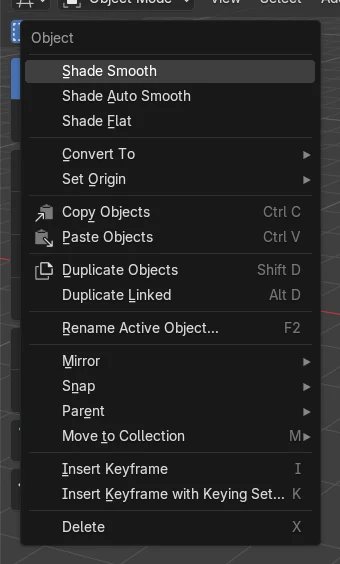
Select the objects in Object Mode, hover the 3D Viewport and press Ctrl + C (Object › Copy Objects). Press Ctrl + V, or right-click and choose Paste Objects, to paste. The copy appears on the same spot as the original, so it hides it until you move it with G. Copy and paste also works from one Blender file to another; inside one file, Shift + D (Duplicate Objects) is often quicker.
- Mode
- Object Mode, 3D Viewport
- Menu
- Object › Copy Objects
- Shortcut
- Ctrl + C, Ctrl + V
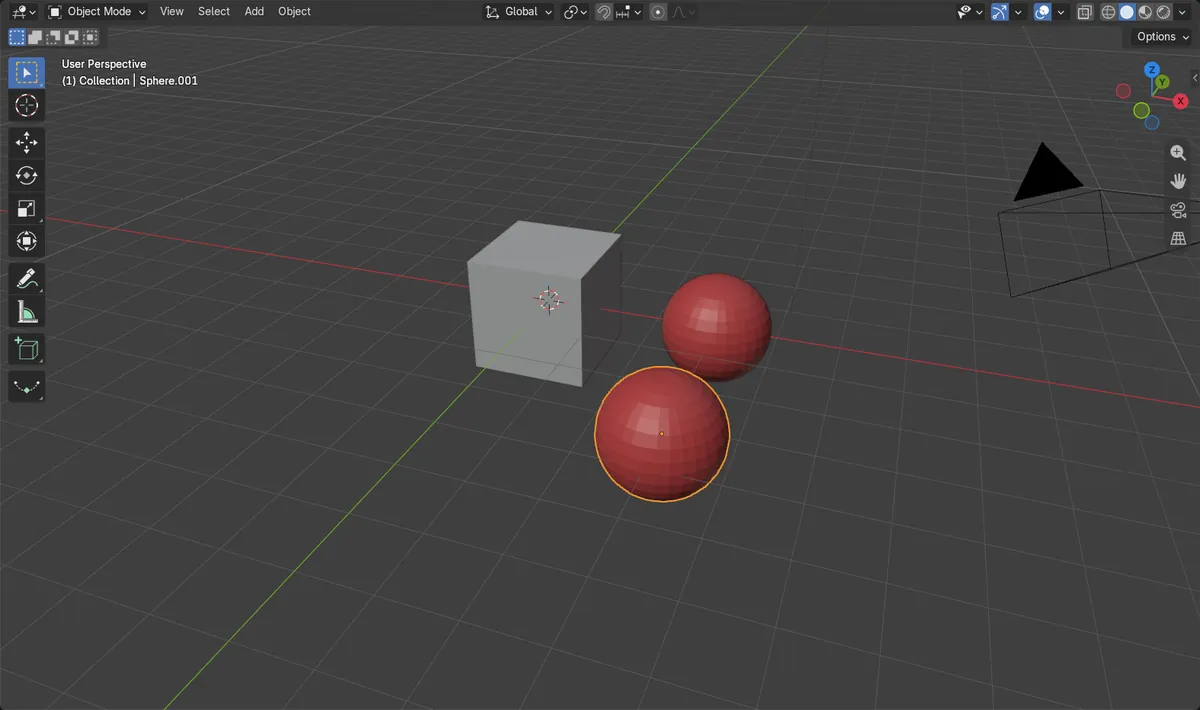
Ctrl + C, Ctrl + V
Copy and paste the selected objects.
Same spot
The copy sits on top of the original until you move it.
Between files
Paste into another open Blender file.
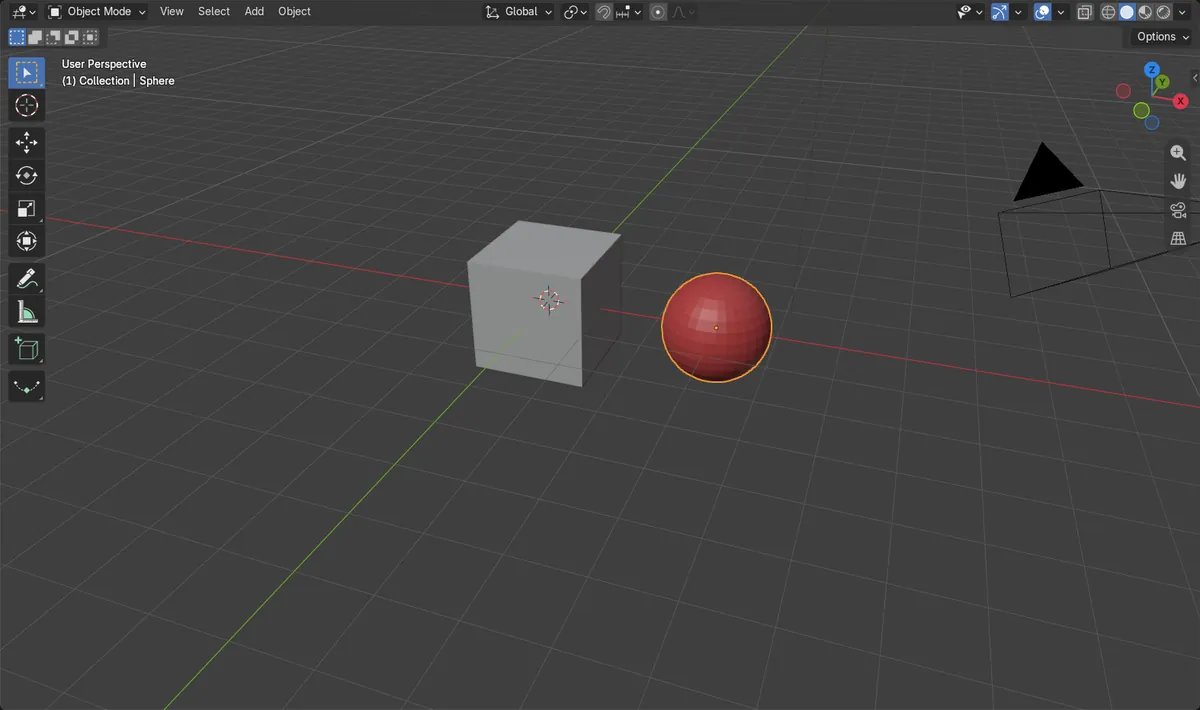
Before and after

AI Scene Builder is a Blender add-on. You type what you want, and it builds it in your scene: buildings, neon signs, wet pavement, fog and lights. Nothing in this picture was modeled by hand.
On a phone now? The add-on runs in Blender on a computer. Send yourself the link and open it there.
Step by step (Blender 5.x)
- In Object Mode, click the object (Shift + click to add more).
- Hover the 3D Viewport and press Ctrl + C. The status bar reports how many objects were copied.
- Press Ctrl + V with the mouse over the 3D Viewport of the same or another Blender file.
- The pasted copy is selected. Move it away from the original with G.
Other ways to do it
- Object › Copy Objects, then right-click in Object Mode and choose Paste Objects
- Shift + D (Duplicate Objects) to copy inside the same file and start moving at once
- Alt + D (Duplicate Linked) for a copy that shares the same mesh
- File › Append... to bring objects in from a saved file
Common snags
Nothing seems to happen
The copy is pasted exactly on top of the original. Look for the .001 name in the Outliner, then move it with G.
The material list now has .001 names
Pasted objects bring their own copies of materials. In the test the pasted sphere used Red.001 instead of Red.
Ctrl + C copied a value instead
These keys act on whatever is under the mouse. Over a number field they copy that value; keep the mouse over the 3D Viewport.
An AI add-on for Blender
AI Scene Builder is a Blender add-on that builds and edits your scene from one typed request, such as “a small wooden table with two chairs”. Each request can be undone in one click.
 A log cabin room built with the add-on from 9 typed requests. See every request →
Questions
What is the difference between Ctrl + C and Shift + D in Blender?
Shift + D duplicates inside the same file and starts moving the copy at once. Ctrl + C and Ctrl + V go through a copy buffer, so they also work between files.
How do I paste an object into another Blender file?
Press Ctrl + C in the first file, then hover the 3D Viewport of the other file and press Ctrl + V.
Where does the pasted object go?
On the same spot as the original. Move it with G.
What the pictures show
- Before: one red sphere at (3, 0, 0).
- Ctrl + C then Ctrl + V added Sphere.001 on the same spot, (3, 0, 0), and the copy became the selection.
- After the copy was moved, the original stayed at (3, 0, 0); the copy came with its own material, Red.001.
- Results were identical in Blender 4.2 LTS and Blender 5.x.