How to Export a glTF or GLB File from Blender
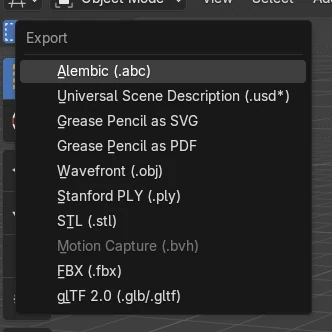
Choose File › Export, then glTF 2.0 (.glb/.gltf). In the file window set Format to glTF Binary (.glb) for a single file, tick Selected Objects under Include if you only want the selected objects, and click Export glTF 2.0. Materials and textures are packed into the .glb. For web viewers and many apps the .glb is usually the easiest choice.
- Mode
- Object Mode
- Menu
- File › Export (glTF 2.0 (.glb/.gltf))
File > Export > glTF 2.0
Pick Format glTF Binary (.glb) for one file.
Selected Objects
Off by default, so the whole scene is exported.
Materials included
The material went with the model in the test.
Before and after

AI Scene Builder is a Blender add-on. You type what you want, and it builds it in your scene: buildings, neon signs, wet pavement, fog and lights. Nothing in this picture was modeled by hand.
On a phone now? The add-on runs in Blender on a computer. Send yourself the link and open it there.
Step by step (Blender 5.x)
- In Object Mode, select the objects to export.
- Choose File › Export, then glTF 2.0 (.glb/.gltf).
- In the side panel set Format to glTF Binary (.glb).
- Under Include, tick Selected Objects to leave the rest of the scene out.
- Type a file name and click Export glTF 2.0.
Other ways to do it
- Choose Format glTF Separate (.gltf + .bin + textures) to get separate files
- File › Import, then glTF 2.0 (.glb/.gltf), to open the file again
Common snags
The file contains the whole scene
Selected Objects is off by default. Tick it under Include, or delete what you do not need first.
Modifiers are missing in the file
Apply Modifiers is off by default. Tick it in the Data section of the export options, or apply the modifiers first.
The model is lying on its side in another app
+Y Up is on by default, which suits most apps. Check it is ticked under Transform.
An AI add-on for Blender
AI Scene Builder is a Blender add-on that builds and edits your scene from one typed request, such as “a small wooden table with two chairs”. Each request can be undone in one click.
 An evening market street built with the add-on from 11 typed requests. See every request →
Questions
What is the difference between .glb and .gltf?
.glb is one binary file with everything inside. .gltf keeps the data and textures in separate files.
How do I export only one object to glTF?
Select it and tick Selected Objects under Include in the export window.
Are textures included in a .glb?
Yes. The glTF Binary format packs materials and textures into the one file.
What the pictures show
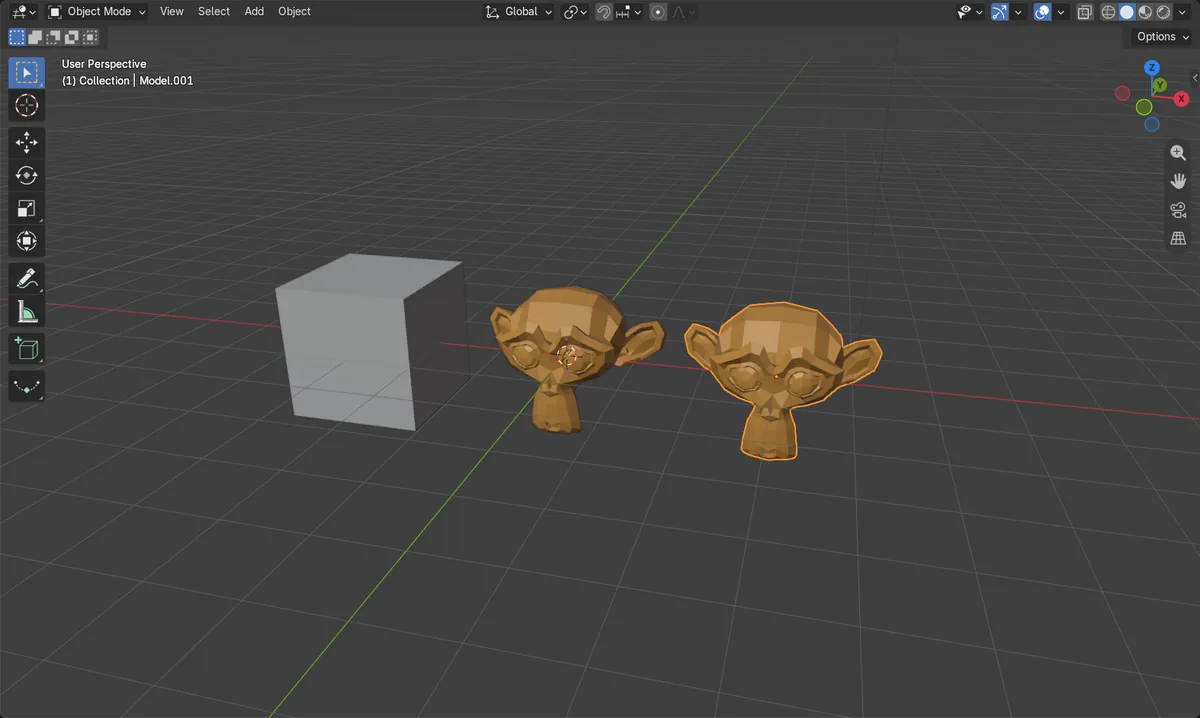
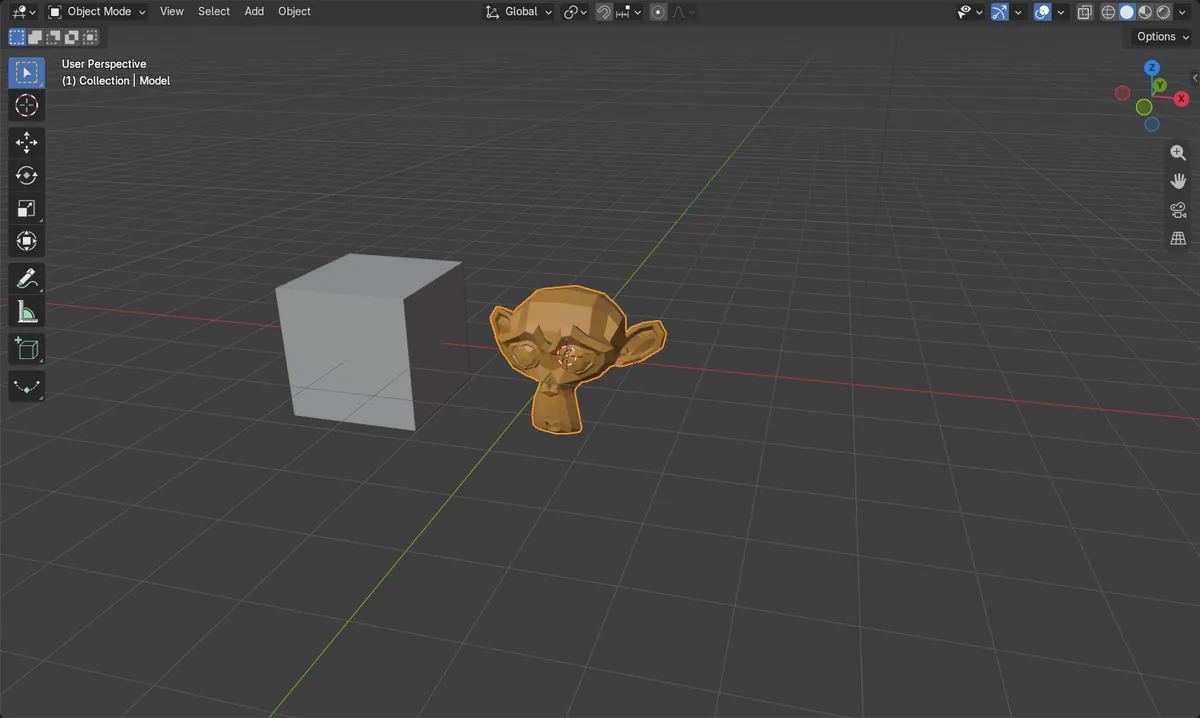
- Before: a scene with an orange model and a cube; only the model was selected.
- Export as glTF Binary (.glb) with Selected Objects ticked wrote one model.glb file of about 70 KB and no separate .bin file.
- Importing the .glb again gave one object with the same size and its orange material; the cube was not in the file.
- Results were identical in Blender 4.2 LTS and Blender 5.x.