How to Export Subdivision Surface to Alembic (Blender 5.3)
In Blender 5.3, open File › Export and choose Alembic (.abc), tick Selected Objects Only, then in the Geometry panel, under Subdivisions, tick Use Schema and leave Apply off. The mesh is written with its subdivision settings, and new in Blender 5.3, importing the file gives the mesh a Subdivision Surface modifier with the same levels. In the test a cube with Levels Viewport 2 and Render 3 came back with a modifier named Subdivision at 2 and 3, on the original 8 vertices. Exported without Use Schema, the cube came back with no modifier. Blender 5.2 LTS has the same Use Schema option on export, but it imported both files with no modifier.
- Mode
- Object Mode
- Menu
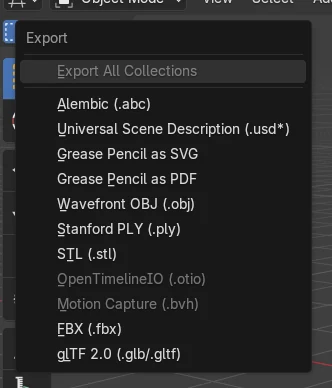
- File › Export
Use Schema under Subdivisions
The Alembic export window has a Subdivisions group in the Geometry panel with Apply and Use Schema.
The modifier comes back on import
Exported with Use Schema, the cube came back in Blender 5.3 with a Subdivision modifier at Levels Viewport 2 and Render 3.
Leave Apply off
Apply writes the subdivided mesh instead of the subdivision settings. Leave it off when you want the modifier back.
Before and after

AI Scene Builder is a Blender add-on. You type what you want, and it builds it in your scene: buildings, neon signs, wet pavement, fog and lights. Nothing in this picture was modeled by hand.
On a phone now? The add-on runs in Blender on a computer. Send yourself the link and open it there.
Step by step (Blender 5.3)
- Select the object that has a Subdivision Surface modifier.
- Open File › Export and choose Alembic (.abc).
- Tick Selected Objects Only so the file holds that object alone, then in the Geometry panel, under Subdivisions, tick Use Schema and leave Apply off.Blender 5.2 LTS: Blender 5.2 LTS has the same Use Schema option under Subdivisions.
- Pick a file name and click Export. Importing the file into Blender 5.3 adds a Subdivision Surface modifier with the same levels.Blender 5.2 LTS: Blender 5.2 LTS imports the file with no modifier.
Other ways to do it
- Tick Apply under Subdivisions to write the subdivided mesh itself, for programs that do not read subdivision settings
- Open File › Import and choose Alembic (.abc) to bring the file back and check the modifier
Blender 5.2 LTS vs Blender 5.3
| What | Blender 5.2 LTS | Blender 5.3 |
|---|---|---|
| Use Schema on export | Blender 5.2 LTS has Use Schema under Subdivisions in the export window. | Blender 5.3 keeps Use Schema under Subdivisions in the export window. |
| Subdivision on import | Blender 5.2 LTS imports the mesh with no modifier. | Blender 5.3 adds a Subdivision Surface modifier to the imported mesh. |
Common snags
The imported mesh has no modifier
Use Schema was off when the file was exported. Export again with Use Schema ticked under Subdivisions.
The mesh comes back dense with no modifier
Apply was ticked, so the subdivided mesh was written. Untick Apply and keep Use Schema on.
Another Blender shows no modifier
Blender 5.2 LTS imports the mesh without a modifier. Open the file in Blender 5.3 to get the modifier back.
The levels are lower on a file from Blender 5.2 LTS
A cube with Levels Viewport 2 and Render 3, exported with Use Schema from Blender 5.2 LTS, came into Blender 5.3 with the modifier at 1 and 2. Exported from Blender 5.3, the same cube came back at 2 and 3.
An AI add-on for Blender
AI Scene Builder is a Blender add-on that builds and edits your scene from one typed request, such as “a small wooden table with two chairs”. Each request can be undone in one click.
 A log cabin room built with the add-on from 9 typed requests. See every request →
Questions
Can Blender export subdivision surfaces to Alembic without applying them?
Yes. Tick Use Schema under Subdivisions in the Geometry panel of the Alembic export window and leave Apply off. Blender 5.3 also adds the modifier back when it imports the file.
Does Blender 5.3 add a Subdivision Surface modifier when importing Alembic?
Yes. A mesh written with Use Schema comes in with a Subdivision Surface modifier at the stored levels.
What does Apply under Subdivisions do?
It writes the subdivided mesh to the file instead of the subdivision settings.
What the pictures show
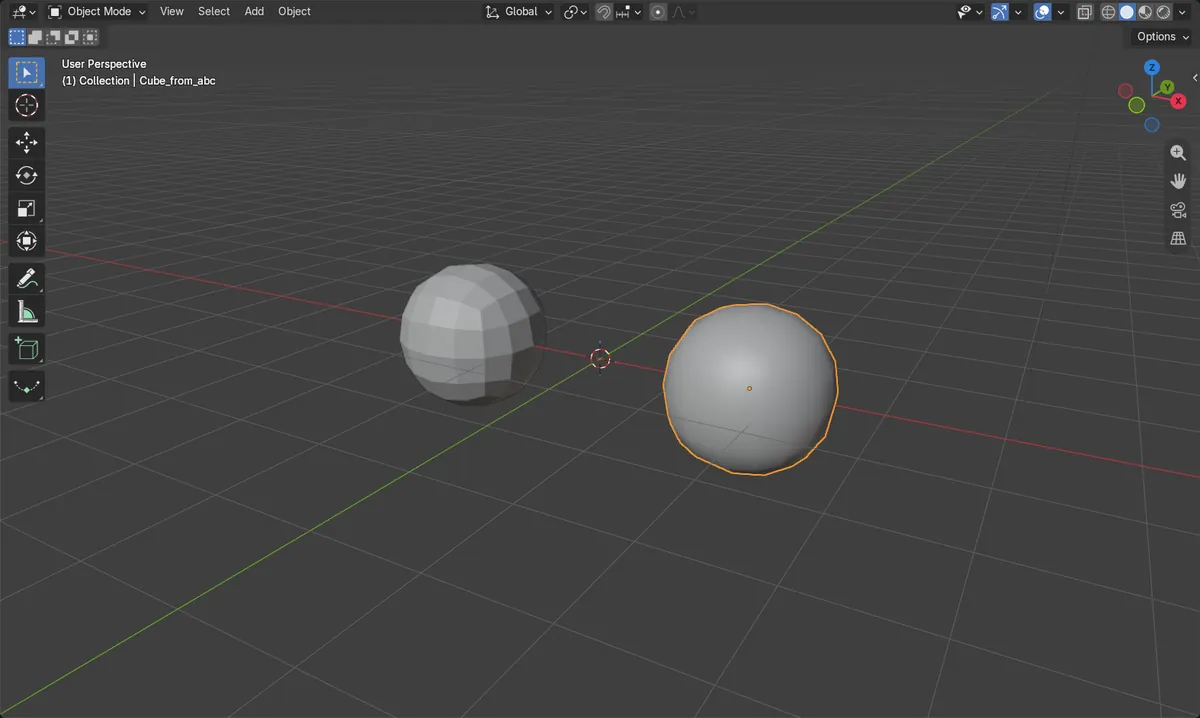
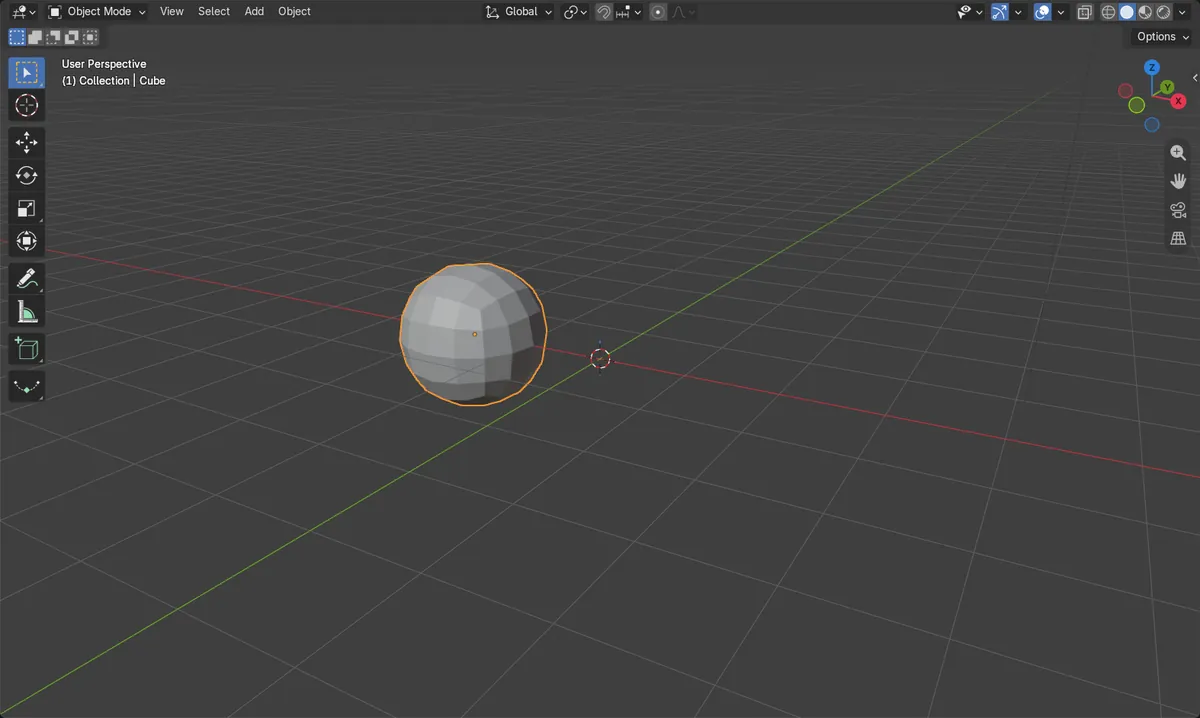
- Before: a cube in Blender 5.3 with 8 vertices and a Subdivision Surface modifier at Levels Viewport 2 and Render 3. Use Schema and Apply were both off by default.
- After exporting with Use Schema and importing the file into Blender 5.3: the mesh had a modifier named Subdivision at Levels Viewport 2 and Render 3, on 8 vertices. The same cube exported with default settings came back with no modifier.
- In Blender 5.2 LTS both files imported with no modifier. The cube exported from Blender 5.2 LTS with Use Schema came into Blender 5.3 with a Subdivision modifier at Levels Viewport 1 and Render 2.