How to Make a Light Brighter in Blender
Select the light, open the Data tab in the Properties editor, and increase the Power value in the Light panel. A higher number in watts (W) makes the light brighter, for example from 1000 W to 3000 W.
- Mode
- Object Mode, Properties editor (Data tab)
- Menu
- Properties › Data tab › Light › Power
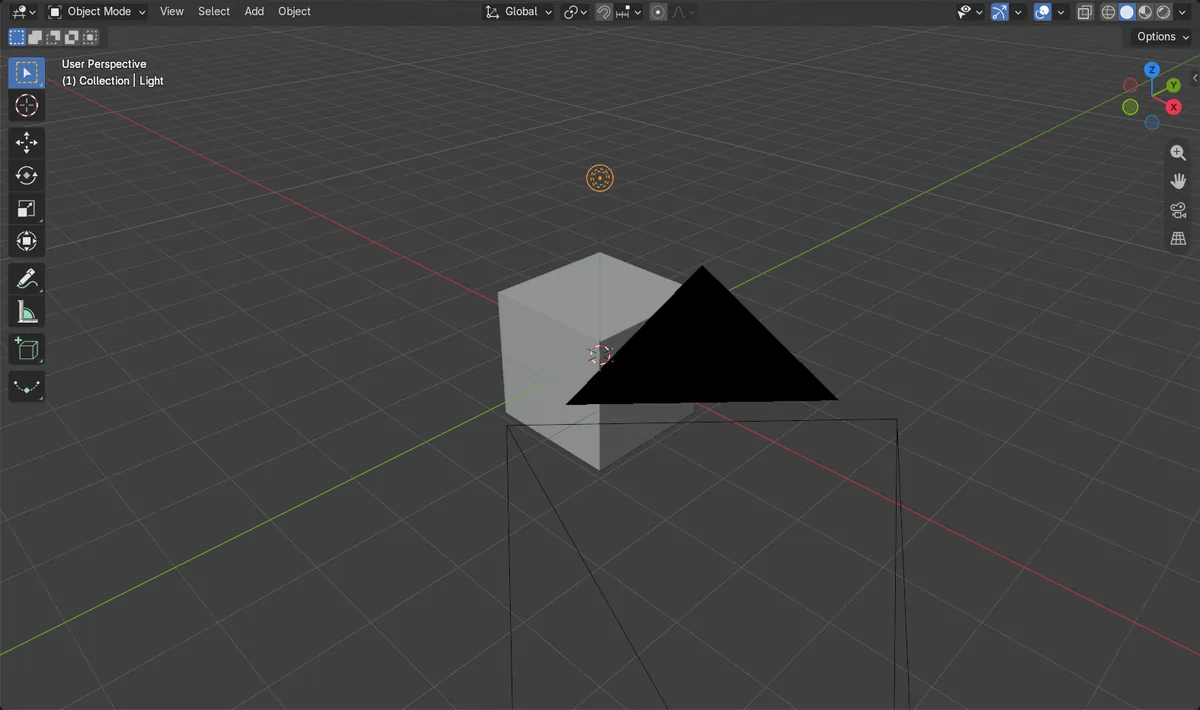
Use Power
Properties › Data tab › Light › Power, measured in watts (W).
Select the light
The Data tab shows light settings only when the light is active.
Higher is brighter
Going from 1000 W to 3000 W makes the light three times as strong.
Before and after
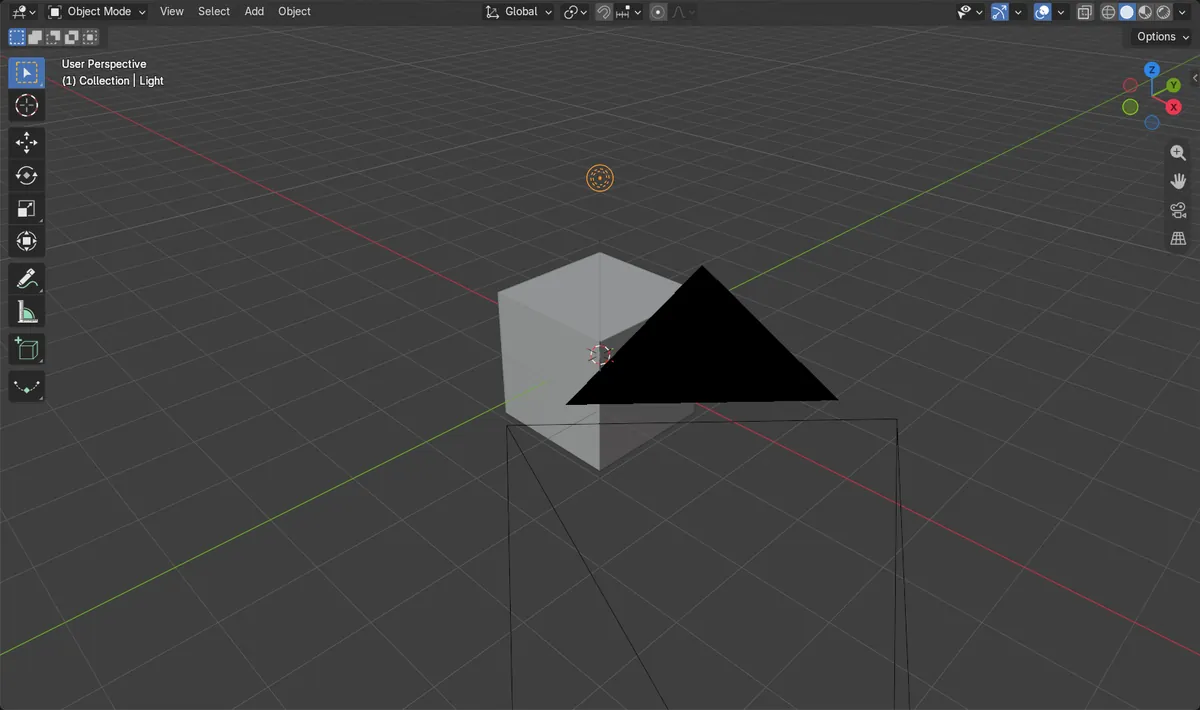

AI Scene Builder is a Blender add-on. You type what you want, and it builds it in your scene: buildings, neon signs, wet pavement, fog and lights. Nothing in this picture was modeled by hand.
On a phone now? The add-on runs in Blender on a computer. Send yourself the link and open it there.
Step by step (Blender 5.x)
- Click the light in the 3D Viewport or in the Outliner to select it and make it active.
- In the Properties editor, open the Data tab (the light bulb icon).
- In the Light panel, find Power and type a larger value, such as 3000 W, or drag the field to raise it.
- Optionally change Color in the same panel. In Blender 5.x you can also tick Temperature and set the color in kelvin; the Color field is then labelled Tint.Blender 4.2 LTS: In Blender 4.2 LTS the panel shows a single Color field.
Other ways to do it
- Click the Type buttons at the top of the Light panel (Point, Sun, Spot, Area) to check which kind of light you are adjusting.
- To add another light, use Add › Light in the 3D Viewport header and choose a type.
Blender 4.2 LTS vs Blender 5.x
| What | Blender 4.2 LTS | Blender 5.x |
|---|---|---|
| Color in the Light panel | One Color field is shown. | A Temperature checkbox and value sit above Color. With Temperature on, the Color field is labelled Tint. |
| Power tooltip | Described as light energy emitted over the entire area of the light in all directions. | The same, with the unit of radiant power (W) added. |
Common snags
No light settings visible
The Data tab shows camera or mesh settings when another object is active. Click the light so the Light panel appears.
Looking at the wrong tab
Power is not in the Object tab. Open the Data tab to find it.
No visible change
The Power change shows in rendered or Material Preview shading. Switch the viewport shading, or press F12 to render.
Or type one line in AI Scene Builder
AI Scene Builder is a Blender add-on that carries out the steps for you from one typed request. For this task, type a request like this one, using your own object names:
Increase the power of the selected light to 3000 W An evening market street built with the add-on from 11 typed requests. See every request →
Questions
Where is the light brightness setting in Blender?
It is called Power. Select the light, open the Data tab in Properties, and look in the Light panel.
What unit is light Power in?
Power is measured in watts (W), as radiant power.
What the pictures show
- Light type was a Point light named Light.
- Power before: 1000 W.
- Power after: 3000 W, about three times higher.