How to Remove All Unused Materials in Blender
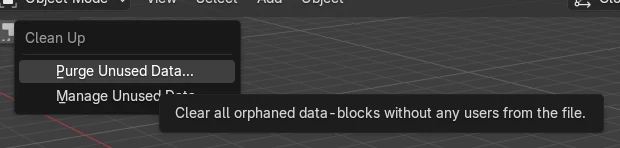
Choose File › Clean Up › Purge Unused Data (in Blender 5.x the item reads "Purge Unused Data..."). This deletes every data-block that has no users, including materials not assigned to any object. Materials still used by an object, such as the one on your cube, stay in the file.
- Mode
- Any mode, any editor (Top Bar menu)
- Menu
- File › Clean Up › Purge Unused Data
Use File menu
File › Clean Up › Purge Unused Data removes unused materials.
Used materials stay
Materials assigned to an object are kept.
Save afterwards
Save the file so the purge is stored.
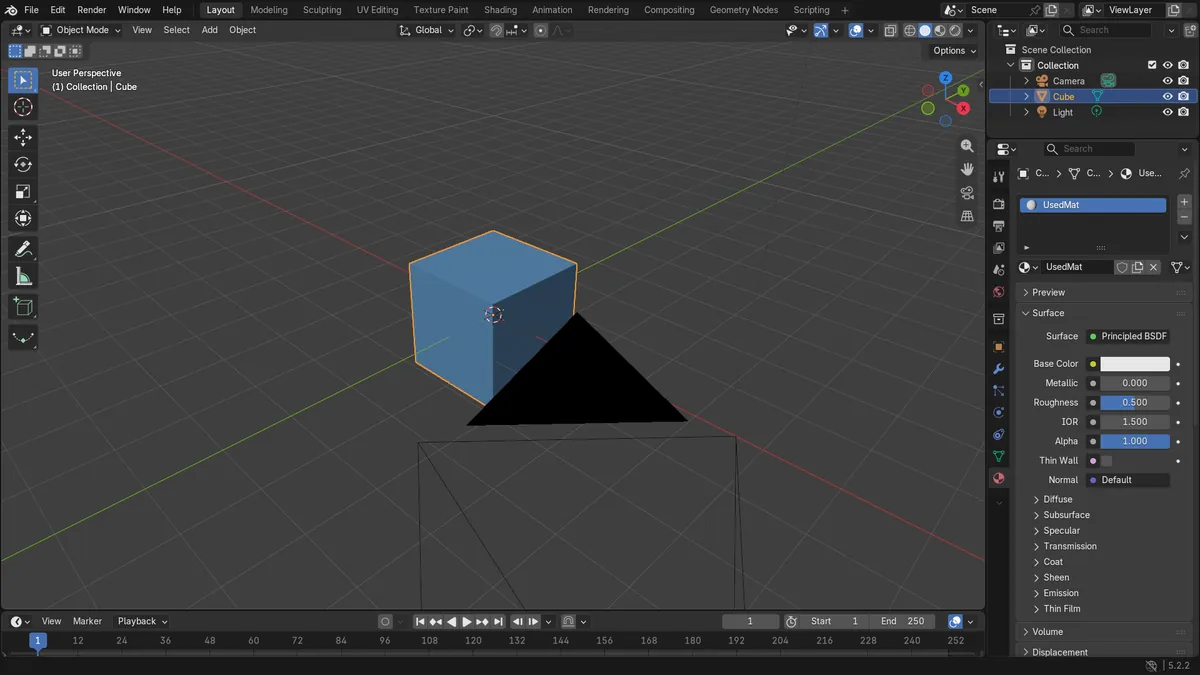
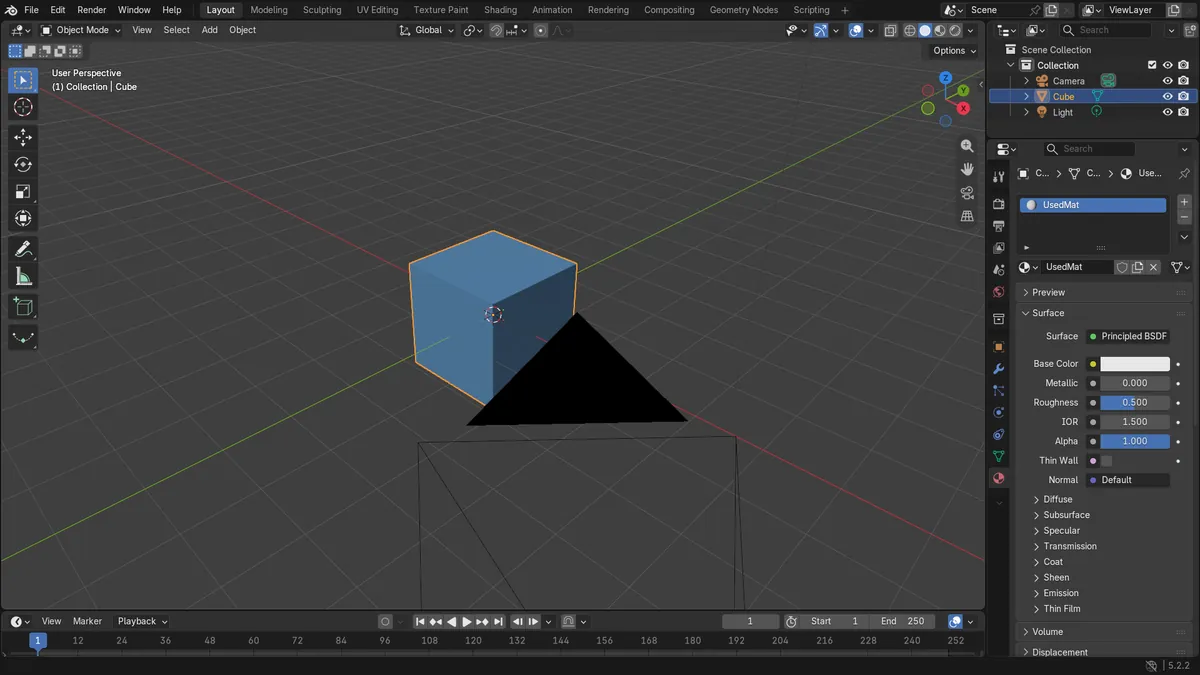
Before and after

AI Scene Builder is a Blender add-on. You type what you want, and it builds it in your scene: buildings, neon signs, wet pavement, fog and lights. Nothing in this picture was modeled by hand.
On a phone now? The add-on runs in Blender on a computer. Send yourself the link and open it there.
Step by step (Blender 5.x)
- Open the File menu in the Top Bar and go to Clean Up.
- Click Purge Unused Data (Blender 5.x shows "Purge Unused Data...").Blender 4.2 LTS: In Blender 4.2 LTS the item is labelled "Purge Unused Data", without the three dots.
- Confirm the purge if Blender asks you to.
- Check the Material tab in the Properties editor: only materials in use remain.
Other ways to do it
- Use the Manage Unused Data operator to open a window where you can review unused data before deleting it.
Blender 4.2 LTS vs Blender 5.x
| What | Blender 4.2 LTS | Blender 5.x |
|---|---|---|
| Clean Up menu item label | Purge Unused Data | Purge Unused Data... |
| Extra materials in a new file | A grease pencil material named "Dots Stroke" remained after purging (2 materials left: UsedMat and Dots Stroke). | After purging, only UsedMat remained (1 material). |
Common snags
Material still listed
A material that is assigned to an object or has a user is not unused, so it is not purged. Remove it from the object's material slot first, then purge again.
Chain of dependencies
Data used only by other unused data may survive a single pass. Run the purge again if something is still listed.
Or type one line in AI Scene Builder
AI Scene Builder is a Blender add-on that carries out the steps for you from one typed request. For this task, type a request like this one, using your own object names:
Remove all unused materials from this file A log cabin room built with the add-on from 9 typed requests. See every request →
Questions
Does purging delete materials used by objects?
No. Only data-blocks with no users are removed, so materials assigned to an object are kept.
What the pictures show
- Before the purge the file held 5 materials in Blender 5.x (4 unused); afterwards only UsedMat remained.
- Unused_A, Unused_B and Unused_C were removed.
- The cube still had UsedMat assigned after the purge.
- In Blender 4.2 LTS 2 materials remained, UsedMat and the grease pencil material Dots Stroke.