How to Round Corners of a Plane in Blender
Open the plane in Edit Mode (Tab), switch to vertex select (1), select the corners, and choose Vertex › Bevel Vertices, or press Ctrl + Shift + B. Move the mouse to set the size and scroll the wheel to add segments, which makes each sharp corner a smooth curve.
- Mode
- Edit Mode (3D Viewport)
- Menu
- Vertex › Bevel Vertices
- Shortcut
- Ctrl + Shift + B
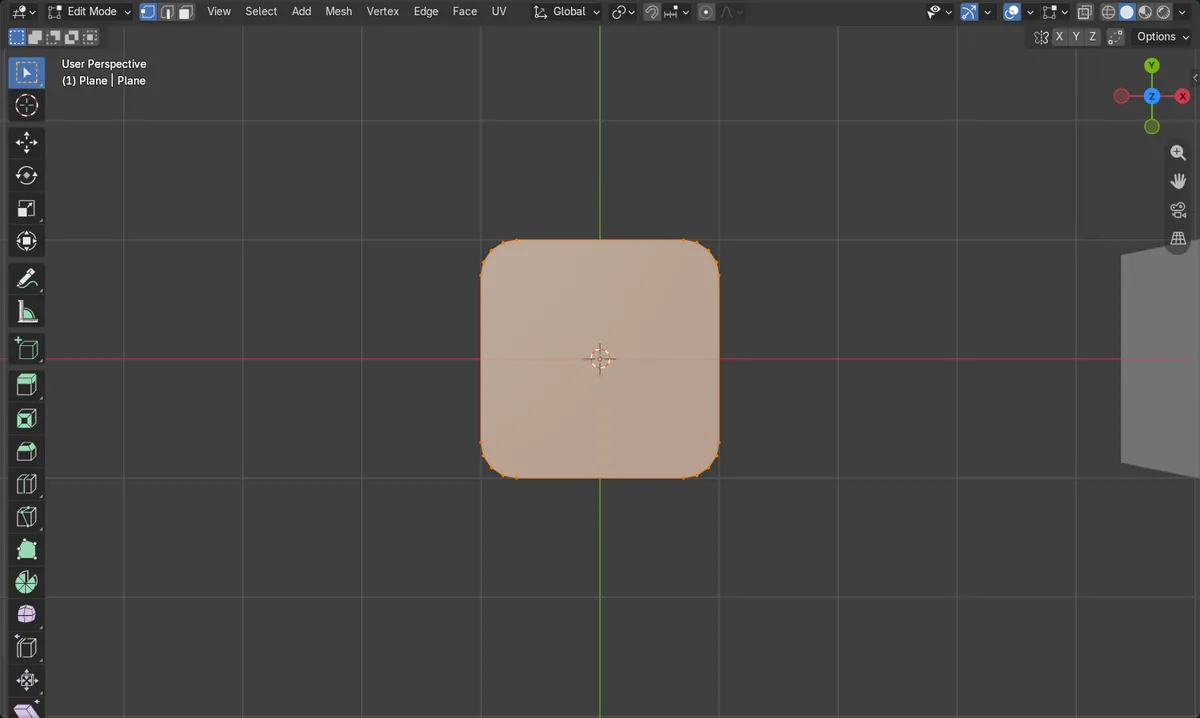
Bevel vertices
Ctrl + Shift + B bevels the selected corner vertices.
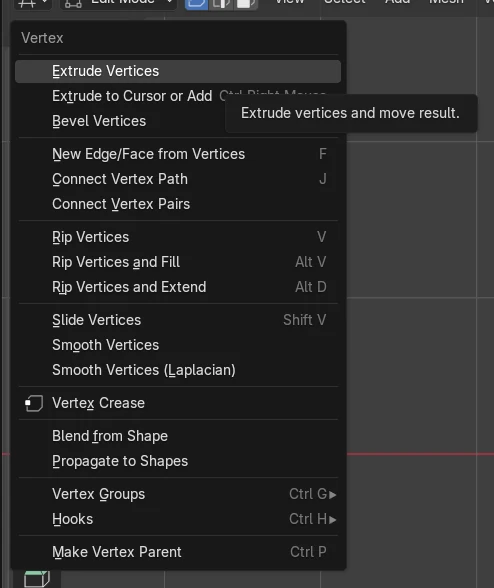
Vertex menu
Vertex › Bevel Vertices does the same.
Size stays
The plane still reaches its original edges and stays one face.
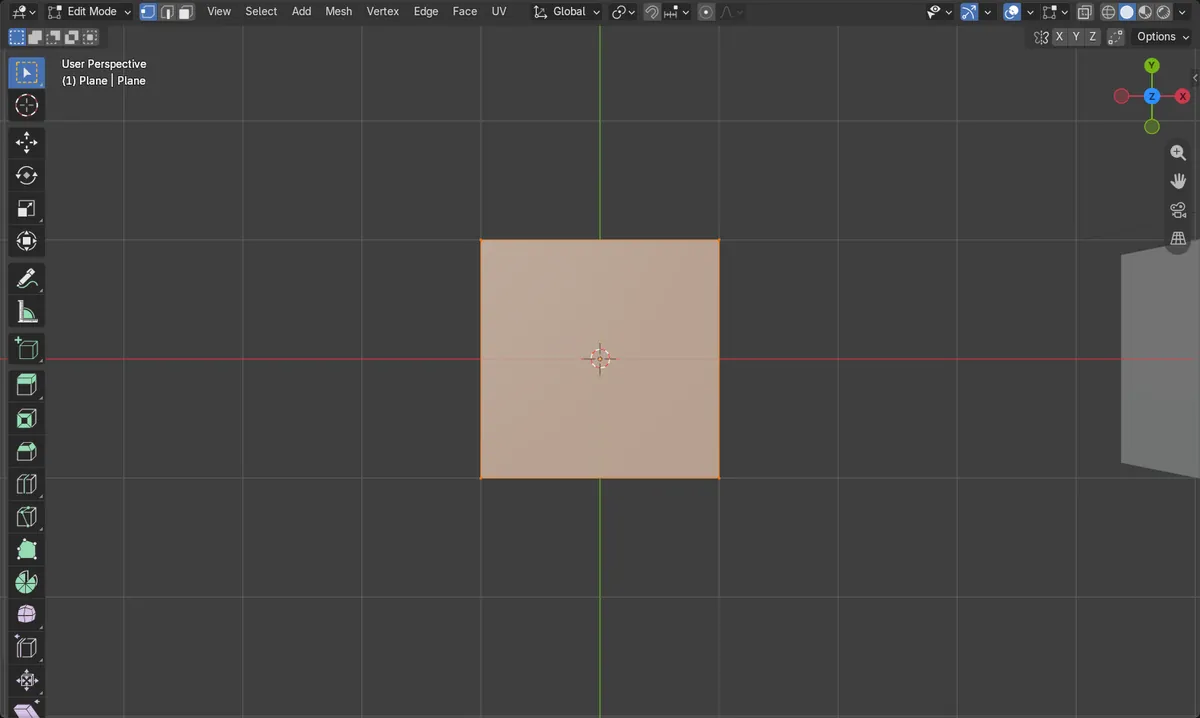
Before and after

AI Scene Builder is a Blender add-on. You type what you want, and it builds it in your scene: buildings, neon signs, wet pavement, fog and lights. Nothing in this picture was modeled by hand.
On a phone now? The add-on runs in Blender on a computer. Send yourself the link and open it there.
Step by step (Blender 5.x)
- Select the plane and press Tab with the mouse over the 3D Viewport to enter Edit Mode.
- Press 1 to switch to vertex select mode.
- Select the corner vertices you want to round (for example all four).
- Choose Vertex › Bevel Vertices, or press Ctrl + Shift + B.
- Move the mouse to set the bevel width, and scroll the mouse wheel to increase the segments. Click to confirm.
- Adjust Amount and Segments in the Bevel panel that appears, for example 0.3 and 4 segments.
Other ways to do it
- Vertex › Bevel Vertices in the 3D Viewport header menu
- Ctrl + B bevels edges instead (Edge › Bevel Edges)
Common snags
Nothing happens
Use the Vertex menu or Ctrl + Shift + B in Edit Mode. Press Tab with the mouse over the 3D Viewport first.
Edges bevel instead
Ctrl + B bevels edges, not corner vertices. Use Ctrl + Shift + B or Vertex › Bevel Vertices.
Corners stay sharp
With only 1 segment the result is a flat cut. Scroll the wheel or raise Segments in the Bevel panel to get a curve.
Or type one line in AI Scene Builder
AI Scene Builder is a Blender add-on that carries out the steps for you from one typed request. For this task, type a request like this one, using your own object names:
Round all four corners of the selected plane with a smooth bevel of 4 segments A log cabin room built with the add-on from 9 typed requests. See every request →
Questions
How do I round only one corner of a plane in Blender?
In Edit Mode, select just that vertex and use Vertex › Bevel Vertices (Ctrl + Shift + B).
How do I make the rounding smoother?
Increase Segments while beveling, using the mouse wheel or the Bevel panel.
What the pictures show
- The plane started with 4 vertices, 4 edges and 1 face.
- After beveling all four corners with 4 segments and an amount of 0.3, it had 20 vertices and 20 edges.
- It still has 1 face, and its width still spans -1 m to 1 m on X.