How to Show the Polygon Count in Blender
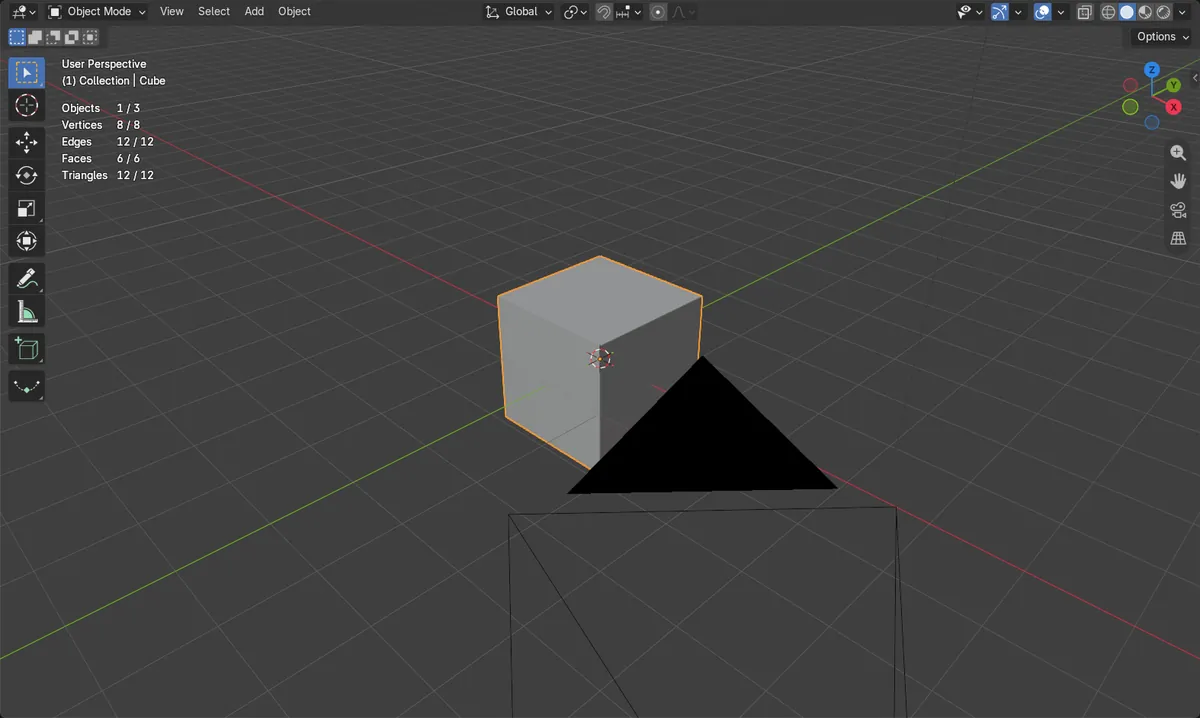
Open the Overlays drop-down in the 3D Viewport header and tick Statistics. The viewport then lists Verts, Faces and Tris for the scene or your selection. You can also show the numbers in the status bar through Preferences.
- Mode
- 3D Viewport (any mode)
Overlays popover
Use the drop-down arrow next to the Overlays button in the viewport header.
Faces and Tris
A default cube shows Verts 8, Faces 6, Tris 12.
Status bar option
Preferences can show scene statistics at the bottom of the window.
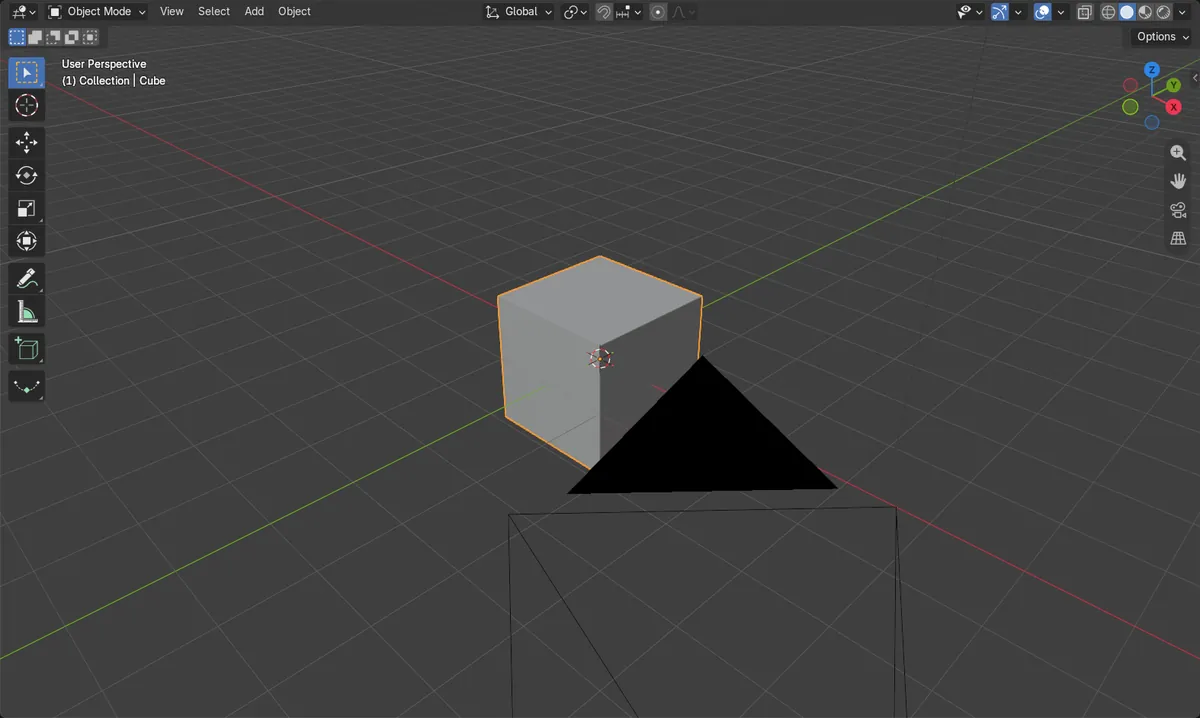
Before and after

AI Scene Builder is a Blender add-on. You type what you want, and it builds it in your scene: buildings, neon signs, wet pavement, fog and lights. Nothing in this picture was modeled by hand.
On a phone now? The add-on runs in Blender on a computer. Send yourself the link and open it there.
Step by step (Blender 5.x)
- Move the mouse over the 3D Viewport and find the Overlays button in the header.
- Click the small drop-down arrow beside the Overlays button to open the Viewport Overlays popover.
- Tick Statistics in the Overlays popover.Blender 4.2 LTS: In Blender 4.2 LTS, the Statistics checkbox is in the Guides panel of the Overlays popover.
- Read Verts, Faces and Tris in the viewport. Select an object to see its own counts.
- Optional: choose Edit › Preferences..., open the Interface tab, and under Editors › Status Bar tick Scene Statistics to show the numbers in the status bar.
Other ways to do it
- Edit › Preferences... › Interface › Editors › Status Bar › Scene Statistics shows scene statistics in the status bar.
Blender 4.2 LTS vs Blender 5.x
| What | Blender 4.2 LTS | Blender 5.x |
|---|---|---|
| Location of the Statistics checkbox | Listed in the Guides panel inside the Overlays popover. | In Blender 5.x the Guides panel no longer lists the Statistics checkbox. |
Common snags
Overlays are switched off
If nothing appears, the main Overlays button may be off. Turn it on, since the popover settings are greyed out when overlays are disabled.
Wrong editor
The Overlays button only exists in the 3D Viewport header. Hover over the viewport before looking for it.
Counts show the whole scene
With nothing selected the numbers cover the scene. Select the object to read its own count.
Or type one line in AI Scene Builder
AI Scene Builder is a Blender add-on that carries out the steps for you from one typed request. For this task, type a request like this one, using your own object names:
Show the polygon count statistics in the 3D viewport An evening market street built with the add-on from 11 typed requests. See every request →
Questions
How do I see the triangle count in Blender?
Enable Statistics in the Overlays popover. The Tris value is listed beside Verts and Faces.
Can I show polygon count in the status bar?
Yes. Open Edit › Preferences..., go to Interface, and under Status Bar tick Scene Statistics.
What the pictures show
- Statistics overlay was off before and on after turning it on.
- The default Cube reported 8 vertices, 6 faces and 12 triangles.
- The same result appeared in Blender 4.2 LTS and Blender 5.2.