How to Make a Row of Copies with the Array Modifier in Blender
Select the object, open the Modifiers tab in the Properties editor, choose Add Modifier › Generate › Array (in Blender 5.x choose Array (Legacy) for the modifier with the settings used here), then set Count to the number of copies you want. Leave Relative Offset on and set its X value (for example 1.2) to space the copies in a row along X.
- Mode
- Object Mode, Properties editor > Modifiers tab
- Menu
- Add Modifier › Generate › Array
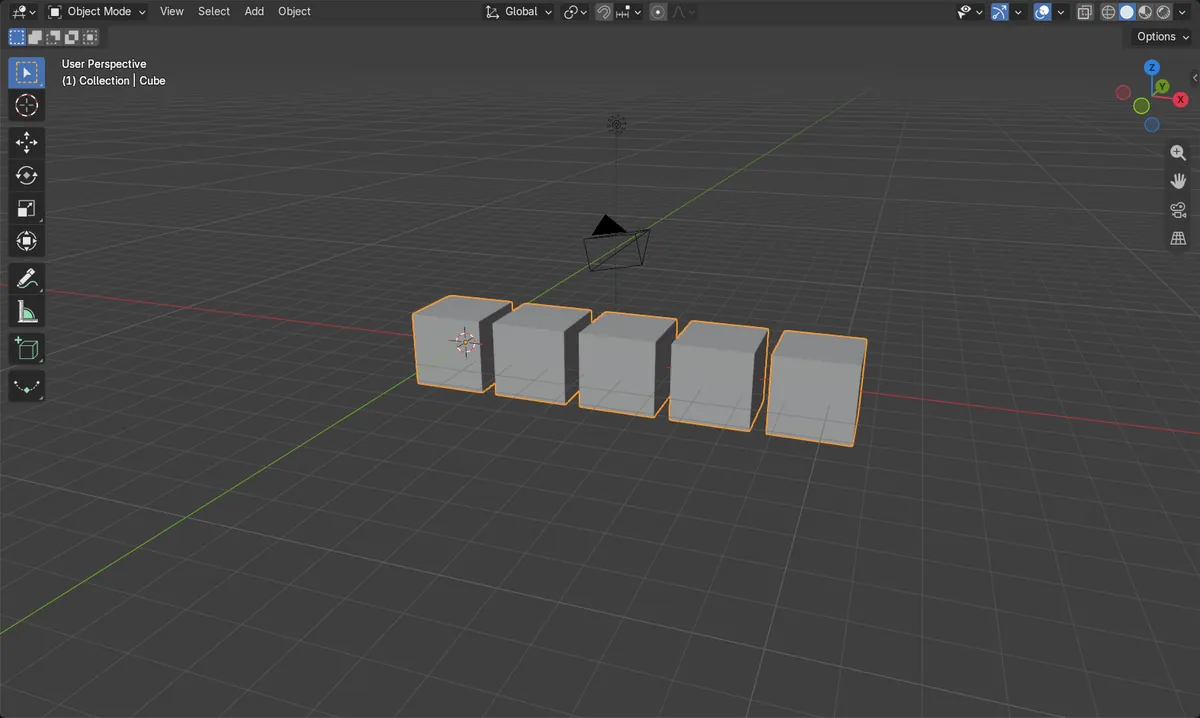
Count sets copies
Count 5 gives five items in total, original included.
Relative Offset X
X 1.2 leaves a gap of 0.2 of the object's width between copies.
Before and after

AI Scene Builder is a Blender add-on. You type what you want, and it builds it in your scene: buildings, neon signs, wet pavement, fog and lights. Nothing in this picture was modeled by hand.
On a phone now? The add-on runs in Blender on a computer. Send yourself the link and open it there.
Step by step (Blender 5.x)
- Click the object in the 3D Viewport so it is selected and active (for example the default Cube).
- In the Properties editor, open the Modifiers tab.
- Click Add Modifier and choose Generate › Array (in Blender 5.x choose Array (Legacy)).
- Set Count to the number of items you want in the row, for example 5.
- Make sure Relative Offset is enabled and set its X displacement to 1.2, with Y and Z at 0. The copies line up along X.
- Optional: turn on Merge Vertices to join the touching vertices of neighbouring copies, or use Apply Modifier to make the copies real geometry.
Other ways to do it
- Use Constant Offset instead of Relative Offset to space copies by a fixed distance.
- Use Object Offset to place copies using another object's transformation.
- Change Fit Type to Fit Length or Fit Curve to fill a set length or a curve instead of using a fixed count.
Blender 4.2 LTS vs Blender 5.x
| What | Blender 4.2 LTS | Blender 5.x |
|---|---|---|
| Array entry in Add Modifier › Generate | A single Array entry. | The menu lists an Array asset entry, and the older modifier appears as Array (Legacy). Choose Array (Legacy) to get the modifier with the same Count and Relative Offset properties as in 4.2. |
Common snags
No Modifiers tab content
If the tab is empty or the Add Modifier button is missing, nothing is selected or the active object cannot take modifiers. Click the object first.
Copies overlap or have gaps
Relative Offset X is a multiple of the object's size. 1.0 makes them touch, below 1.0 overlaps, above 1.0 leaves a gap. Adjust X.
Count seems off by one
Count includes the original object, so Count 5 shows five items total, not five extra.
Or type one line in AI Scene Builder
AI Scene Builder is a Blender add-on that carries out the steps for you from one typed request. For this task, type a request like this one, using your own object names:
Make a row of 5 copies of the selected object along the X axis with an Array modifier A lighthouse island at sunset built with the add-on from 10 typed requests. See every request →
Questions
How do I change the number of copies in an Array modifier?
Change Count in the Array modifier panel on the Modifiers tab. The count includes the original object.
How do I make the copies real objects or geometry?
Use Apply Modifier from the modifier's dropdown. It bakes the copies into the mesh and removes the modifier.
What the pictures show
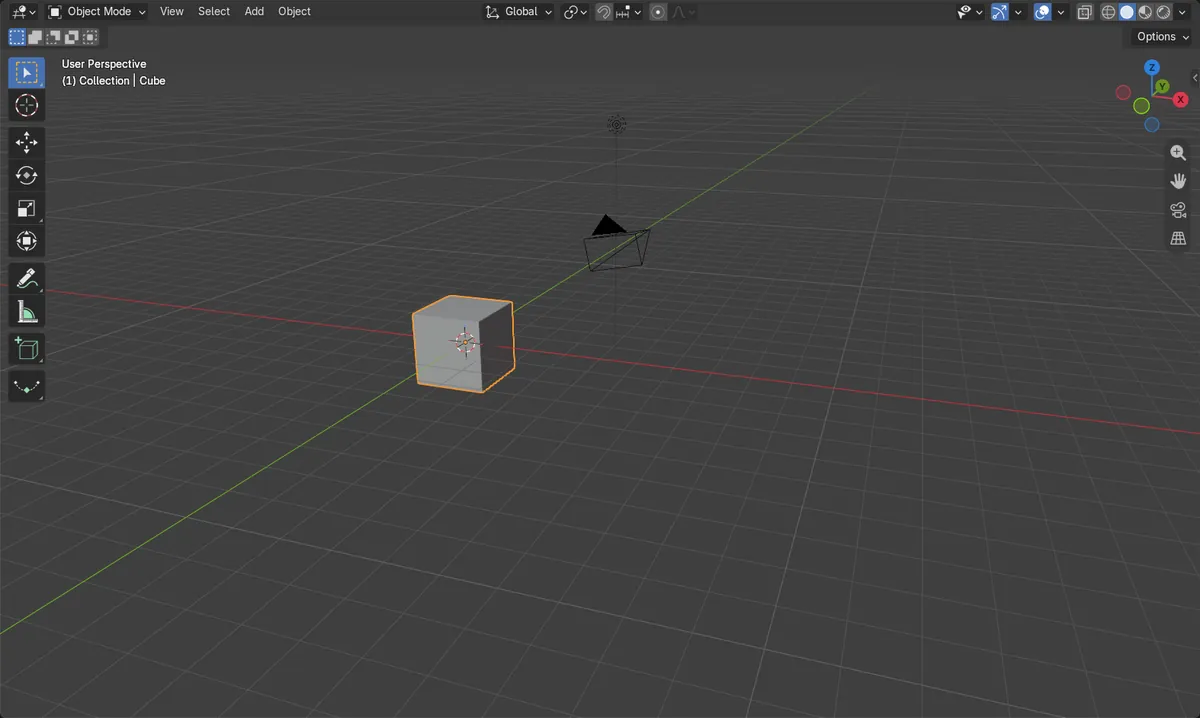
- A default cube has 8 vertices and is 2 m wide before the modifier.
- After adding Array with Count 5 and Relative Offset X 1.2, the result has 40 vertices.
- The row is about 11.6 m wide in X, up from 2 m.
- One modifier was added and no new objects were created.