How to Change the Color of an Object in Blender
Select the object, open the Material tab in the Properties editor, and set the Base Color of the Principled BSDF in the Surface panel. Viewport Display › Color sets a separate viewport color for the material.
- Mode
- Object Mode, Properties editor (Material tab)
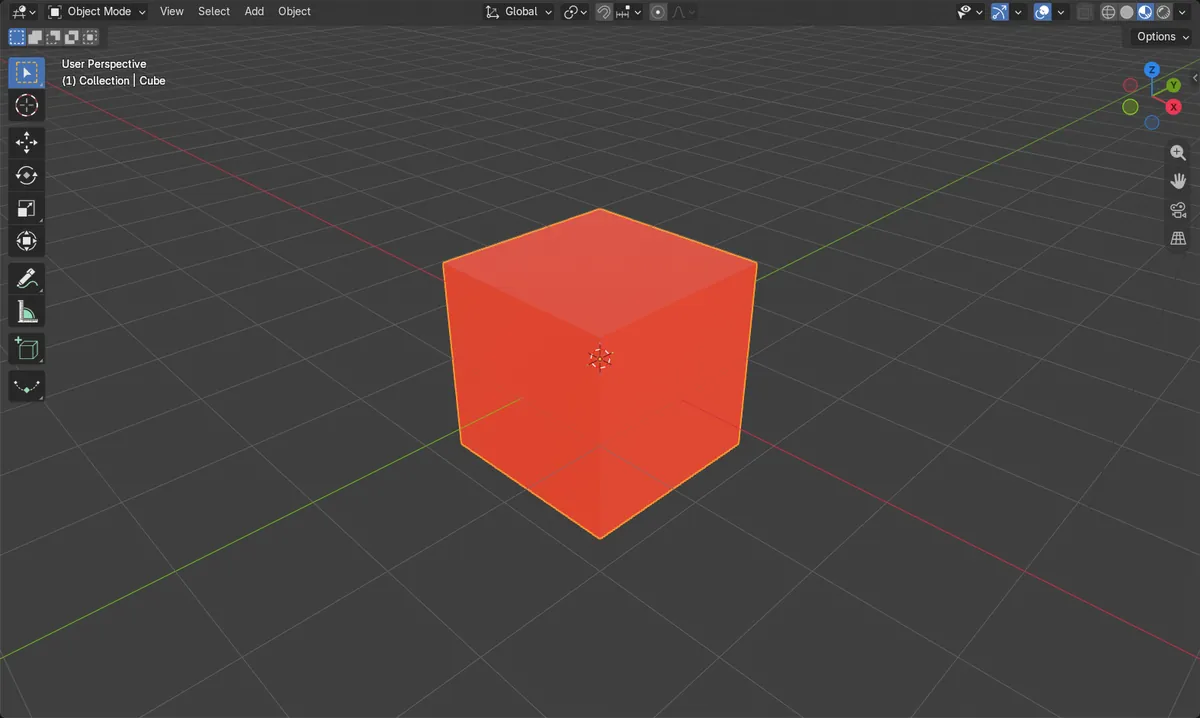
Select first
Click the object so its material shows in the Material tab.
Viewport Display
Material tab › Viewport Display › Color sets the material's viewport color in both versions.
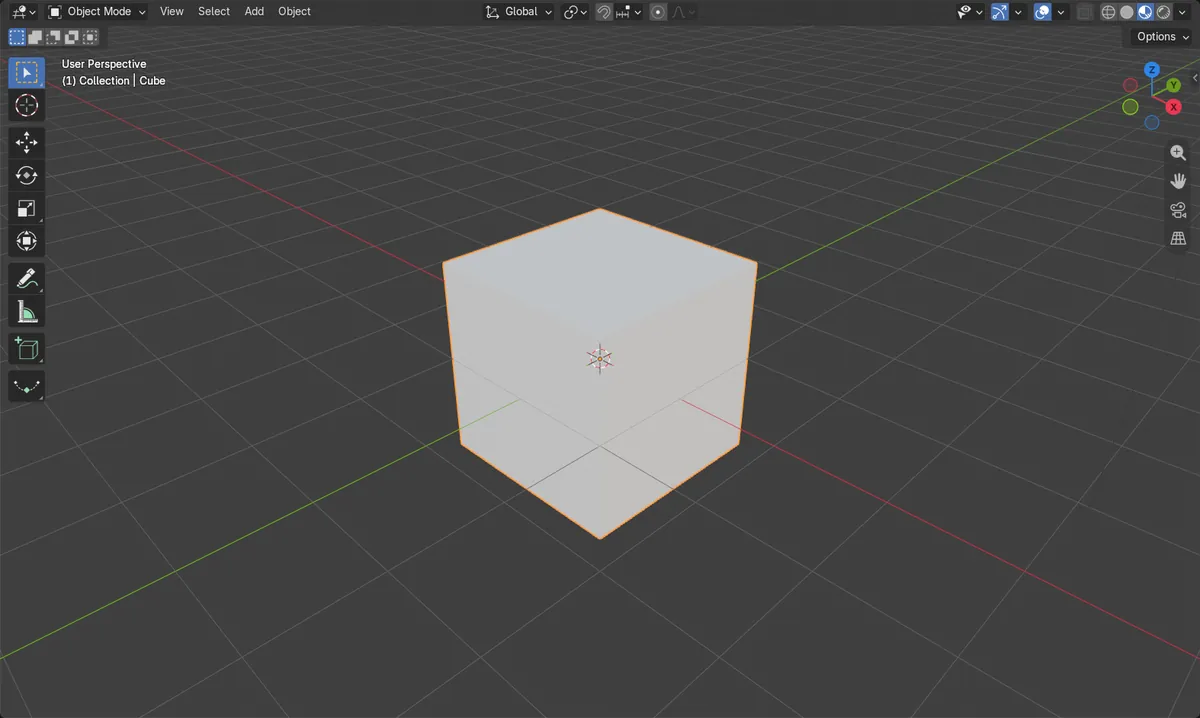
Before and after

AI Scene Builder is a Blender add-on. You type what you want, and it builds it in your scene: buildings, neon signs, wet pavement, fog and lights. Nothing in this picture was modeled by hand.
On a phone now? The add-on runs in Blender on a computer. Send yourself the link and open it there.
Step by step (Blender 5.x)
- Click the object in the 3D Viewport to select it.
- In the Properties editor, open the Material tab.
- If there is no material, click New (the New Material button) to add one.
- In the Surface panel, click the Base Color field and pick a color, for example red (R 1, G 0, B 0).
- To set the material's viewport color directly, open Viewport Display and set Color.
- Switch the viewport to Material Preview shading to check the new color.
Other ways to do it
- Material tab › Viewport Display › Color sets the Diffuse Color used in the viewport.
- Use the Material tab's slot list and Add Material Slot if the object needs another material.
Common snags
No color change visible
The viewport may be in Solid shading, which ignores Base Color. Switch to Material Preview, or set Viewport Display › Color.
Empty Material tab
The object has no material or is not selected. Select it and click New in the Material tab.
Other objects change too
Objects sharing one material change together. Add a new material for the object you want different.
Or type one line in AI Scene Builder
AI Scene Builder is a Blender add-on that carries out the steps for you from one typed request. For this task, type a request like this one, using your own object names:
Make the selected object red by changing its material color A log cabin room built with the add-on from 9 typed requests. See every request →
Questions
How do I change an object's color in Blender?
Select it, open the Material tab, and change Base Color in the Surface panel. Viewport Display › Color sets a separate viewport color.
Why is my object still gray?
The viewport may be in Solid shading. Use Material Preview or set Viewport Display › Color.
What the pictures show
- Before: the Cube's Base Color was gray (R 0.8, G 0.8, B 0.8).
- After: the Base Color was red (R 1.0, G 0.0, B 0.0).
- The cube kept its single material slot named Material in both Blender 4.2 LTS and 5.x.