How to Change the Pivot Point in Blender
Hover the 3D Viewport and press the period key (.) on the main keyboard to open the Pivot Point pie, or click the pivot dropdown in the 3D Viewport header. Choose Median Point (the default), Bounding Box Center, 3D Cursor, Individual Origins or Active Element. With several objects selected, Individual Origins rotates and scales each one around its own origin instead of around their common middle.
- Mode
- Object or Edit Mode, 3D Viewport
Period key pie
Opens the Pivot Point pie menu.
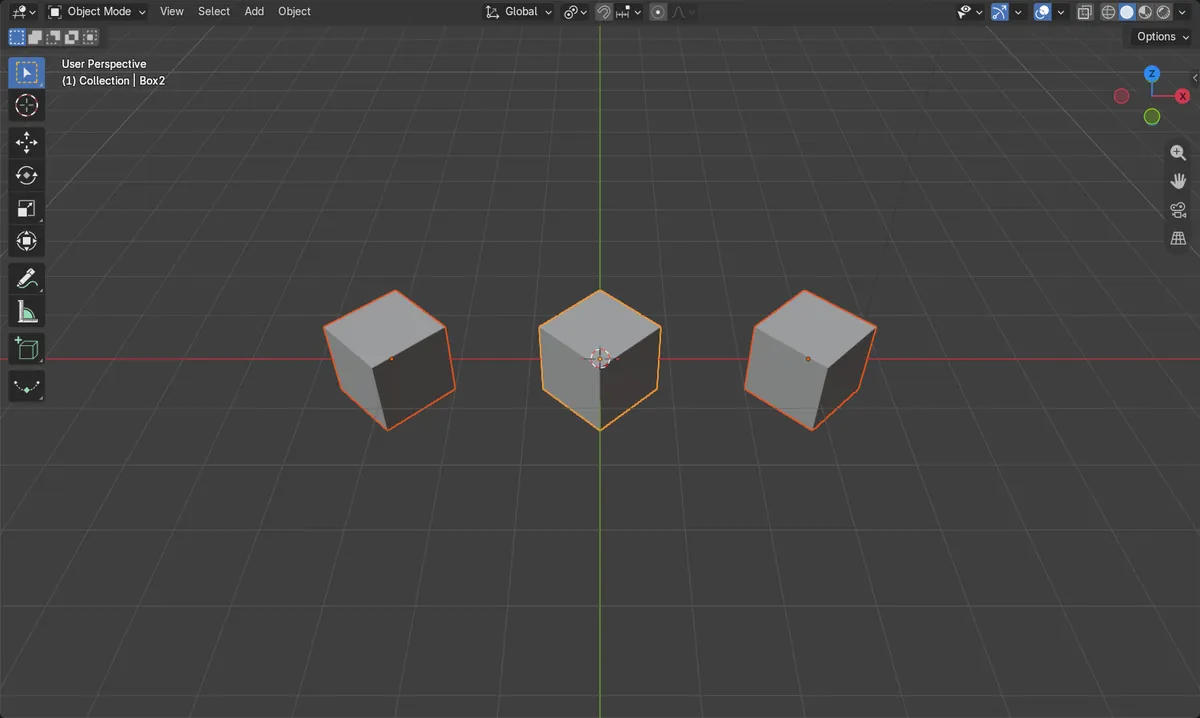
Individual Origins
Each object turns around its own origin.
Median Point is the default
Several objects turn around their common middle.
Before and after

AI Scene Builder is a Blender add-on. You type what you want, and it builds it in your scene: buildings, neon signs, wet pavement, fog and lights. Nothing in this picture was modeled by hand.
On a phone now? The add-on runs in Blender on a computer. Send yourself the link and open it there.
Step by step (Blender 5.x)
- Select the objects you want to rotate or scale.
- Hover the 3D Viewport and press the period key on the main keyboard.
- Choose a pivot, for example Individual Origins.
- Press R (rotate) or S (scale); they now use the new pivot.
Other ways to do it
- Click the pivot dropdown in the 3D Viewport header
- Choose 3D Cursor and place the cursor with Shift + right-click to turn around any point
Common snags
The period key zoomed instead
The numpad period key frames the selection. The pivot pie is on the period key of the main keyboard.
The objects swing around instead of turning in place
Median Point turns them around their common middle. Pick Individual Origins to turn each one in place.
Only the origins move
Origins is turned on in Options › Transform. It moves the origins and leaves the shapes in place; turn it off.
An AI add-on for Blender
AI Scene Builder is a Blender add-on that builds and edits your scene from one typed request, such as “a small wooden table with two chairs”. Each request can be undone in one click.
 An evening market street built with the add-on from 11 typed requests. See every request →
Questions
How do I rotate several objects in place in Blender?
Set the pivot to Individual Origins (period key pie), then press R.
How do I rotate around a chosen point?
Set the pivot to 3D Cursor and place the cursor with Shift + right-click.
What is the default pivot point?
Median Point.
What the pictures show
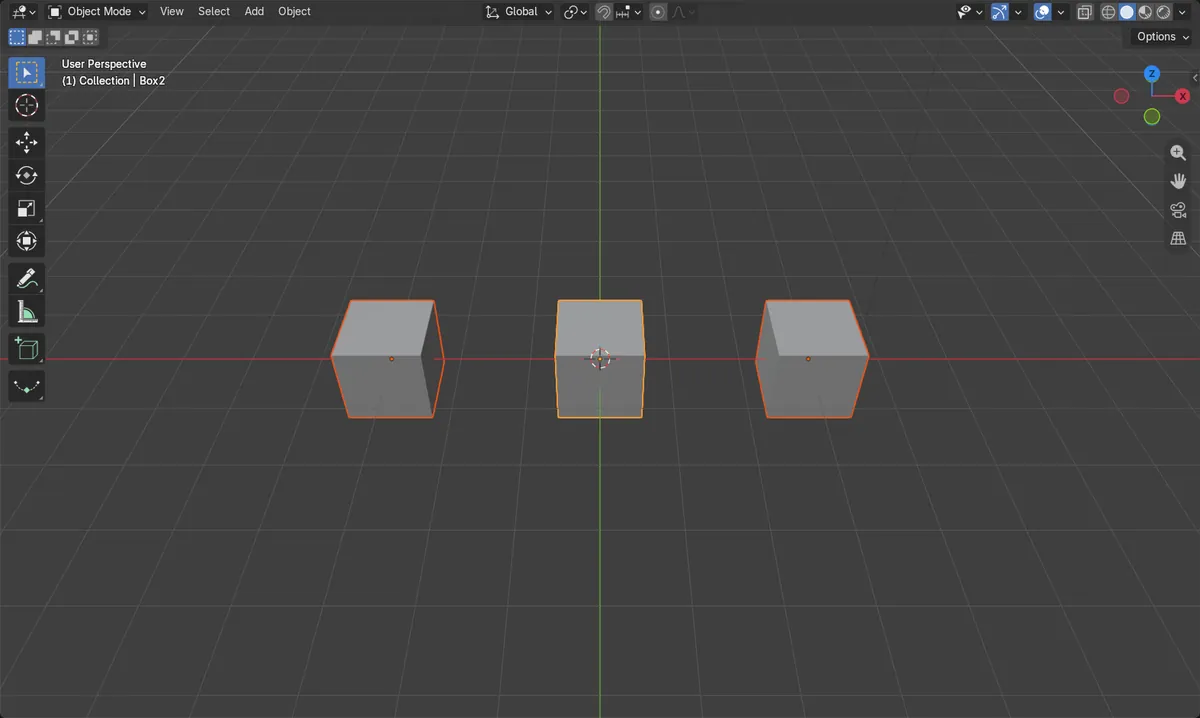
- Before: three boxes in a row, pivot Median Point, nothing turned.
- With Median Point, a 45 degree turn swung the outer boxes around the middle one.
- With Individual Origins, each box turned 45 degrees and stayed in its place.
- Results were identical in Blender 4.2 LTS and Blender 5.x.