How to Import an Image as a Plane in Blender
In Object Mode hover the 3D Viewport, press Shift + A and choose Image › Mesh Plane..., then pick the picture and click Import Images as Planes. You get a flat plane with the picture's width-to-height shape and a material that shows the picture. It is placed at the 3D cursor. Press Z and choose Material Preview to see the picture on it.
- Mode
- Object Mode, 3D Viewport
- Menu
- Add › Image › Mesh Plane...
- Shortcut
- Shift + A
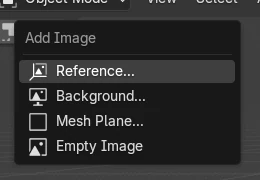
Shift + A > Image
Mesh Plane... imports the picture as a plane.
Right shape
The plane follows the picture's width and height.
Material Preview
Solid view does not show the picture by default.
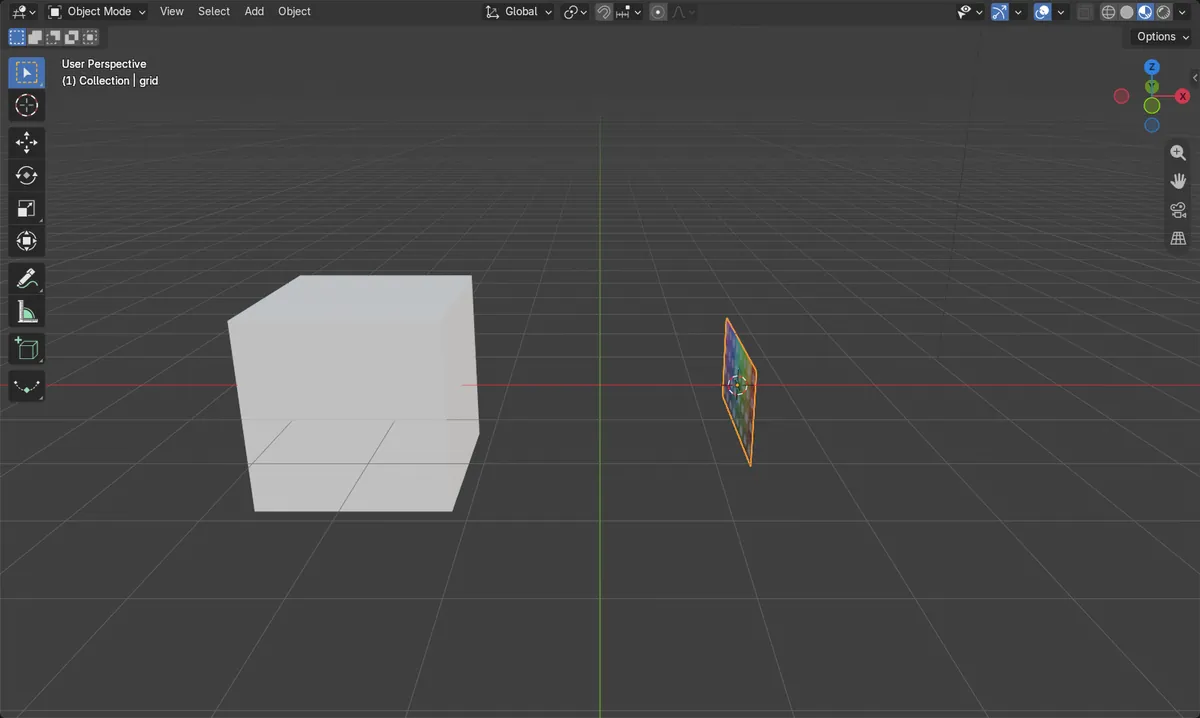
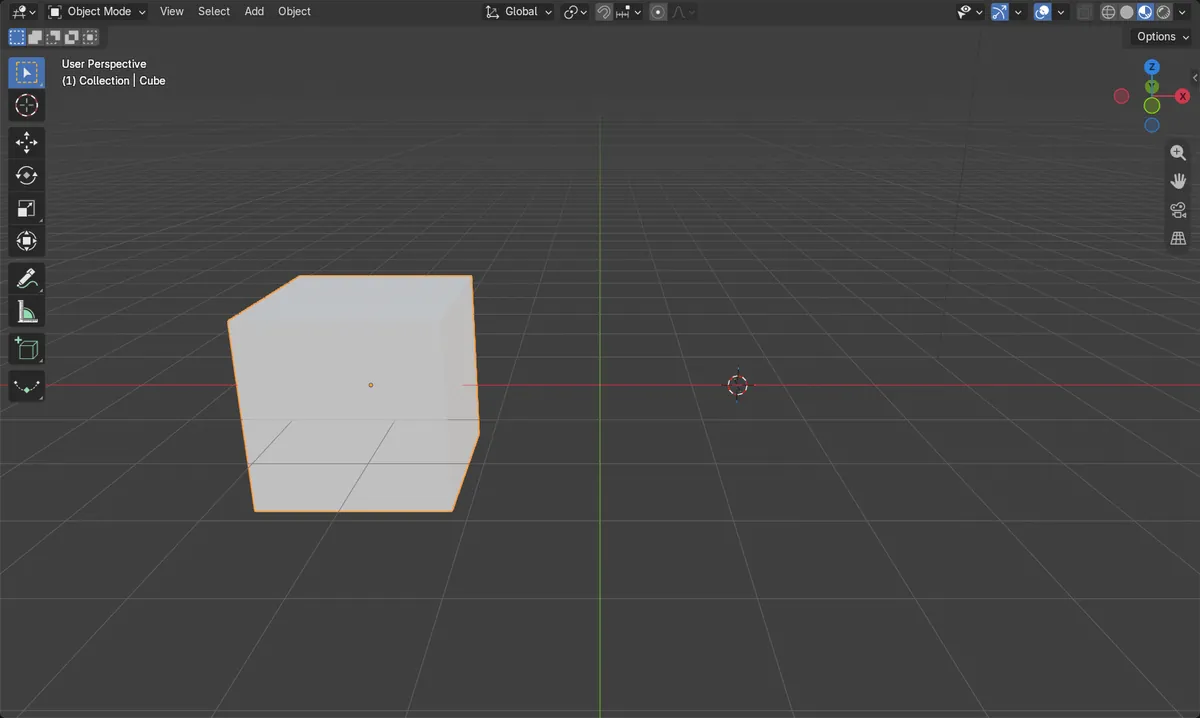
Before and after

AI Scene Builder is a Blender add-on. You type what you want, and it builds it in your scene: buildings, neon signs, wet pavement, fog and lights. Nothing in this picture was modeled by hand.
On a phone now? The add-on runs in Blender on a computer. Send yourself the link and open it there.
Step by step (Blender 5.x)
- Place the 3D cursor where the plane should go, or leave it where it is.
- In Object Mode hover the 3D Viewport and press Shift + A.
- Choose Image › Mesh Plane....Blender 4.2 LTS: Image › Mesh Plane
- Pick the image file and click Import Images as Planes.
- Press Z and choose Material Preview to see the picture.
Other ways to do it
- File › Import, then Images as Planes
- Add › Image › Reference... for a picture to model from, without a plane mesh
Blender 4.2 LTS vs Blender 5.x
| What | Blender 4.2 LTS | Blender 5.x |
|---|---|---|
| Plane entry in Add › Image | Mesh Plane | Mesh Plane... |
| Other entries in Add › Image | Reference, Background | Reference..., Background... |
Common snags
The plane is grey
Solid shading usually shows only the material color. Press Z and choose Material Preview.
The plane is not where I expected
It is placed at the 3D cursor. Move it with G, or set the cursor first with Shift + right-click.
Mesh Plane is not in the Add menu
Add › Image › Mesh Plane is in Object Mode. Press Tab to leave Edit Mode.
An AI add-on for Blender
AI Scene Builder is a Blender add-on that builds and edits your scene from one typed request, such as “a small wooden table with two chairs”. Each request can be undone in one click.
 A lighthouse island at sunset built with the add-on from 10 typed requests. See every request →
Questions
How do I add a picture to a plane in Blender?
Press Shift + A, choose Image › Mesh Plane and pick the picture. Blender makes the plane and its material for you.
Why can't I see the image on the plane?
You are in Solid shading. Press Z and choose Material Preview.
What the pictures show
- Before: the scene held only the cube.
- Add > Image > Mesh Plane with a 1024 x 512 picture added one plane, 2 m by 1 m, named after the file.
- It was placed at the 3D cursor, and in Material Preview it showed the picture.
- Results were identical in Blender 4.2 LTS and Blender 5.x; only the menu names differ as shown above.