How to Reduce Vertex Count on a Mesh in Blender
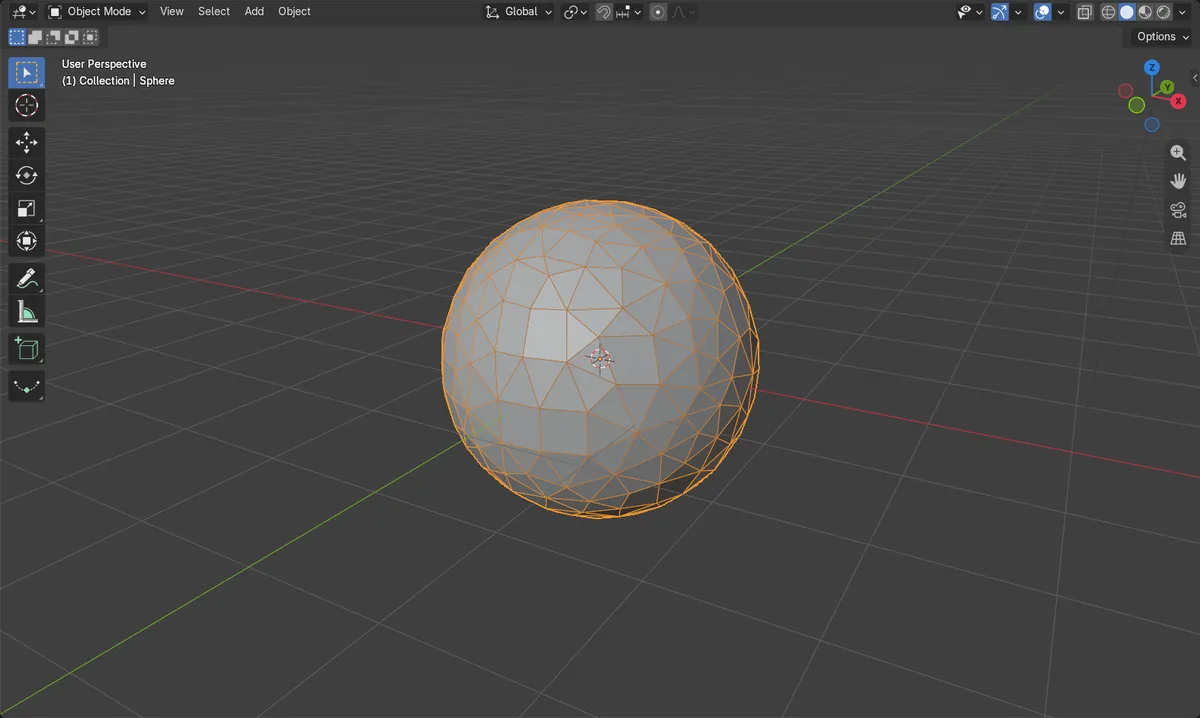
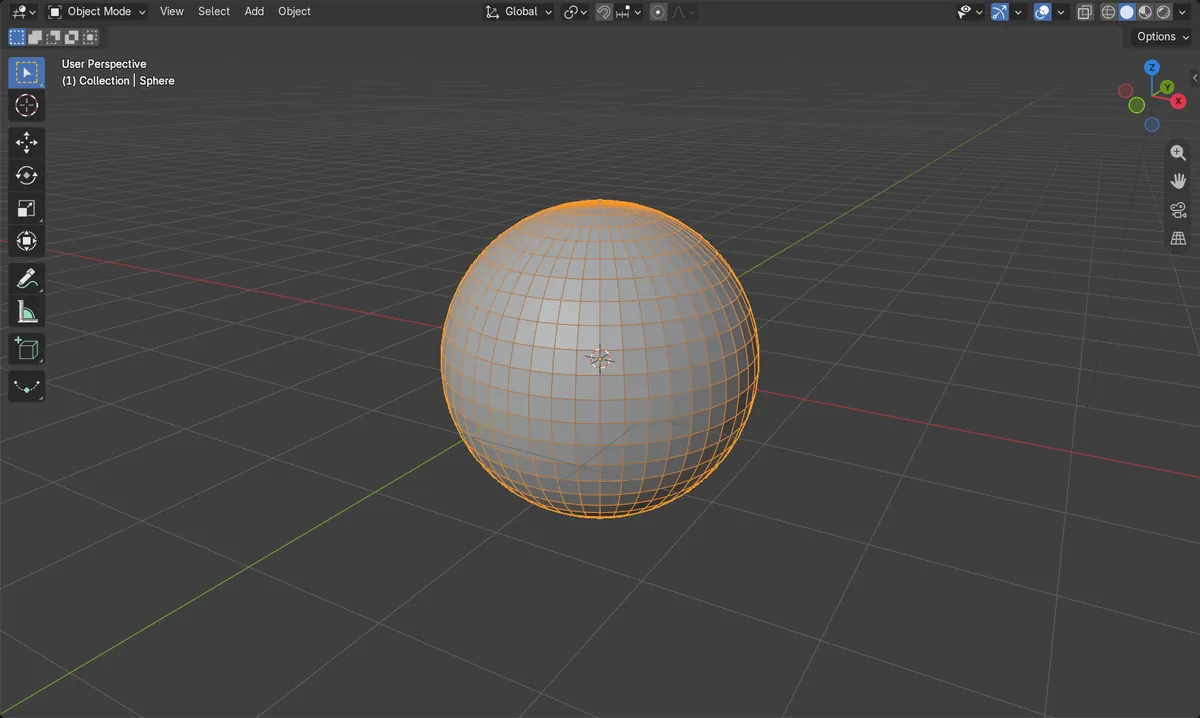
Select the mesh, open the Modifiers tab in the Properties editor, add a Decimate modifier and lower its Ratio, then apply it. A Ratio of 0.25 left roughly a quarter of the vertices on a test sphere (1106 down to 278).
- Mode
- Object Mode (Decimate); Edit Mode (cleanup tools)
Decimate modifier
Add it in the Modifiers tab and lower Ratio below 1.
Apply to keep
Apply Modifier makes the lower vertex count permanent.
Edit Mode cleanup
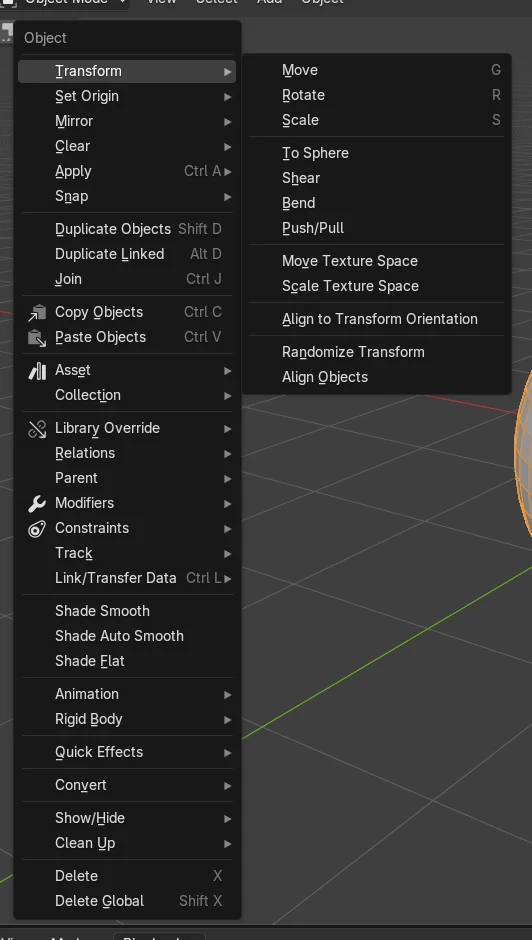
Mesh › Clean Up › Merge by Distance joins close vertices.
Before and after

AI Scene Builder is a Blender add-on. You type what you want, and it builds it in your scene: buildings, neon signs, wet pavement, fog and lights. Nothing in this picture was modeled by hand.
On a phone now? The add-on runs in Blender on a computer. Send yourself the link and open it there.
Step by step (Blender 5.x)
- Click the mesh in the 3D Viewport to select it, and stay in Object Mode (press Tab if you are in Edit Mode).
- Open the Modifiers tab in the Properties editor and click Add Modifier, then choose Decimate.
- Set Ratio to a value below 1, for example 0.25, and watch the mesh simplify.
- Use Apply Modifier on the Decimate modifier to make the change permanent. The modifier is removed from the stack and the mesh keeps the lower vertex count.
Other ways to do it
- Edit Mode: select vertices, then Mesh › Clean Up › Merge by Distance to merge vertices that are close together.
- Edit Mode: Mesh › Merge to join selected vertices into one.
- Edit Mode: select geometry and use Limited Dissolve to remove edges and vertices on nearly flat surfaces.
- Edit Mode: select vertices and press Ctrl + X (Dissolve Selection) to dissolve them.
Common snags
Modifier not applied
The viewport looks simpler but the mesh data is unchanged, because the Decimate modifier is still in the stack. Use Apply Modifier on it.
Nothing seems to happen
Decimate acts on the active object only. Click the mesh first so it is selected and active, then add the modifier.
Wrong mode for cleanup tools
Merge by Distance and Merge live in the Edit Mode Mesh menu. Press Tab with the mesh selected to enter Edit Mode.
Or type one line in AI Scene Builder
AI Scene Builder is a Blender add-on that carries out the steps for you from one typed request. For this task, type a request like this one, using your own object names:
Reduce the selected mesh to about a quarter of its vertices and apply the change A lighthouse island at sunset built with the add-on from 10 typed requests. See every request →
Questions
Does Decimate permanently reduce vertices?
Only after you apply it. Until then the modifier can still be changed or removed.
How do I merge vertices that are close together?
In Edit Mode choose Mesh › Clean Up › Merge by Distance.
What the pictures show
- A UV sphere (48 segments, 24 rings) had 1106 vertices before.
- After Decimate with Ratio 0.25 and Apply, it had 278 vertices.
- No modifiers remained on the sphere, so the reduction was applied to the mesh.
- The same numbers resulted in Blender 4.2 LTS and Blender 5.x.