Can Blender render PNGs with a transparent background?
Yes, Blender can render PNG files with a transparent background. Turn on Render tab › Film › Transparent, then set Output tab › Output › File Format to PNG and Color Mode to RGBA before rendering. Press F12 to render the image.
- Mode
- Properties editor (Render and Output tabs)
- Menu
- Render › Render Image
- Shortcut
- F12
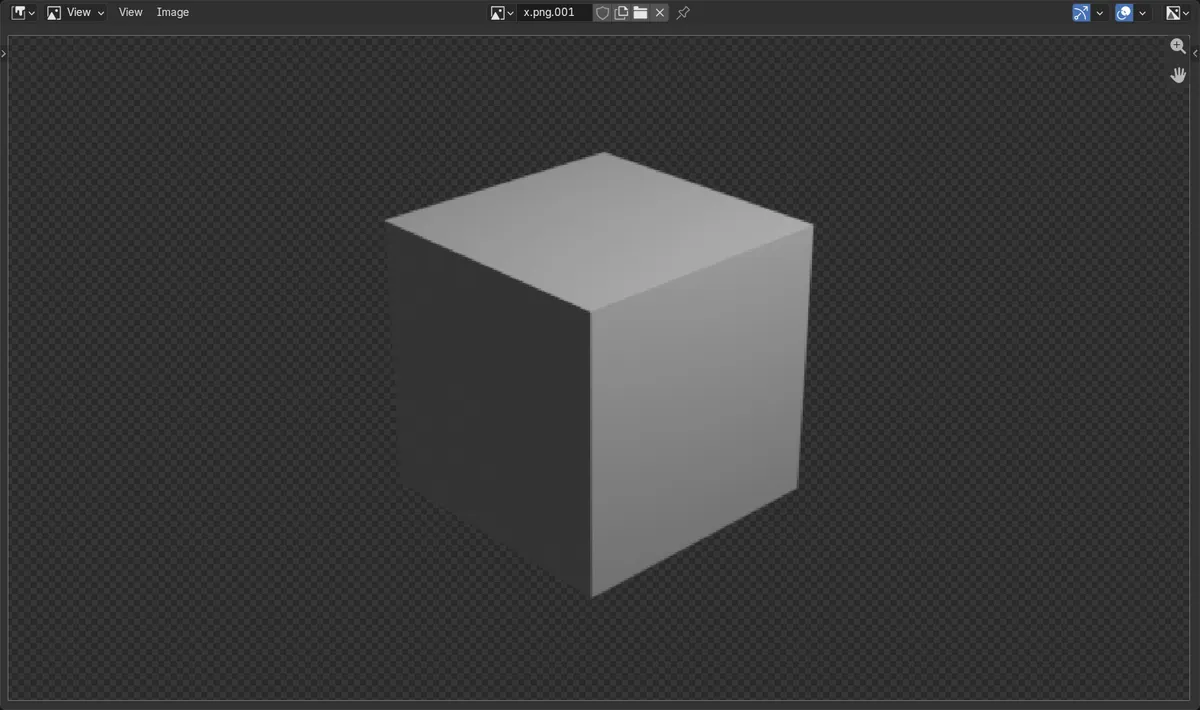
Film Transparent
Render tab › Film › Transparent hides the world background.
Use RGBA
Output tab › Output › Color Mode must be RGBA to keep alpha.
Render with F12
Or use Render › Render Image.
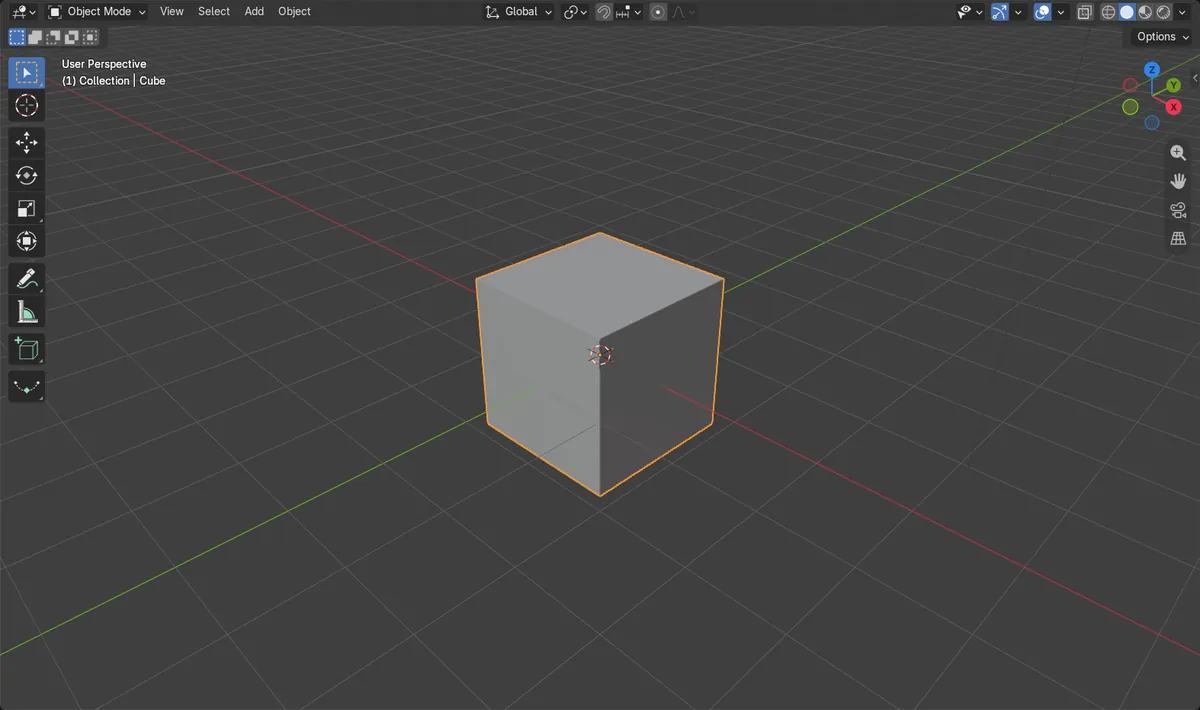
Before and after

AI Scene Builder is a Blender add-on. You type what you want, and it builds it in your scene: buildings, neon signs, wet pavement, fog and lights. Nothing in this picture was modeled by hand.
On a phone now? The add-on runs in Blender on a computer. Send yourself the link and open it there.
Step by step (Blender 5.x)
- Open the Render tab in the Properties editor and find the Film panel. Turn on Transparent.Blender 4.2 LTS: In Cycles, the Transparent checkbox is in the header of a Transparent sub-panel inside Film. In EEVEE it is a Transparent checkbox in Film.
- Open the Output tab. In the Output panel, set File Format to PNG.
- In the same Output panel, set Color Mode to RGBA.
- Choose Render › Render Image, or press F12.
- In the render window, save the image with Image › Save As, or set the Output Path and render with write still enabled. The saved PNG has an alpha channel.
Other ways to do it
- Press F12 with the mouse over any editor to render the image.
- Render › Render Image from the top bar.
Blender 4.2 LTS vs Blender 5.x
| What | Blender 4.2 LTS | Blender 5.x |
|---|---|---|
| File Format list | Items are named plainly, such as PNG and JPEG. | Items show extensions, such as PNG (.png), and AVIF is also available. |
| Render engine | The engine is EEVEE (Next). | The engine is EEVEE. |
Common snags
Background still visible
If the PNG has a solid background, Film › Transparent is probably off. Turn it on in the Render tab and render again.
Color Mode is RGB
With RGB, no alpha is saved, so the transparency is lost. Set Color Mode to RGBA in the Output tab.
Format without alpha
Some formats, such as JPEG, cannot store transparency. Set File Format to PNG.
Or type one line in AI Scene Builder
AI Scene Builder is a Blender add-on that carries out the steps for you from one typed request. For this task, type a request like this one, using your own object names:
Set up my render to save a PNG with a transparent background An evening market street built with the add-on from 11 typed requests. See every request →
Questions
How do I make a Blender render background transparent?
Turn on Transparent in the Render tab's Film panel. Then save as PNG with RGBA color.
Why is my transparent PNG not transparent?
Color Mode is likely set to RGB or the format has no alpha. Use PNG with RGBA in the Output tab.
What the pictures show
- Before: Transparent was off and Color Mode was RGB.
- After: Transparent was on and Color Mode was RGBA.
- The saved PNG has 4 channels.
- A corner pixel of the saved PNG had alpha 0.0, which is fully transparent.