How to Switch the Render Engine to Cycles in Blender
Open the Render tab in the Properties editor and change the Render Engine dropdown to Cycles. The scene then renders with Cycles, and the Cycles settings such as Sampling appear in the same tab.
- Mode
- Properties editor, Render tab (any mode)
- Menu
- Properties editor › Render tab › Render Engine
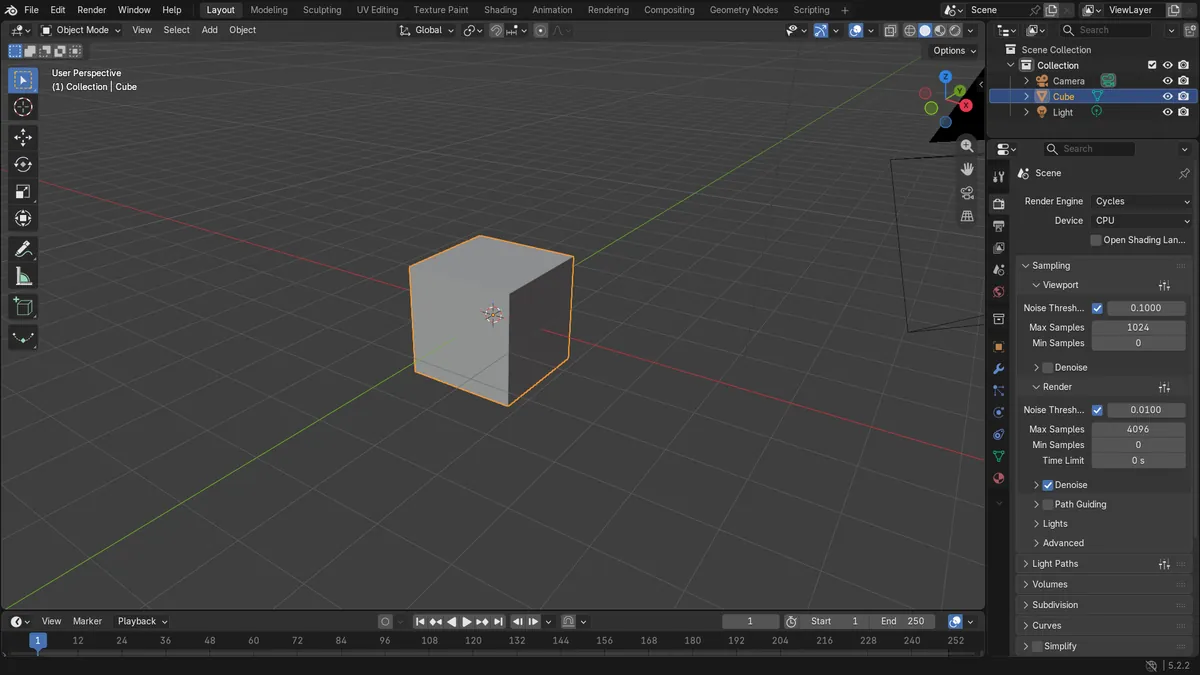
Render Engine dropdown
Found at the top of the Render tab. Choose Cycles from the list.
Cycles panels appear
Sampling and other Cycles panels show up in the Render tab after the switch.
Render with F12
F12 renders an image using the engine you have chosen.
Before and after

AI Scene Builder is a Blender add-on. You type what you want, and it builds it in your scene: buildings, neon signs, wet pavement, fog and lights. Nothing in this picture was modeled by hand.
On a phone now? The add-on runs in Blender on a computer. Send yourself the link and open it there.
Step by step (Blender 5.x)
- Move the mouse over the Properties editor and click the Render tab.
- At the top of the tab, open the Render Engine dropdown.Blender 4.2 LTS: In Blender 4.2 LTS the dropdown is in the same place, and the EEVEE entry is labelled EEVEE as well.
- Choose Cycles from the list.
- Check that the Cycles panels, such as Sampling, now appear in the Render tab. Under Sampling › Render you can adjust Max Samples.
- Press F12 or choose Render › Render Image to render with Cycles.
Other ways to do it
- Render › Render Image (or F12) renders with whichever engine is currently selected.
- Edit › Preferences... opens the Preferences window.
Blender 4.2 LTS vs Blender 5.x
| What | Blender 4.2 LTS | Blender 5.x |
|---|---|---|
| Feature Set setting | Cycles has a Feature Set option (Supported or Experimental) in the Render tab. | The Feature Set option is no longer present. |
| EEVEE engine identity | The EEVEE entry is labelled EEVEE, and its Sampling panel has a Render samples field. | The EEVEE entry is labelled EEVEE as well. |
Common snags
No Render Engine dropdown
If you see a different tab, such as Output or Scene, the dropdown is not there. Click the Render tab in the Properties editor.
Mouse over the wrong editor
Tab clicks only apply to the editor they are in. Make sure you are using the Properties editor, not the 3D Viewport.
Cycles still renders on CPU
Cycles uses CPU by default. Its Device setting also offers GPU Compute.
Or type one line in AI Scene Builder
AI Scene Builder is a Blender add-on that carries out the steps for you from one typed request. For this task, type a request like this one, using your own object names:
Switch the render engine to Cycles A log cabin room built with the add-on from 9 typed requests. See every request →
Questions
Where is the render engine setting in Blender?
It is the Render Engine dropdown at the top of the Render tab in the Properties editor.
Does switching to Cycles change my scene?
It changes how the scene is rendered. Your objects stay the same, but the settings shown in the Render tab are now the Cycles ones.
What the pictures show
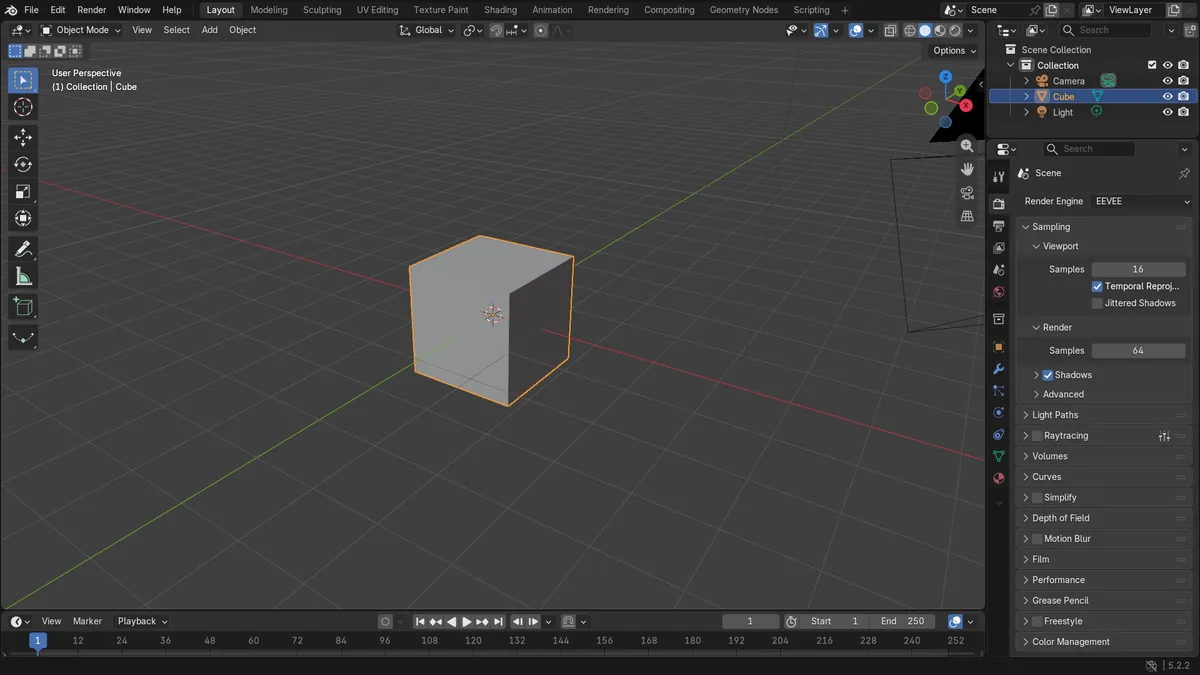
- Before the switch, the engine was EEVEE (Blender 5.x) or the newer EEVEE (Blender 4.2 LTS), not Cycles.
- After the switch, the engine reads Cycles in both versions.
- Cycles settings became available, with Samples at 4096 and Device set to CPU.