How to Unlink a Linked Duplicate in Blender
Select the linked duplicate, then choose Object › Relations › Make Single User › Object & Data in the 3D Viewport. This gives the object its own copy of the mesh, so editing it no longer changes the original.
- Mode
- Object Mode, 3D Viewport
- Menu
- Object › Relations › Make Single User › Object & Data
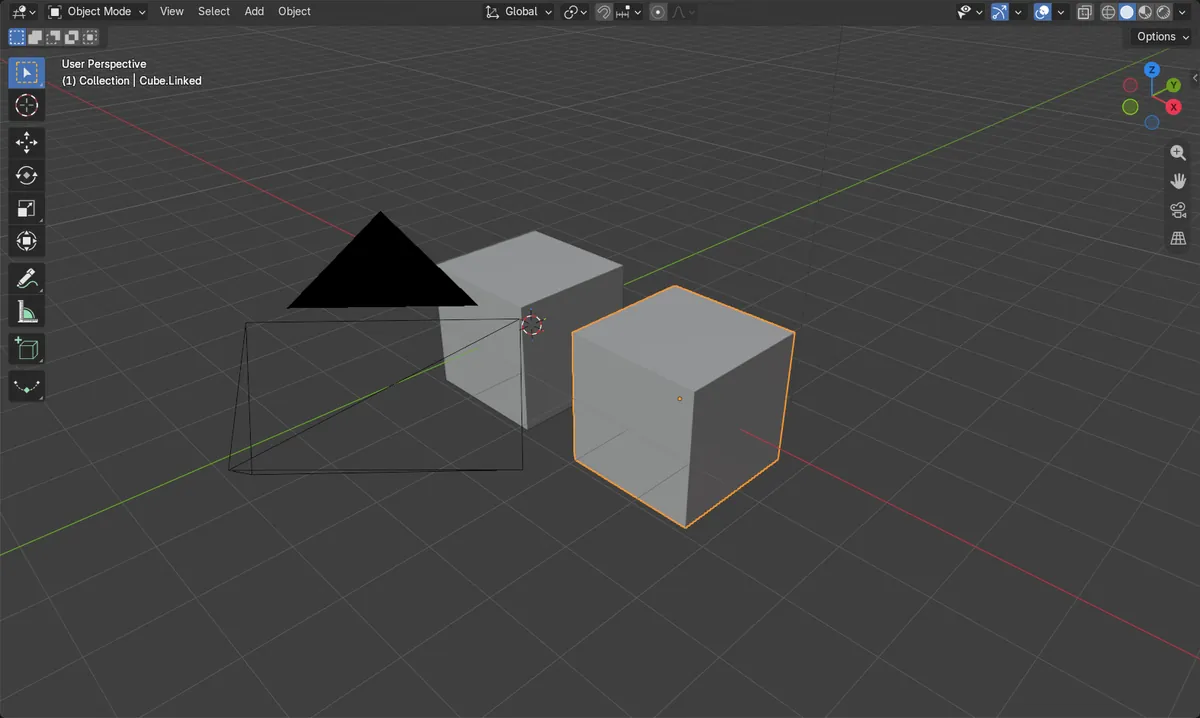
Object & Data
Object › Relations › Make Single User › Object & Data.
Select the copy
Click the linked duplicate so it is the selected object.
Own mesh
The copy gets a new mesh with 1 user and stays in place.
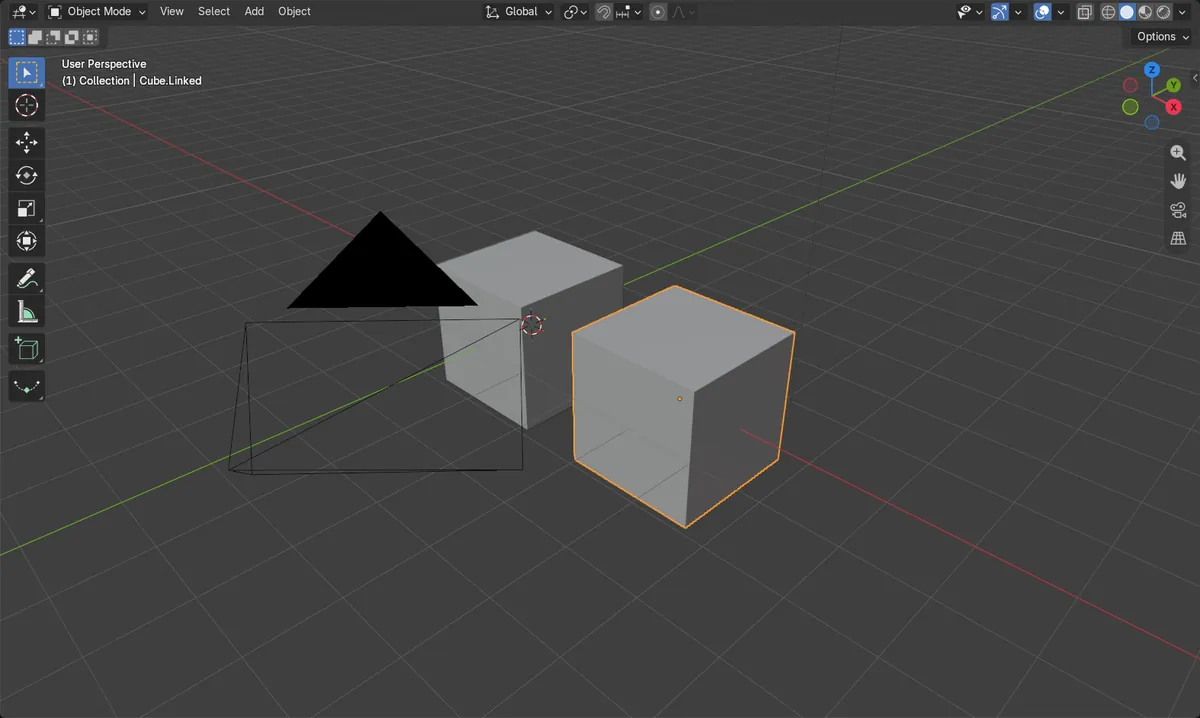
Before and after

AI Scene Builder is a Blender add-on. You type what you want, and it builds it in your scene: buildings, neon signs, wet pavement, fog and lights. Nothing in this picture was modeled by hand.
On a phone now? The add-on runs in Blender on a computer. Send yourself the link and open it there.
Step by step (Blender 5.x)
- Hover over the 3D Viewport and make sure you are in Object Mode (press Tab if you are in Edit Mode).
- Click the linked duplicate to select it (select only the objects you want to unlink).
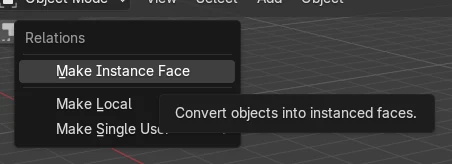
- Open the Object menu › Relations › Make Single User › Object & Data.
- The object now uses its own mesh data, so editing it no longer changes the original.
Other ways to do it
- Duplicate with Shift + D instead of Alt + D to get an independent copy from the start (Alt + D makes a linked duplicate).
Common snags
Nothing changes
If the copy is not selected, the command has no effect on it. Click the duplicate in the viewport or Outliner first.
Wrong mode
The Object menu items for this are in Object Mode. If you are in Edit Mode, press Tab to return to Object Mode.
Choosing Object only
Make Single User › Object does not copy the mesh, so it stays shared. Pick Object & Data to separate the mesh.
Or type one line in AI Scene Builder
AI Scene Builder is a Blender add-on that carries out the steps for you from one typed request. For this task, type a request like this one, using your own object names:
Make the selected linked duplicate a single user with its own mesh data An evening market street built with the add-on from 11 typed requests. See every request →
Questions
What is the difference between Shift + D and Alt + D?
Shift + D (Duplicate Objects) makes an independent copy. Alt + D (Duplicate Linked) makes a copy that shares the original's mesh data.
Does unlinking move or change my objects?
No. The object count and the duplicate's position stay the same; only the mesh sharing is removed.
What the pictures show
- Before: the original and the linked duplicate shared one mesh with 2 users.
- After: the duplicate had its own mesh (named Cube.001) with 1 user, and the original mesh also had 1 user.
- The duplicate stayed at x = 3 m and the object count stayed at 2.