Objects Disappear When Zooming Out in Blender: Fix Clip End
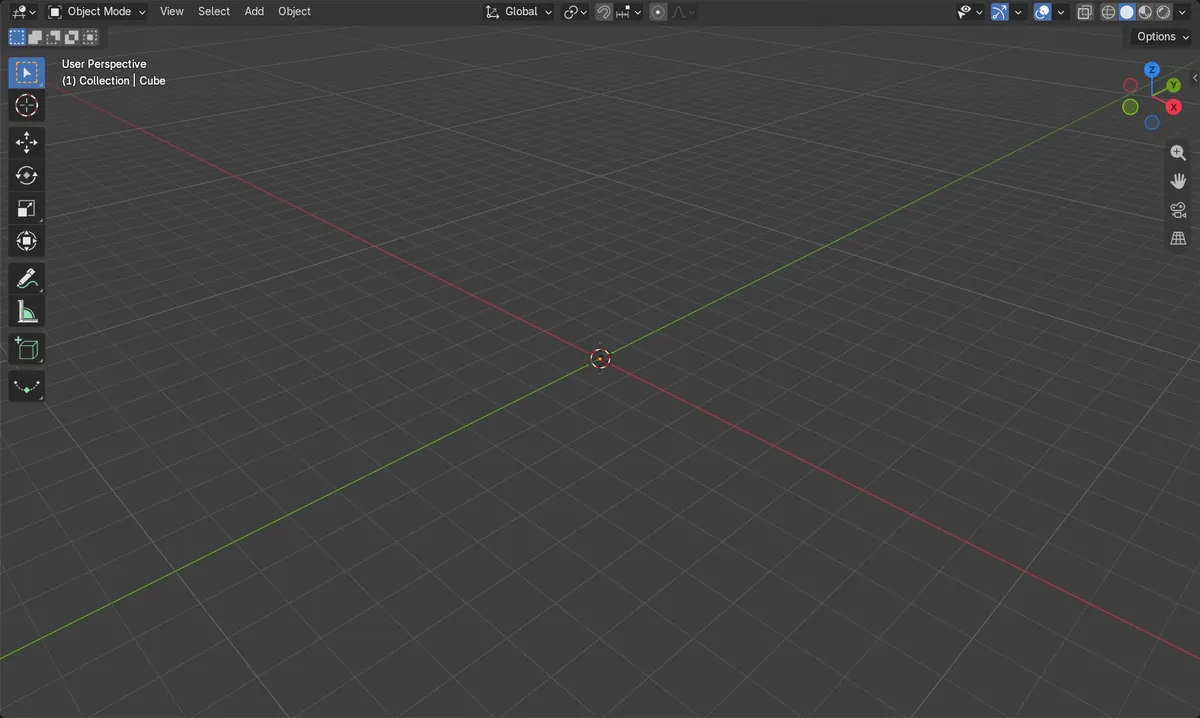
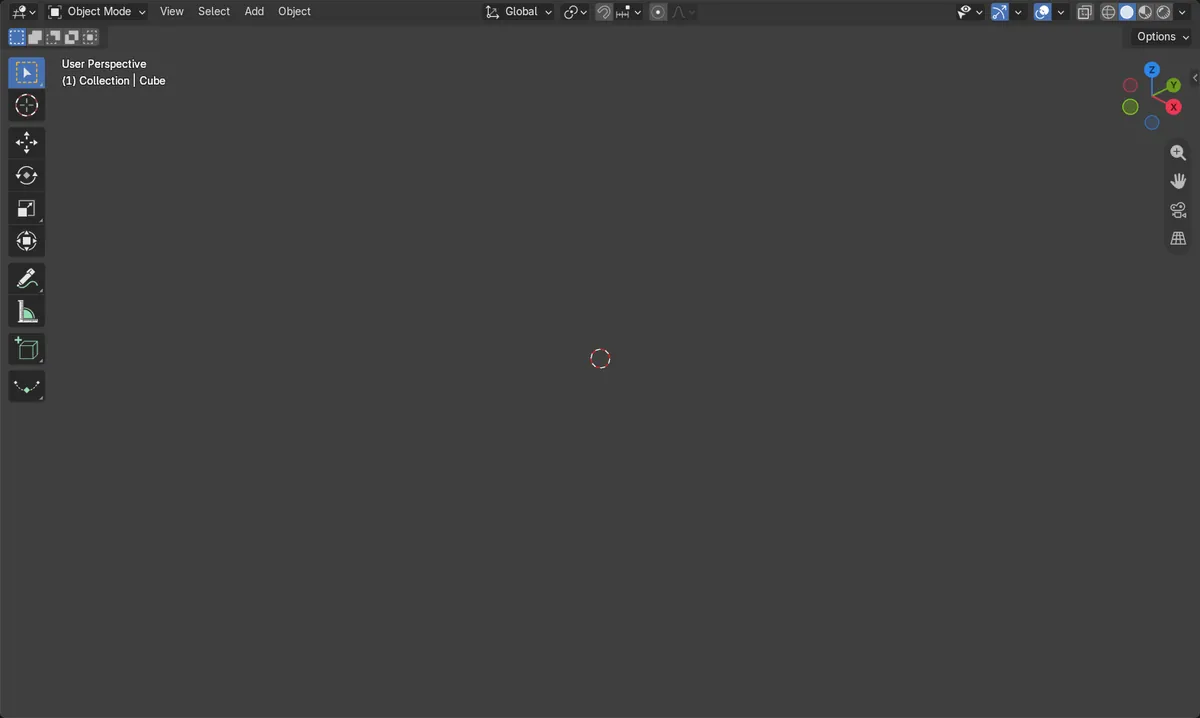
Raise Clip End in the 3D Viewport sidebar: press N, open the View tab, and increase End under Clip. Objects vanish when zooming out because they are farther from the view than the Clip End distance, so a larger value brings them back.
- Mode
- 3D Viewport (any mode)
- Shortcut
- N (opens the sidebar)
Raise Clip End
Set End larger than your view distance, e.g. 10000 m.
Cause
Anything farther than Clip End is not drawn.
Before and after

AI Scene Builder is a Blender add-on. You type what you want, and it builds it in your scene: buildings, neon signs, wet pavement, fog and lights. Nothing in this picture was modeled by hand.
On a phone now? The add-on runs in Blender on a computer. Send yourself the link and open it there.
Step by step (Blender 5.x)
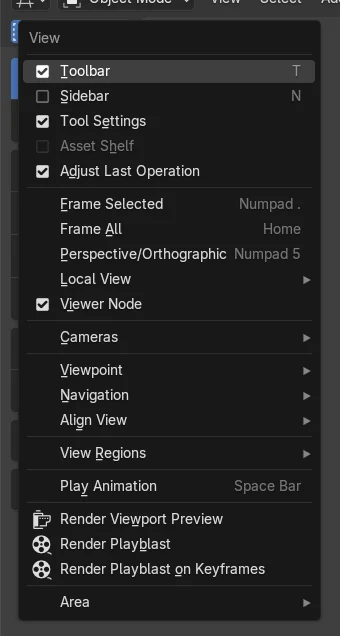
- Move the mouse over the 3D Viewport and press N to open the sidebar (or choose View › Sidebar).
- Open the View tab in the sidebar and find the View panel.
- Under Clip, increase End, for example from 1000 m to 10000 m.
- Zoom out again. The objects now stay visible. If you are lost, use View › Frame All (Home).
Other ways to do it
- View › Frame All (Home) brings the view back to the scene objects
- View › Frame Selected (Numpad . (period)) zooms to the selected object
Blender 4.2 LTS vs Blender 5.x
| What | Blender 4.2 LTS | Blender 5.x |
|---|---|---|
| Frame Selected shortcut | Numpad . and Ctrl + Numpad . are the default keys. | In Blender 5.2, the Mouse Back button (mouse button 4) also frames the selection. |
Common snags
Clip Start too small
Making Clip End huge while Clip Start is tiny (0.01 m) can cause flickering on nearby surfaces. Raise only as far as you need.
Still can't see anything
The object may be far from the view centre. Use View › Frame All (Home) or select it and use View › Frame Selected.
Or type one line in AI Scene Builder
AI Scene Builder is a Blender add-on that carries out the steps for you from one typed request. For this task, type a request like this one, using your own object names:
Increase the viewport clip end so my objects stay visible when I zoom out A lighthouse island at sunset built with the add-on from 10 typed requests. See every request →
Questions
Why do objects disappear when I zoom out in Blender?
They are farther from the viewport than the Clip End value, so Blender stops drawing them. Increase End in the sidebar View tab.
Where is Clip End in Blender?
Press N over the 3D Viewport, open the View tab, and look under Clip in the View panel. Clip Start and End are listed there.
What the pictures show
- With the view 2000 m away, Clip End of 1000 m put the cube beyond the clip range (margin -1000 m).
- After setting Clip End to 10000 m, the margin was +8000 m and the cube was inside the range.
- The view distance stayed at 2000 m; only Clip End changed.
- Results were the same in Blender 4.2 LTS and Blender 5.2.