How to Add a Light in Blender
In Object Mode press Shift + A, choose Light and pick Point, Sun, Spot or Area. The light appears at the 3D cursor. A new Point light starts at only 10 W, so open the Object Data Properties tab (light bulb icon) and raise Power, for example to 1000 W. Press Z and choose Rendered to see the lighting.
- Mode
- Object Mode, 3D Viewport
- Menu
- Add › Light › Point / Sun / Spot / Area
- Shortcut
- Shift + A
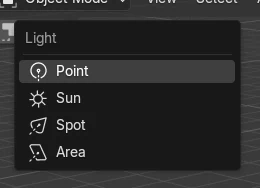
Shift + A > Light
Choose Point, Sun, Spot or Area.
10 W is dim
Raise Power in the Object Data Properties tab.
Rendered shading
Press Z and choose Rendered to see the light on your objects.
Before and after

AI Scene Builder is a Blender add-on. You type what you want, and it builds it in your scene: buildings, neon signs, wet pavement, fog and lights. Nothing in this picture was modeled by hand.
On a phone now? The add-on runs in Blender on a computer. Send yourself the link and open it there.
Step by step (Blender 5.x)
- Place the 3D cursor where the light should go with Shift + right-click, or move the light afterwards with G.
- Hover the 3D Viewport in Object Mode, press Shift + A and choose Light › Point (or Sun, Spot or Area).
- With the light selected, open the Object Data Properties tab (green light bulb icon).
- Raise Power from 10 W to a few hundred or 1000 W, and change Color if you like.
- Press Z and choose Rendered to see the result, or press F12 to render.
Other ways to do it
- Add › Light in the 3D Viewport header
- Change Type in the Object Data Properties tab to switch an existing light between Point, Sun, Spot and Area
Common snags
The light does nothing in the viewport
Solid shading does not show scene lights, and Material Preview uses its own lighting. Press Z and choose Rendered.
The scene is still dark
A new Point light starts at 10 W, which is weak a few metres away. Raise Power; in the test the cube was clearly lit at 1000 W.
The light appeared in the wrong place
New lights are placed at the 3D cursor. Move the light with G, or place the cursor first with Shift + right-click.
An AI add-on for Blender
AI Scene Builder is a Blender add-on that builds and edits your scene from one typed request, such as “a small wooden table with two chairs”. Each request can be undone in one click.
 An evening market street built with the add-on from 11 typed requests. See every request →
Questions
Which light type should I use in Blender?
Point for a bulb, Sun for daylight from one direction, Spot for a cone of light and Area for soft light from a panel.
How do I make a light brighter?
Raise Power in the Object Data Properties tab of the light.
How do I change the light colour?
Click Color in the Object Data Properties tab of the light and pick a new one.
What the pictures show
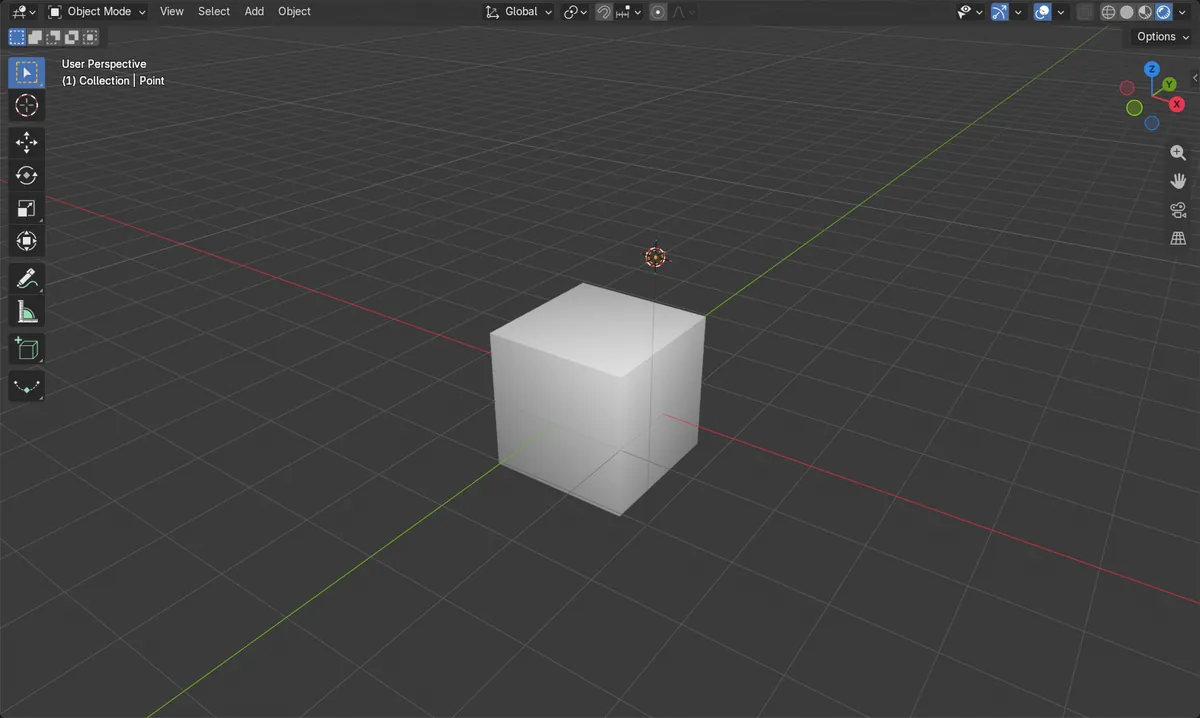
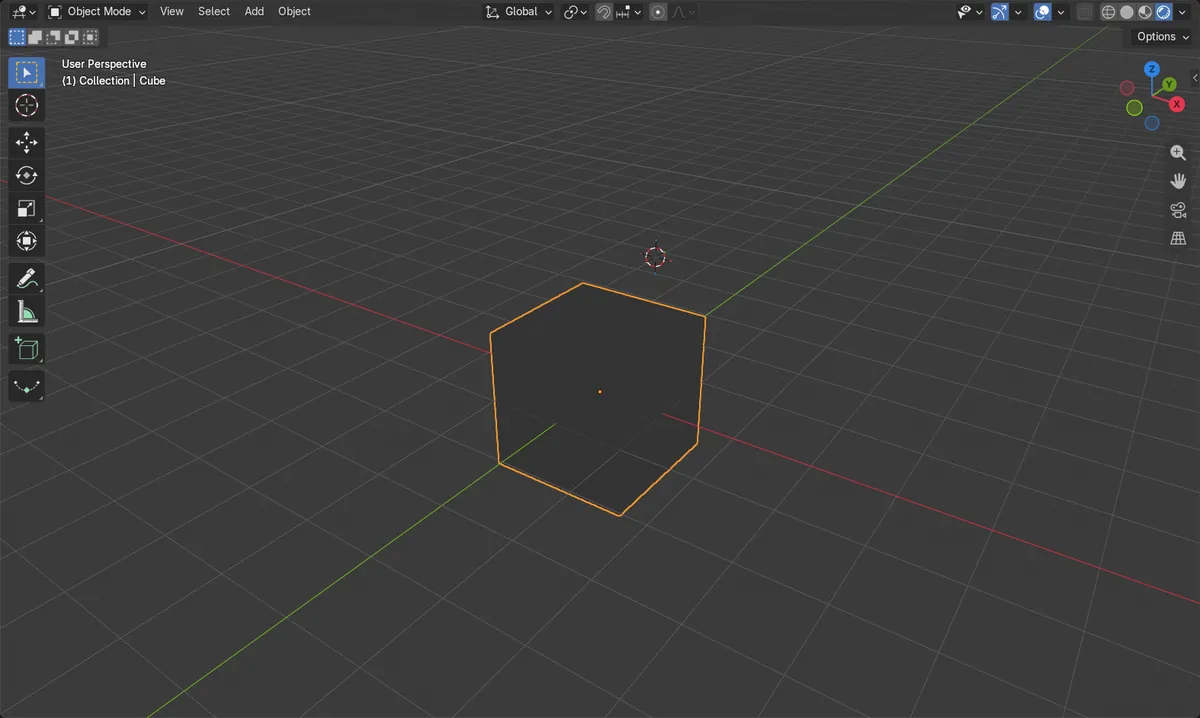
- Before: the scene had no lights and the cube was dark in Rendered shading.
- Shift + A > Light > Point added one Point light at the 3D cursor, at (2, -2, 3), with Power 10 W.
- After raising Power to 1000 W the cube was clearly lit in Rendered shading.
- Results were identical in Blender 4.2 LTS and Blender 5.x.