How to Add a Mesh Object in Blender (Shift+A)
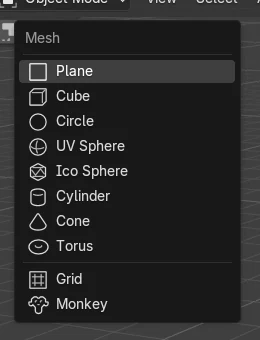
In Object Mode hover the 3D Viewport, press Shift + A, choose Mesh and pick a shape such as UV Sphere or Cone. The new object appears at the 3D cursor. Press F9 right away to change its size, segments or location. If you add a mesh while in Edit Mode, it becomes part of the mesh you are editing instead of a new object.
- Mode
- Object Mode, 3D Viewport
- Menu
- Add › Mesh
- Shortcut
- Shift + A
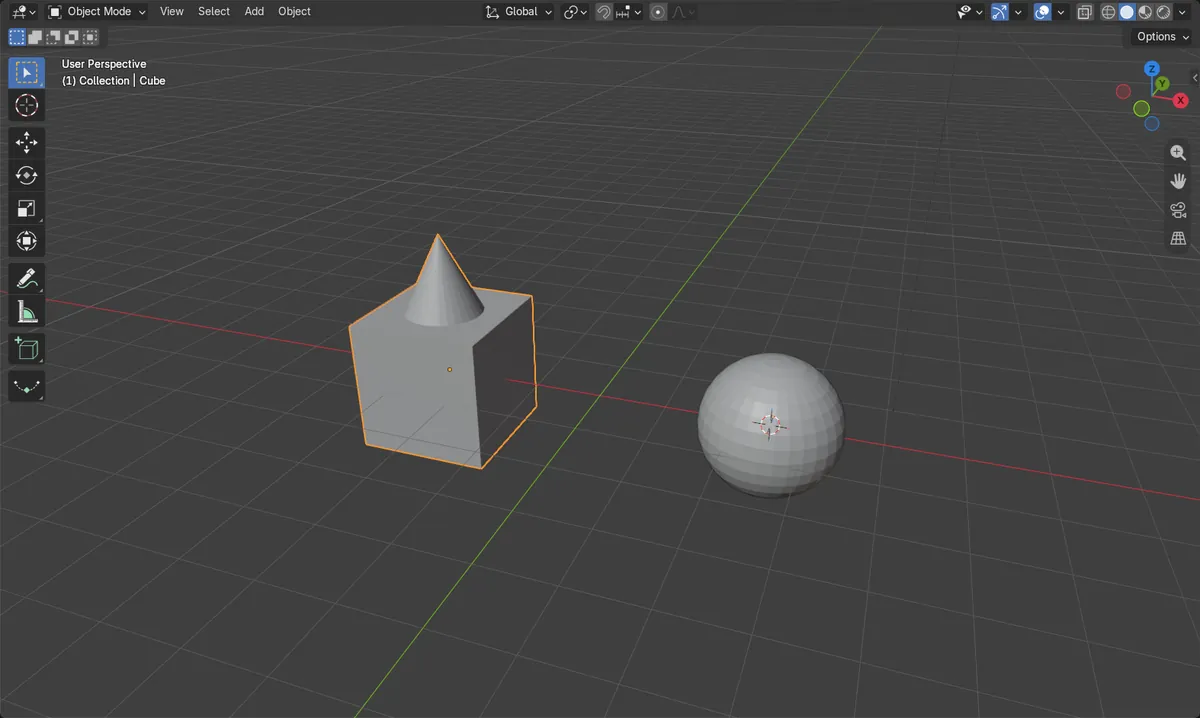
Shift + A > Mesh
Adds a cube, sphere, cone, cylinder and more.
Edit Mode joins
Added in Edit Mode, the shape becomes part of the current mesh.
F9
Changes size and segments right after adding.
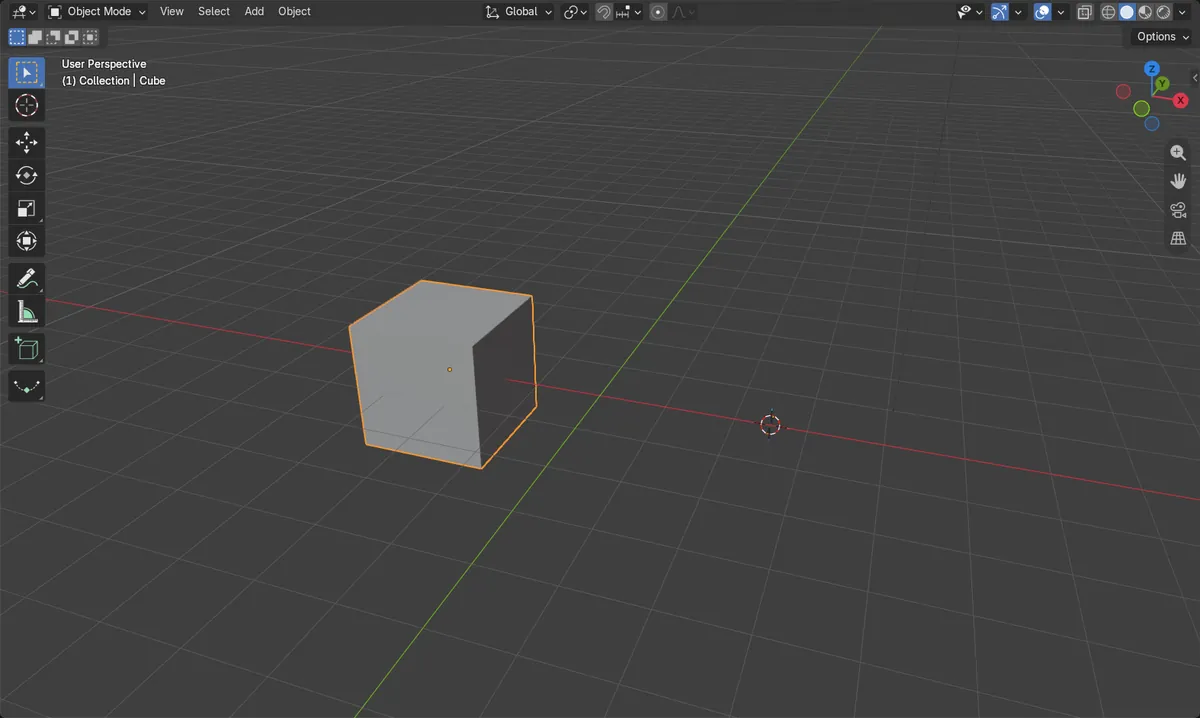
Before and after

AI Scene Builder is a Blender add-on. You type what you want, and it builds it in your scene: buildings, neon signs, wet pavement, fog and lights. Nothing in this picture was modeled by hand.
On a phone now? The add-on runs in Blender on a computer. Send yourself the link and open it there.
Step by step (Blender 5.x)
- Place the 3D cursor where the object should go with Shift + right-click, or leave it where it is.
- Make sure you are in Object Mode; press Tab if you are in Edit Mode.
- Hover the 3D Viewport, press Shift + A and choose Mesh › UV Sphere (or Cube, Cone, Cylinder).
- Press F9, or open the panel at the bottom left, to set Radius, Segments and Rings.
- Move the new object with G if needed.
Other ways to do it
- Add › Mesh in the 3D Viewport header
Common snags
The new object is not where I expected
New objects are placed at the 3D cursor, which may have been moved earlier. Move the object with G, or set the cursor first with Shift + right-click.
The shape became part of another object
In Edit Mode, Shift + A adds the shape into the mesh you are editing. In the test a cone added in Edit Mode raised the cube from 8 to 41 vertices and no new object appeared. Press Tab for Object Mode first.
The F9 panel is gone
The Redo panel works only right after adding. If you have done something else since, change the size with S instead.
An AI add-on for Blender
AI Scene Builder is a Blender add-on that builds and edits your scene from one typed request, such as “a small wooden table with two chairs”. Each request can be undone in one click.
 An evening market street built with the add-on from 11 typed requests. See every request →
Questions
Where does Blender place a new object?
At the 3D cursor. Set it with Shift + right-click before adding.
How do I change the number of segments on a sphere?
Press F9 right after adding it and change Segments and Rings.
Why did my new mesh join another object?
It was added in Edit Mode. Add objects in Object Mode to keep them separate.
What the pictures show
- Before: one mesh object, the cube.
- In Object Mode, Shift + A > Mesh > UV Sphere added a new 2 m sphere (32 segments, 16 rings, radius 1 m) at the 3D cursor, (2.5, 0, 0).
- In Edit Mode, Add > Mesh > Cone joined the cube's mesh: its 8 vertices became 41, and the scene still had two mesh objects.
- Results were identical in Blender 4.2 LTS and Blender 5.x.