How to Add and Edit 3D Text in Blender
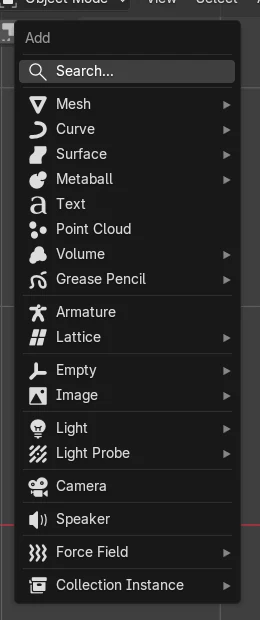
In Object Mode, press Shift + A and choose Text: a text object that reads "Text" appears at the 3D Cursor. Press Tab to edit it, erase the old word with the Backspace key, type your own words and press Tab again to leave edit mode. Give it depth with Extrude in the Object Data tab.
- Mode
- Object Mode and Edit Mode, 3D Viewport
- Menu
- Add › Text
- Shortcut
- Shift + A
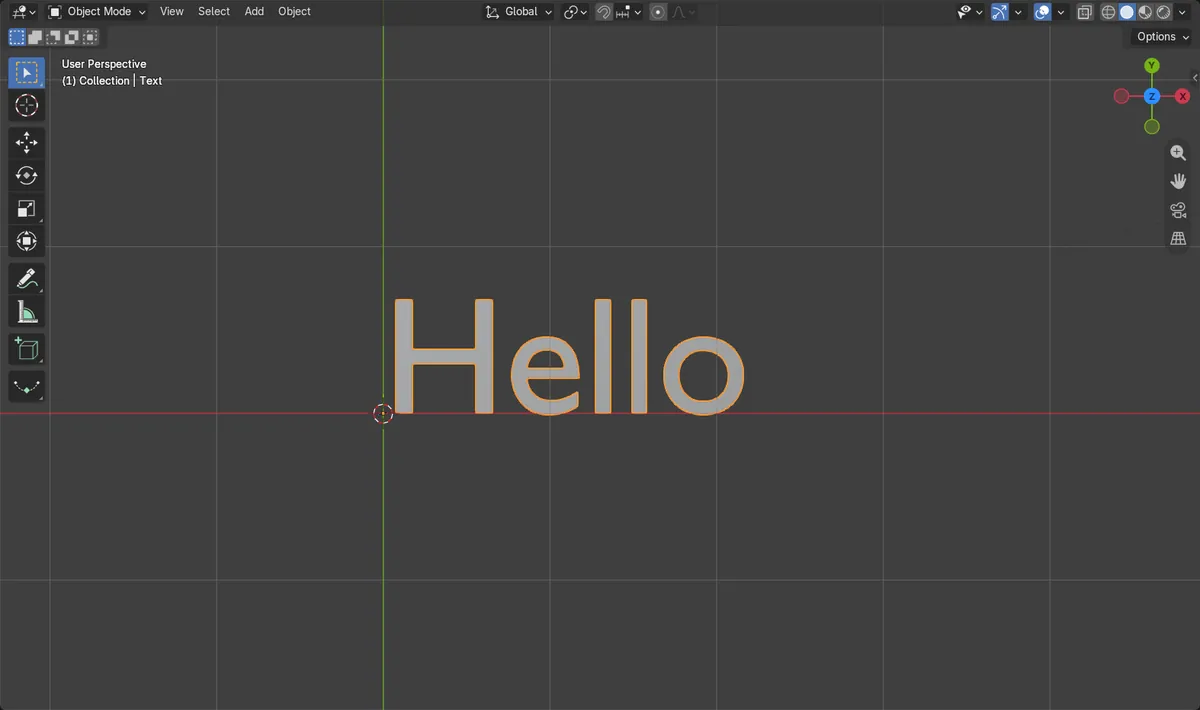
Tab to type
Edit Mode on a text object turns the keyboard into a text cursor.
Extrude for depth
The Geometry panel in the Object Data tab makes flat letters 3D.
Font and alignment
Pick a font file and set Left, Center or Right alignment.
Before and after

AI Scene Builder is a Blender add-on. You type what you want, and it builds it in your scene: buildings, neon signs, wet pavement, fog and lights. Nothing in this picture was modeled by hand.
On a phone now? The add-on runs in Blender on a computer. Send yourself the link and open it there.
Step by step (Blender 5.x)
- In Object Mode, hover the 3D Viewport and press Shift + A.
- Choose Text. A text object with the word Text appears at the 3D Cursor.
- Press Tab to enter Edit Mode. A text cursor appears after the last letter.
- Erase the letters with the Backspace key, or press Ctrl + A to select all text and type over it.
- Type your words, then press Tab to go back to Object Mode.
- Open the Object Data tab (the letter a icon) and raise Extrude under Geometry to give the letters thickness.
Other ways to do it
- Add › Text in the 3D Viewport header
- Text › Paste File in Edit Mode to load the words from a text file
Common snags
Typing runs shortcuts instead of letters
The text object is not in Edit Mode. Select it and press Tab before typing.
The letters are flat from the side
Text has no depth by default. Raise Extrude in the Geometry panel of the Object Data tab.
Japanese, Chinese or Korean text shows as boxes
The built-in font lacks those characters. Load a font file that has them in the Font panel.
An AI add-on for Blender
AI Scene Builder is a Blender add-on that builds and edits your scene from one typed request, such as “a small wooden table with two chairs”. Each request can be undone in one click.
 An evening market street built with the add-on from 11 typed requests. See every request →
Questions
How do I change the text in Blender?
Select the text object, press Tab, erase the old letters, type the new ones and press Tab again.
How do I make 3D text thicker?
Raise Extrude in the Geometry panel of the Object Data tab.
How do I center text in Blender?
Open the Object Data tab and set Horizontal to Center under Paragraph › Alignment.
What the pictures show
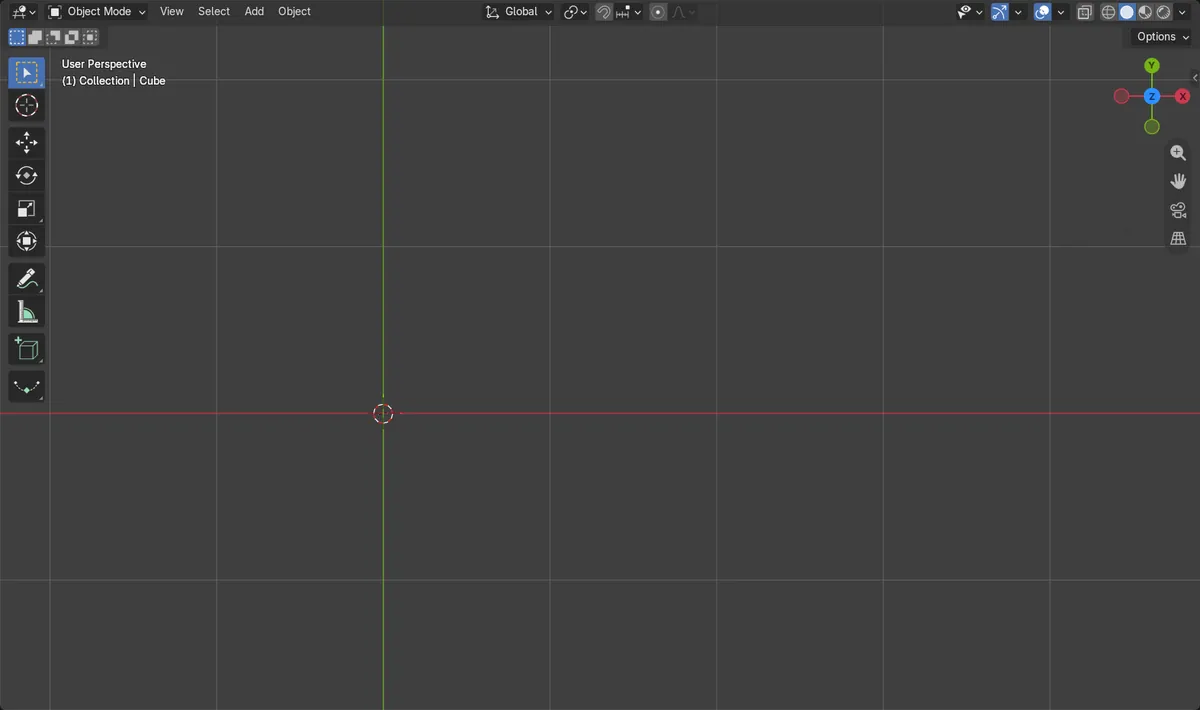
- Before: the scene had no text objects.
- After Add > Text and editing: 1 text object exists and its text reads Hello.
- The object was back in Object Mode after the second Tab.
- Results were identical in Blender 4.2 LTS and Blender 5.x.