How to Align a Bone to a Custom Transform Orientation in Pose Mode (Blender 5.3)
In Blender 5.3, set the Transform Orientation in the 3D Viewport header to the orientation you want, select the bone in Pose Mode and use Pose › Transform › Align to Transform Orientation. In the test a bone sat 65.5, 123.6 and 95.7 degrees off a custom orientation made from a tilted box; after Align to Transform Orientation all three axes matched it (0 degrees apart) and the bone's head did not move.
- Mode
- Pose Mode
- Menu
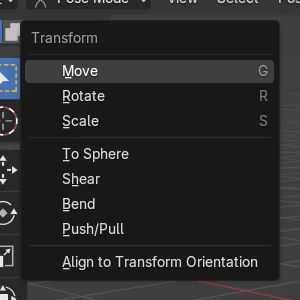
- Pose › Transform › Align to Transform Orientation
Now in the Pose menu
Pose › Transform lists Align to Transform Orientation, as Object › Transform already does in Object Mode.
Rotation changes, position stays
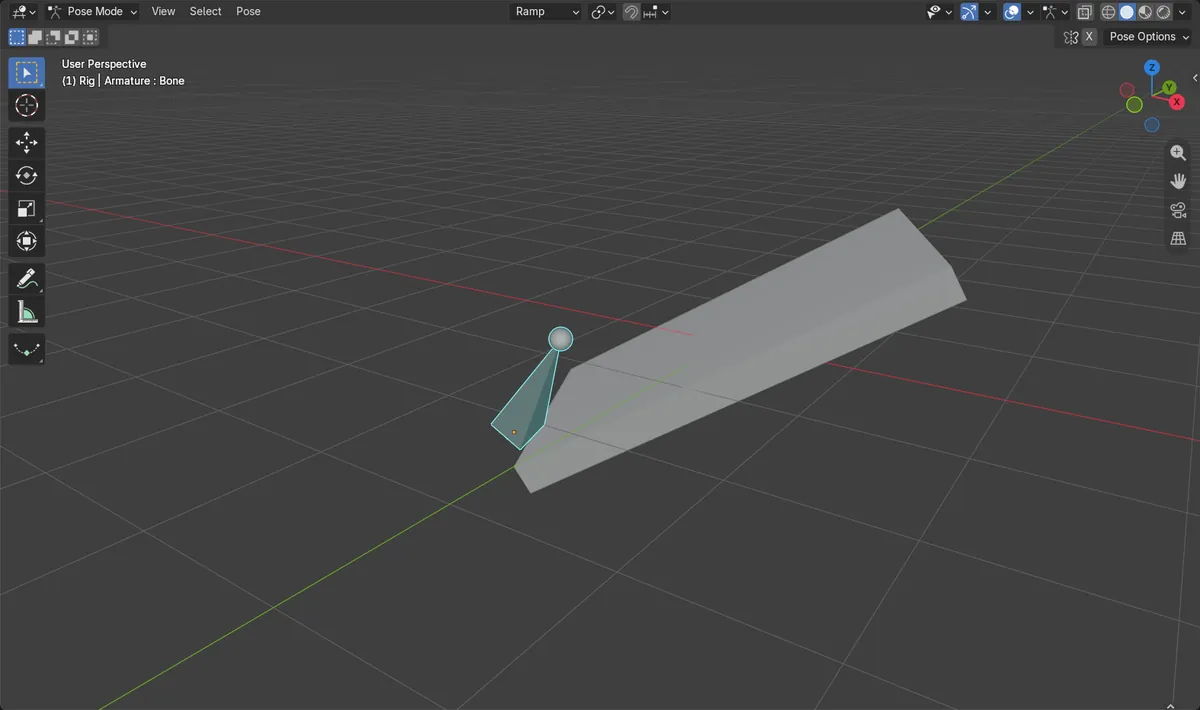
The bone's X, Y and Z axes lined up with the custom orientation, and its head stayed at the same place.
New in 5.3
In Blender 5.2 LTS, Pose › Transform does not have Align to Transform Orientation.
Before and after

AI Scene Builder is a Blender add-on. You type what you want, and it builds it in your scene: buildings, neon signs, wet pavement, fog and lights. Nothing in this picture was modeled by hand.
On a phone now? The add-on runs in Blender on a computer. Send yourself the link and open it there.
Step by step (Blender 5.3)
- In Object Mode, select the object whose rotation the bone should copy, open the Transform Orientations drop-down in the 3D Viewport header and click the plus button to create an orientation from it.
- Keep the new orientation chosen in that drop-down; it is named after the object (Ramp in the test).
- Select the armature and switch to Pose Mode, then select the bone to align.
- Open Pose › Transform › Align to Transform Orientation.Blender 5.2 LTS: Blender 5.2 LTS has no Align to Transform Orientation in Pose › Transform.
- Check the bone: its axes now point the same way as the orientation, and its head has not moved.
- Insert a rotation key afterwards if the pose belongs in an animation.
Other ways to do it
- In Object Mode, use Object › Transform › Align to Transform Orientation to align a whole object the same way
- Choose Global in the Transform Orientations drop-down to line the bone up with the world axes
Blender 5.2 LTS vs Blender 5.3
| What | Blender 5.2 LTS | Blender 5.3 |
|---|---|---|
| Align to Transform Orientation in Pose Mode | Not in Blender 5.2 LTS. Pose › Transform has no Align to Transform Orientation entry. | Blender 5.3 adds Align to Transform Orientation to Pose › Transform. |
Common snags
The bone lined up with the world instead
The Transform Orientations drop-down was still set to Global. Choose your custom orientation there before using Align to Transform Orientation.
The entry is not in the menu
The armature is in Edit Mode or you are on Blender 5.2 LTS. The entry is shown in Pose Mode; switch the armature to Pose Mode first.
The bone no longer follows the object
A custom orientation stores the object's axes at the moment it is created. If the object is rotated later, create the orientation again before aligning.
An AI add-on for Blender
AI Scene Builder is a Blender add-on that builds and edits your scene from one typed request, such as “a small wooden table with two chairs”. Each request can be undone in one click.
 An evening market street built with the add-on from 11 typed requests. See every request →
Questions
How do I rotate a bone to match another object's rotation in Blender?
Create a transform orientation from the object, choose it in the header, then in Pose Mode use Pose › Transform › Align to Transform Orientation in Blender 5.3.
Does Align to Transform Orientation move the bone?
No. In the test it changed the bone's rotation and the bone's head stayed where it was.
Can I align several bones at once?
Align to Transform Orientation works on the selected bones, so select every bone you want to line up before using it.
What the pictures show
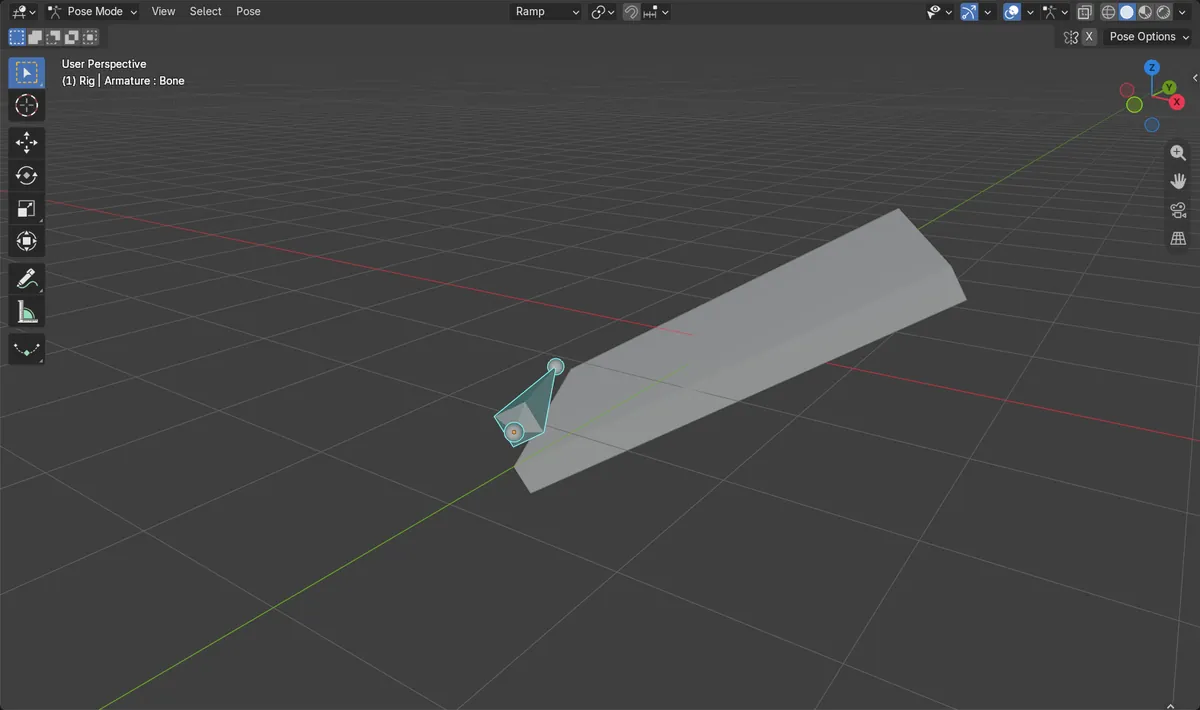
- Before: a custom orientation Ramp made from a box rotated -30 degrees on Y and 25 degrees on Z, and a pose bone whose X, Y and Z axes were 65.5, 123.6 and 95.7 degrees away from the Ramp axes.
- After Pose > Transform > Align to Transform Orientation in Blender 5.3: all three axes were 0 degrees away from the Ramp axes, and the bone's head stayed at the same position.
- In Blender 5.2 LTS, Pose > Transform had no Align to Transform Orientation entry; Object > Transform had it in both versions.