How to Cut a Shape Out of an Object in Blender
Select the object you want to cut, open the Modifiers tab, choose Add Modifier › Generate › Boolean, set Operation to Difference and pick the cutting object in the Object field. The overlapping volume is removed from the first object, and you can hide the cutter with H.
- Mode
- Object Mode, Properties editor (Modifiers tab)
- Shortcut
- H (hide the cutter)
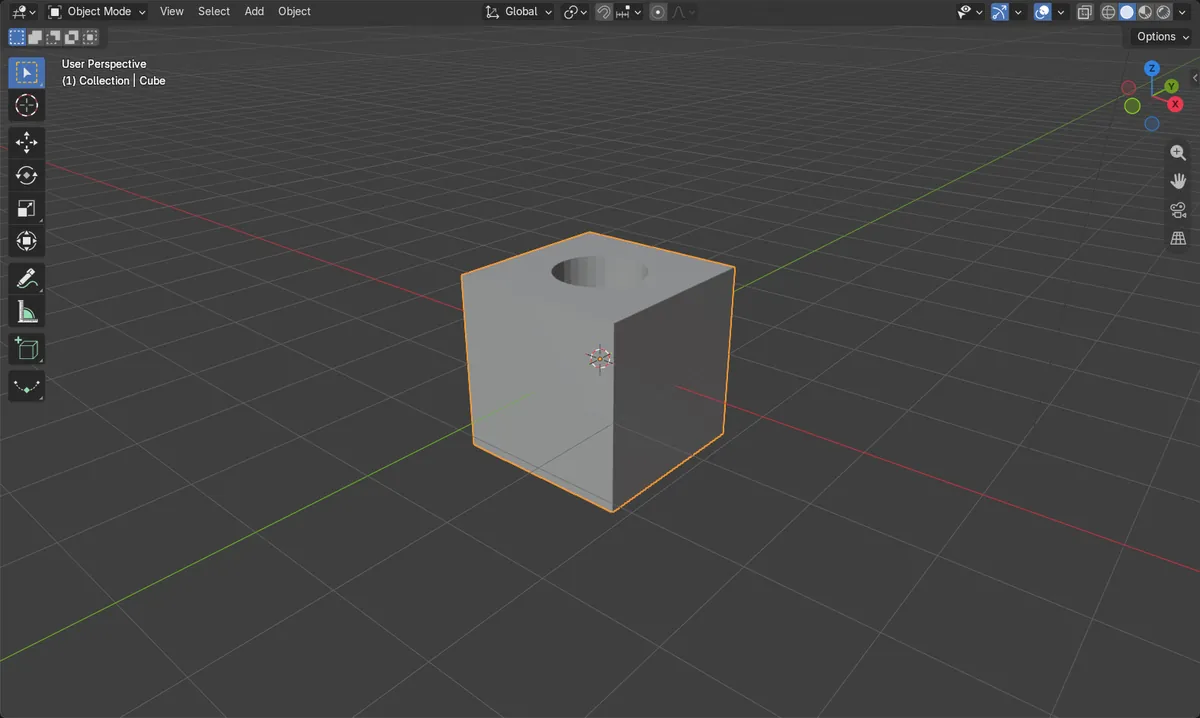
Difference
Set Operation to Difference and pick the cutter in Object.
Hide cutter
Select the cutter and press H to see the result.
Before and after

AI Scene Builder is a Blender add-on. You type what you want, and it builds it in your scene: buildings, neon signs, wet pavement, fog and lights. Nothing in this picture was modeled by hand.
On a phone now? The add-on runs in Blender on a computer. Send yourself the link and open it there.
Step by step (Blender 5.x)
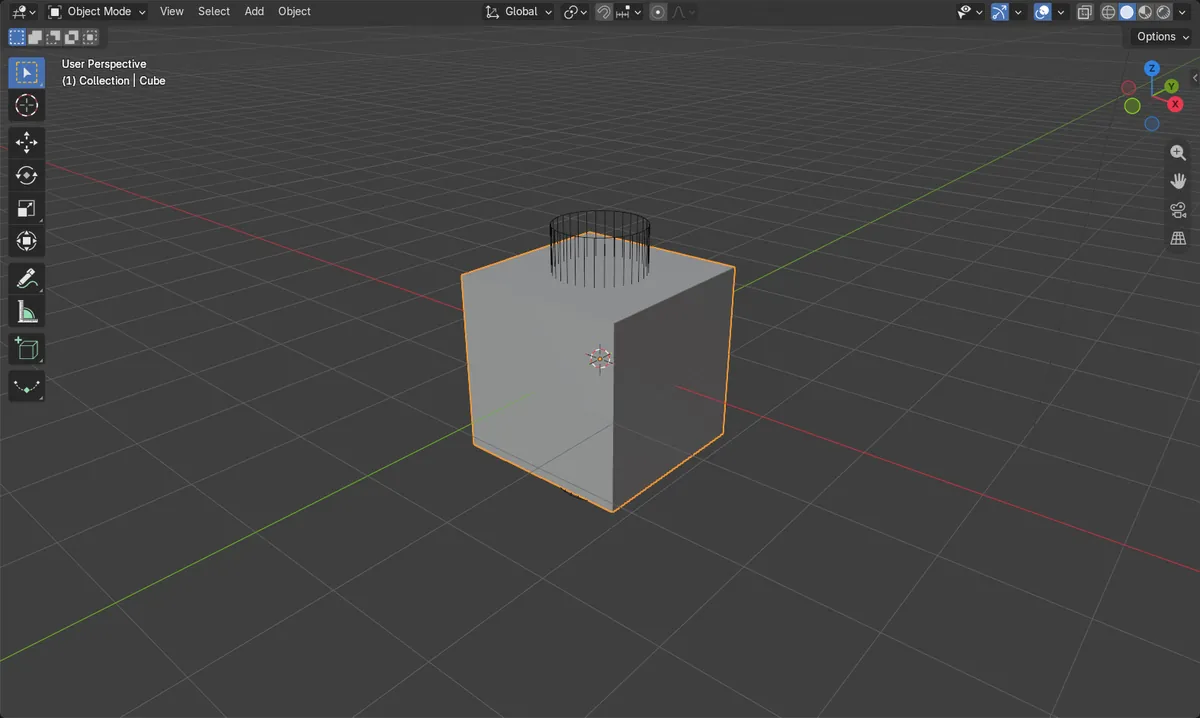
- Add or place the cutting object (for example a cylinder) so it overlaps the object you want to cut. Optionally set its Display As to Wire in Object tab › Viewport Display.
- Click the object to be cut so it is the active object.
- Open the Modifiers tab in the Properties editor and choose Add Modifier › Generate › Boolean.
- In the Boolean modifier, set Operation to Difference.
- Click the Object field and choose the cutter object.
- Select the cutter and press H to hide it. The hole remains in the cut object.
- Optional: to make the cut permanent, use Apply Modifier from the modifier's drop-down menu.
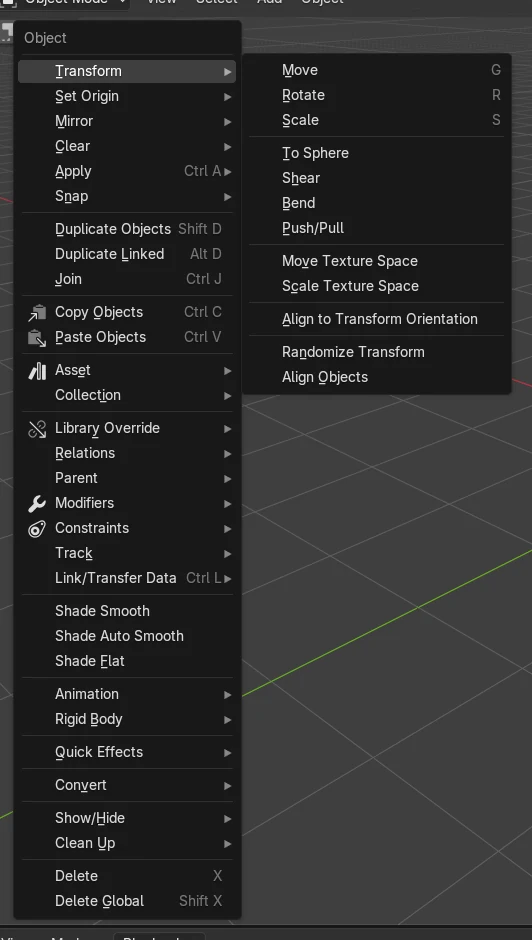
Other ways to do it
- Operation can also be Union (merge) or Intersect (keep only the overlap)
Common snags
Nothing is cut
The Object field is empty or the cutter does not overlap the target. Pick the cutter in Object and move it so it passes through the target.
Cutter still visible
The cutter stays in the scene and covers the result. Select it and press H to hide it.
Wrong object has the modifier
The modifier must be on the object being cut, not on the cutter. Click the target first, then add the Boolean.
Or type one line in AI Scene Builder
AI Scene Builder is a Blender add-on that carries out the steps for you from one typed request. For this task, type a request like this one, using your own object names:
Cut a hole in the Cube using the Cylinder with a Boolean difference and hide the Cylinder A log cabin room built with the add-on from 9 typed requests. See every request →
Questions
How do I cut a hole in a mesh in Blender?
Add a Boolean modifier to the mesh, set Operation to Difference, and choose the cutting object. Hide the cutter to see the hole.
How do I keep the cut permanently?
Use Apply Modifier on the Boolean modifier. It is applied to the mesh and removed from the stack.
What the pictures show
- Before the cut, the cube had 8 vertices and no modifiers.
- After adding the Boolean (Difference) with a cylinder cutter, the evaluated cube had 72 vertices.
- The cube then had 1 modifier, and the cutter was hidden.
- The result was the same in Blender 4.2 LTS and 5.x.