Constrain the Camera to Look at an Object in Blender
Select the camera, open the Constraints tab in the Properties editor, click Add Object Constraint and choose Track To. Then set the Target to your object, with Track Axis -Z and Up Y, and the camera will keep facing it even when either one moves.
- Mode
- Object Mode, 3D Viewport and Properties editor
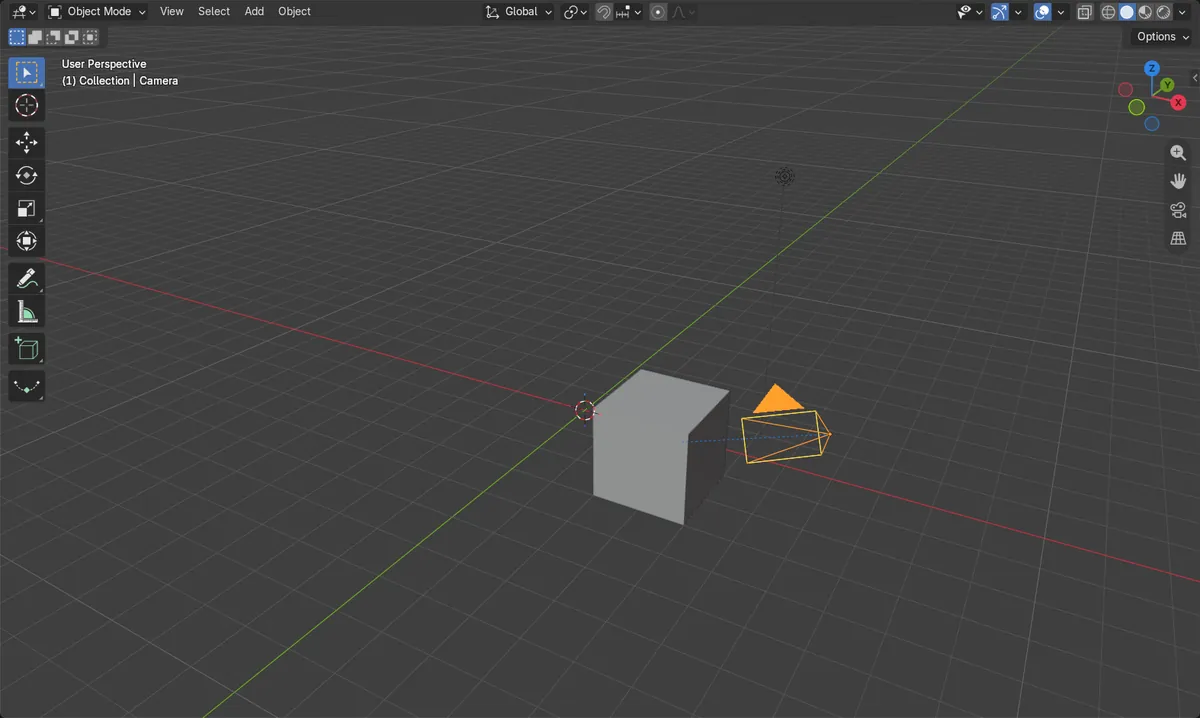
Constraints tab
Add Object Constraint lives in the Constraints tab of the Properties editor.
Track -Z, Up Y
These axis settings point the camera lens at the target.
Select the camera
The constraint is added to the active object, so make the camera active first.
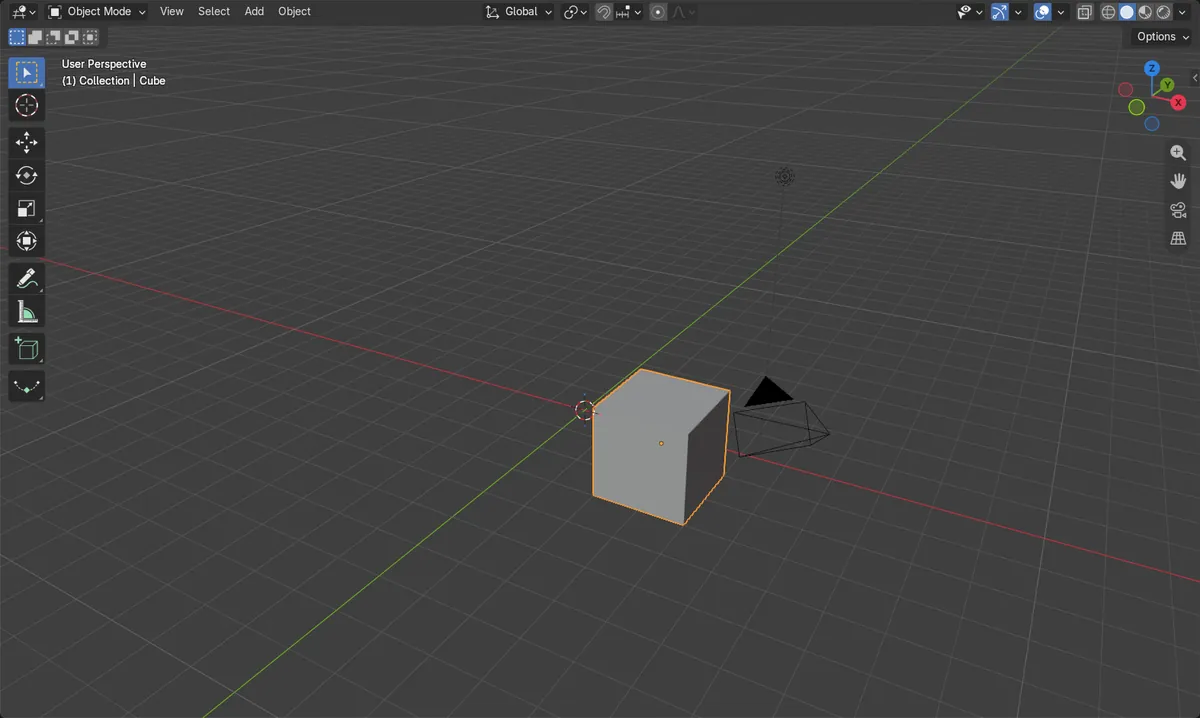
Before and after

AI Scene Builder is a Blender add-on. You type what you want, and it builds it in your scene: buildings, neon signs, wet pavement, fog and lights. Nothing in this picture was modeled by hand.
On a phone now? The add-on runs in Blender on a computer. Send yourself the link and open it there.
Step by step (Blender 5.x)
- In the 3D Viewport, click the camera to select it and make it active.
- In the Properties editor, open the Constraints tab (Object Constraints).
- Click Add Object Constraint and choose Track To from the list.
- Set Target to the object the camera should look at (for example the Cube).
- Set Track Axis to -Z and Up to Y so the camera's view direction points at the target.
- Move the target object and check that the camera turns to follow it.
Other ways to do it
- In the 3D Viewport, the Object › Constraints menu also has an Add Constraint (with Targets) entry.
- To remove constraints from the selected objects, use Object › Constraints › Clear Object Constraints.
Common snags
Camera points away or tilts
If the camera faces the wrong way or rolls sideways, the axes are wrong. Set Track Axis to -Z and Up to Y.
Constraint added to wrong object
The constraint goes on the active object. If the target got it instead, clear it with Object › Constraints › Clear Object Constraints, then select the camera and repeat.
Nothing happens
If Target is empty the constraint has no effect. Pick the object in the Target field.
Or type one line in AI Scene Builder
AI Scene Builder is a Blender add-on that carries out the steps for you from one typed request. For this task, type a request like this one, using your own object names:
Make the camera always look at the Cube using a Track To constraint An evening market street built with the add-on from 11 typed requests. See every request →
Questions
How do I make a camera follow an object in Blender?
Add a Track To constraint to the camera in the Constraints tab and set its Target to the object. The camera then turns to follow it.
Which axis should the camera track?
Use Track Axis -Z with Up Y. A camera looks down its own negative Z axis.
What the pictures show
- Before the constraint, the camera's view direction was about 6.5 degrees off the cube at (3, -2, 1) m.
- After adding Track To with -Z and Up Y, the angle was 0 degrees.
- The camera had 0 constraints before and 1 after, and the cube did not move.