How to Clear Parent but Keep the Transform in Blender
Select the child object in the 3D Viewport, press Alt + P and choose the Clear and Keep Transformation entry. The parent link is removed and the object keeps its world position, rotation and scale. The same entries are in Object › Parent.
- Mode
- Object Mode, 3D Viewport
- Menu
- Object › Parent › Clear Parent (pick the keep-transform entry)
- Shortcut
- Alt + P
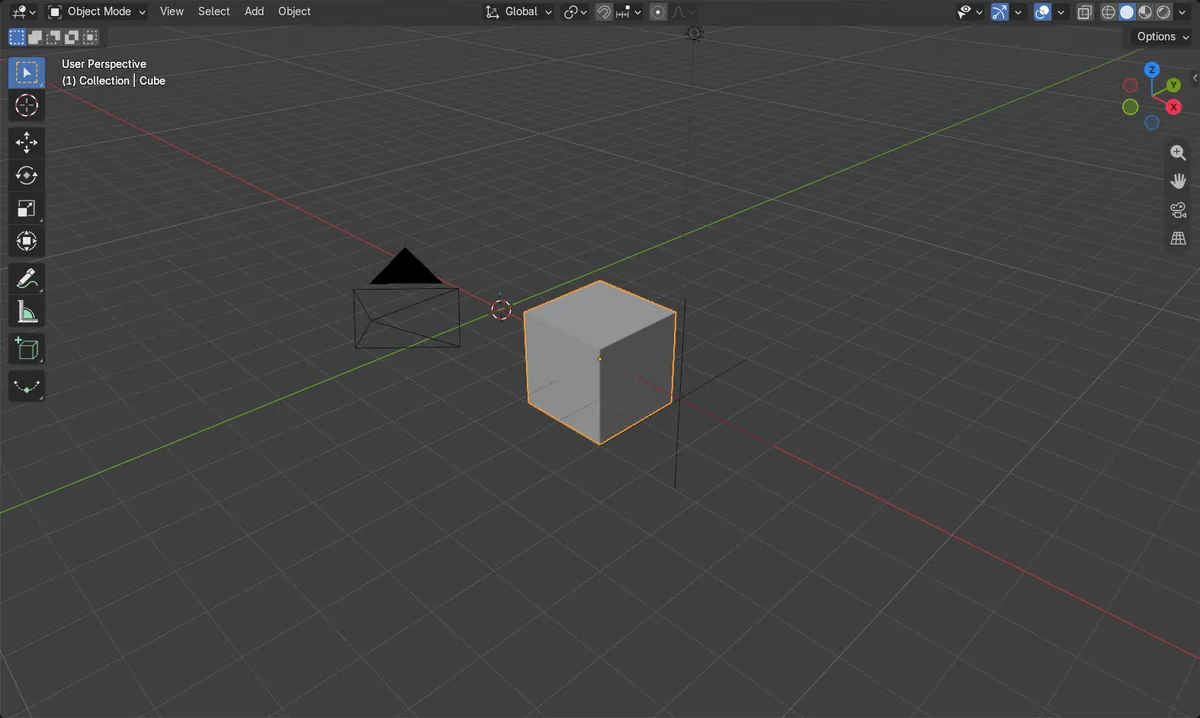
Alt + P
Opens the Clear Parent choices in Object Mode.
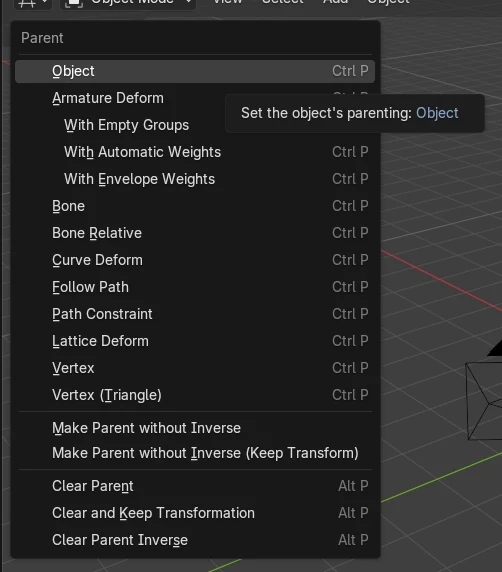
Object > Parent
Same choices are in the Object menu and the right-click menu.
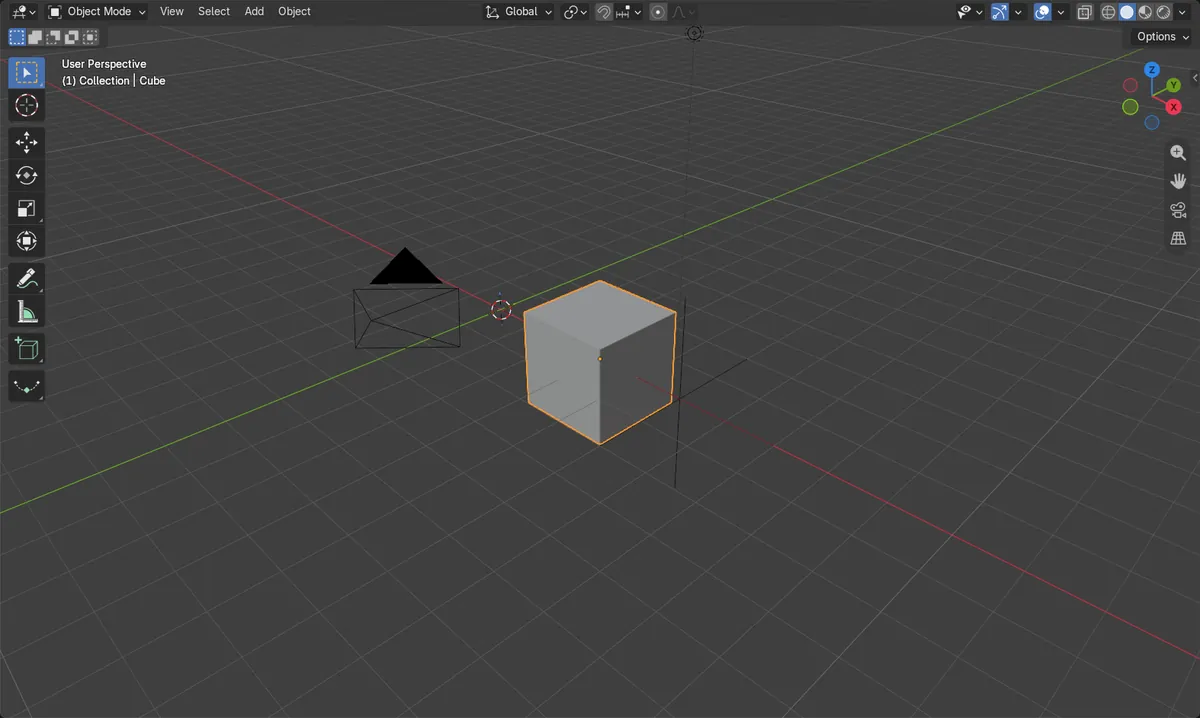
Position stays
Local values now equal the world values.
Before and after

AI Scene Builder is a Blender add-on. You type what you want, and it builds it in your scene: buildings, neon signs, wet pavement, fog and lights. Nothing in this picture was modeled by hand.
On a phone now? The add-on runs in Blender on a computer. Send yourself the link and open it there.
Step by step (Blender 5.x)
- Hover the mouse over the 3D Viewport and make sure you are in Object Mode.
- Click the child object (the one with a parent) so it is selected and active.
- Press Alt + P, or open Object › Parent, to see the Clear Parent choices.
- Choose the keep-transform entry (Clear and Keep Transformation). The object is no longer parented and has not moved.
- Open the Object tab › Relations panel and check that the Parent field is empty.
Other ways to do it
- Object › Parent (3D Viewport header) and pick the keep-transform entry
- Right-click the object in the viewport, then Parent, then the keep-transform entry
Common snags
Object jumps or rescales
Plain Clear Parent drops the parent's influence, so the object can move or change size. Undo and use the keep-transform entry instead.
Nothing happens
The mouse may be over another editor, or you are not in Object Mode. Move the cursor over the 3D Viewport and switch to Object Mode.
Wrong object selected
The command works on the selected objects. Select the child, not the parent, then run it.
Or type one line in AI Scene Builder
AI Scene Builder is a Blender add-on that carries out the steps for you from one typed request. For this task, type a request like this one, using your own object names:
Clear the parent of the selected object but keep its current position, rotation and scale A log cabin room built with the add-on from 9 typed requests. See every request →
Questions
What is the shortcut to clear parent in Blender?
Alt + P in Object Mode with the mouse over the 3D Viewport. It opens the Clear Parent choices.
Why did my object move after clearing the parent?
Plain Clear Parent removes the parent's transform from the object. Undo it and choose the keep-transform option.
What the pictures show
- Before: the Cube had the parent Parent_Empty, with world position (3, 0, 0) m and local position (0, 0, 0).
- After: the parent is None, world position is still (3, 0, 0) m and local position is now (3, 0, 0).
- World scale stayed at (1, 1, 1) before and after, so the size did not change.
- Results were identical in Blender 4.2 LTS and Blender 5.x.