How to Delete an Object in Blender
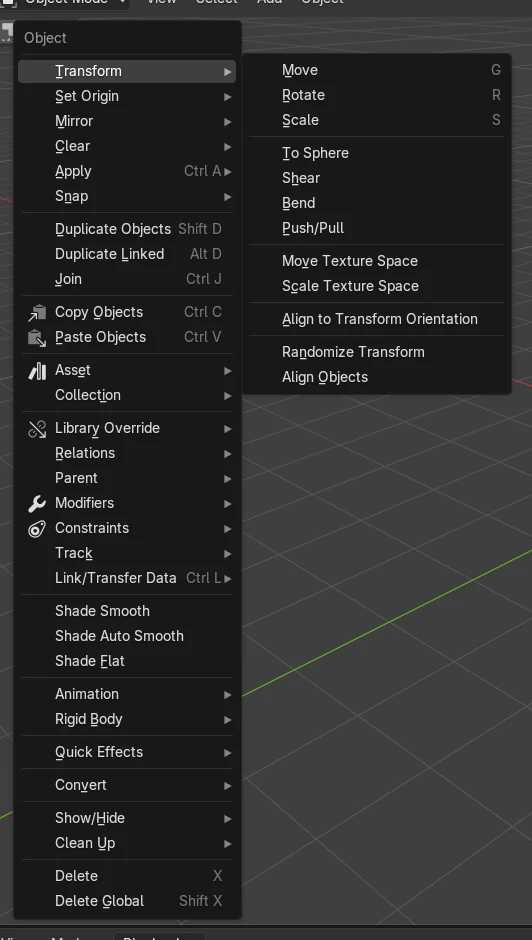
Select the object in the 3D Viewport in Object Mode, then press X (and confirm) or press Delete to remove it right away. You can also choose Object › Delete from the 3D Viewport header menu.
- Mode
- Object Mode, 3D Viewport
- Menu
- Object › Delete
- Shortcut
- X or Delete
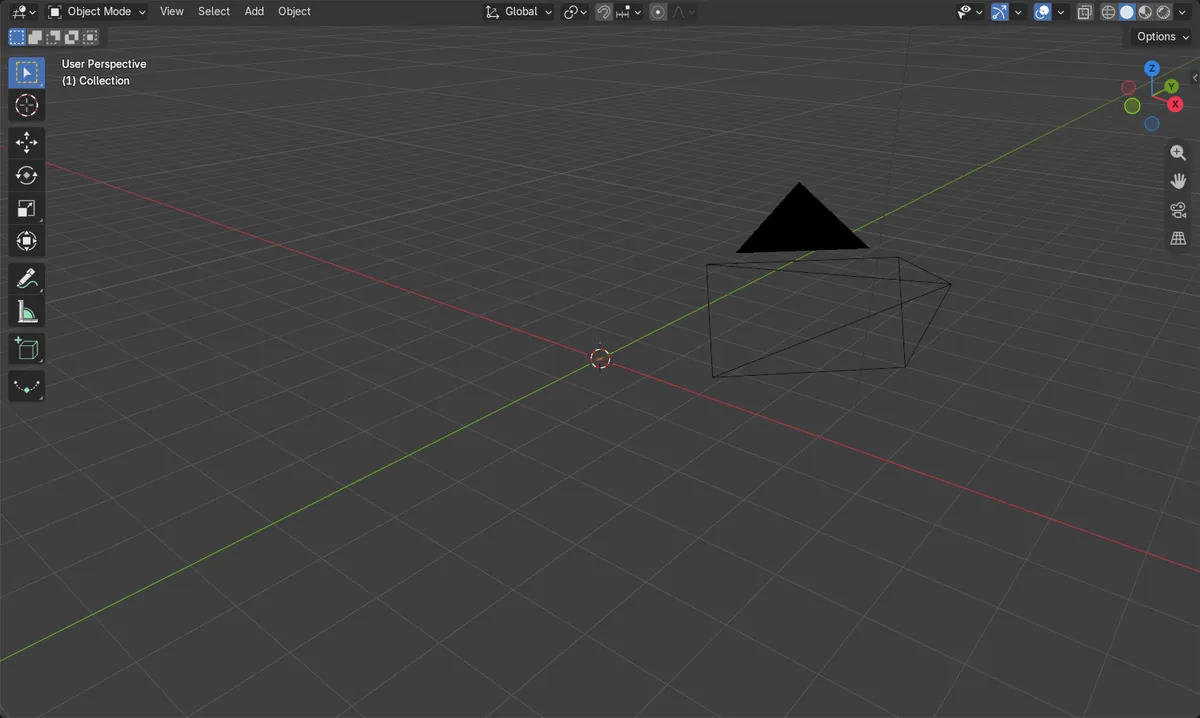
X or Delete
X asks for confirmation; Delete removes the selection immediately.
Object > Delete
Same action from the 3D Viewport header menu.
Undo with Ctrl + Z
Brings the object back if you delete the wrong one.
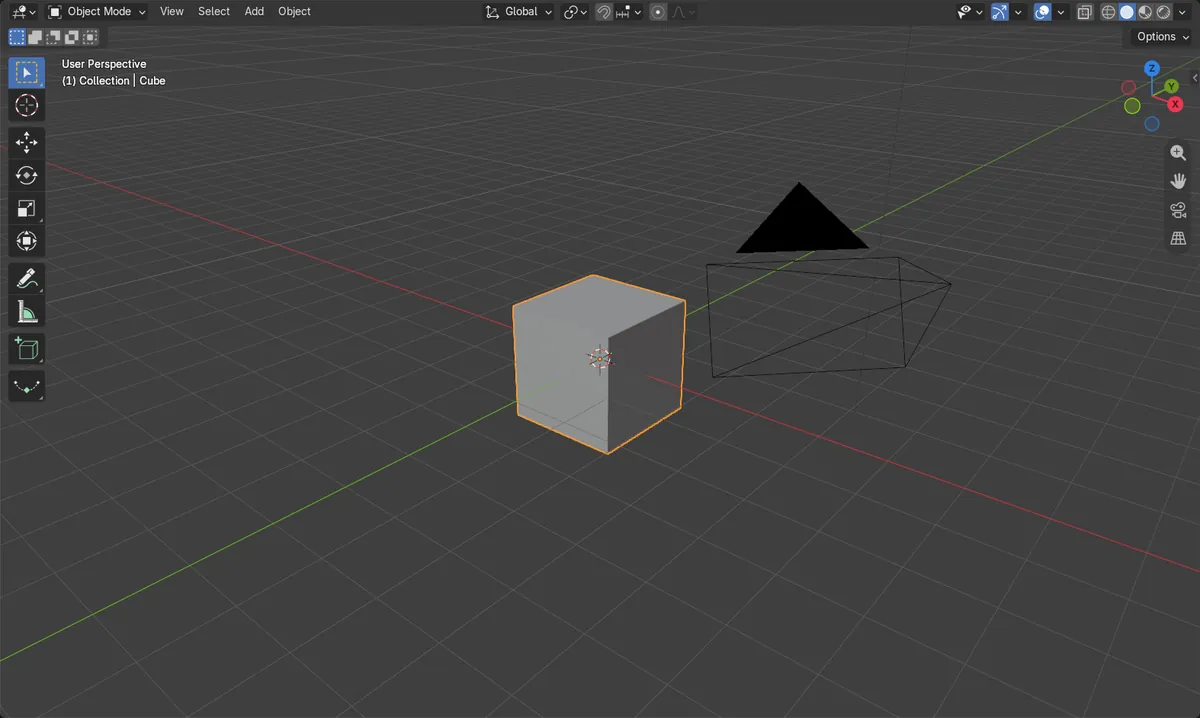
Before and after

AI Scene Builder is a Blender add-on. You type what you want, and it builds it in your scene: buildings, neon signs, wet pavement, fog and lights. Nothing in this picture was modeled by hand.
On a phone now? The add-on runs in Blender on a computer. Send yourself the link and open it there.
Step by step (Blender 5.x)
- Hover the mouse over the 3D Viewport and make sure you are in Object Mode.
- Click the object you want to remove (for example the default Cube) so it is selected and highlighted.
- Press X and confirm Delete, or press Delete to remove it without a prompt. Alternatively choose Object › Delete.
- Check that the object has disappeared from the viewport and from the Outliner.
Other ways to do it
- Right-click the object in the 3D Viewport and choose Delete.
- Object › Delete Global removes the object from all scenes (also Shift + X or Shift + Delete).
- In the Outliner, select the object and press X or Delete, or use the Object menu › Delete.
- In the Outliner, Object › Delete Hierarchy deletes the object together with its children.
- Ctrl + Z undoes the deletion.
Common snags
Nothing happens
The mouse is probably over another editor, or nothing is selected. Move the cursor into the 3D Viewport and click the object first.
Wrong mode
In Edit Mode the same keys delete mesh parts such as vertices, not the whole object. Press Tab to return to Object Mode first.
Mesh data remains in the file
Deleting the object leaves its mesh with 0 users until it is purged. Use Purge All to clear orphaned data from the file.
Or type one line in AI Scene Builder
AI Scene Builder is a Blender add-on that carries out the steps for you from one typed request. For this task, type a request like this one, using your own object names:
Delete the selected object from the scene A log cabin room built with the add-on from 9 typed requests. See every request →
Questions
How do I undo deleting an object in Blender?
Press Ctrl + Z with the mouse over the 3D Viewport to restore the object.
What is the difference between Delete and Delete Global?
Delete removes the object from the current scene, while Delete Global removes it from all scenes.
How do I delete an object and its children?
In the Outliner, select the object and use Object › Delete Hierarchy.
What the pictures show
- Before: the scene had 3 objects (Camera, Cube, Light), with 1 mesh object.
- After deleting the selected Cube: 2 objects remain (Camera, Light) and 0 mesh objects.
- The Cube's mesh data was left with 0 users, and nothing remained selected.
- The result was the same in Blender 4.2 LTS and Blender 5.x.