How to Stop One Object Casting a Shadow in Blender
Select the object, open the Object tab in the Properties editor, and untick Shadow in the Visibility panel. The object stays visible to the camera but no longer casts a shadow onto other objects.
- Mode
- Object Mode, Properties editor (Object tab)
- Menu
- Properties editor › Object tab › Visibility › Shadow
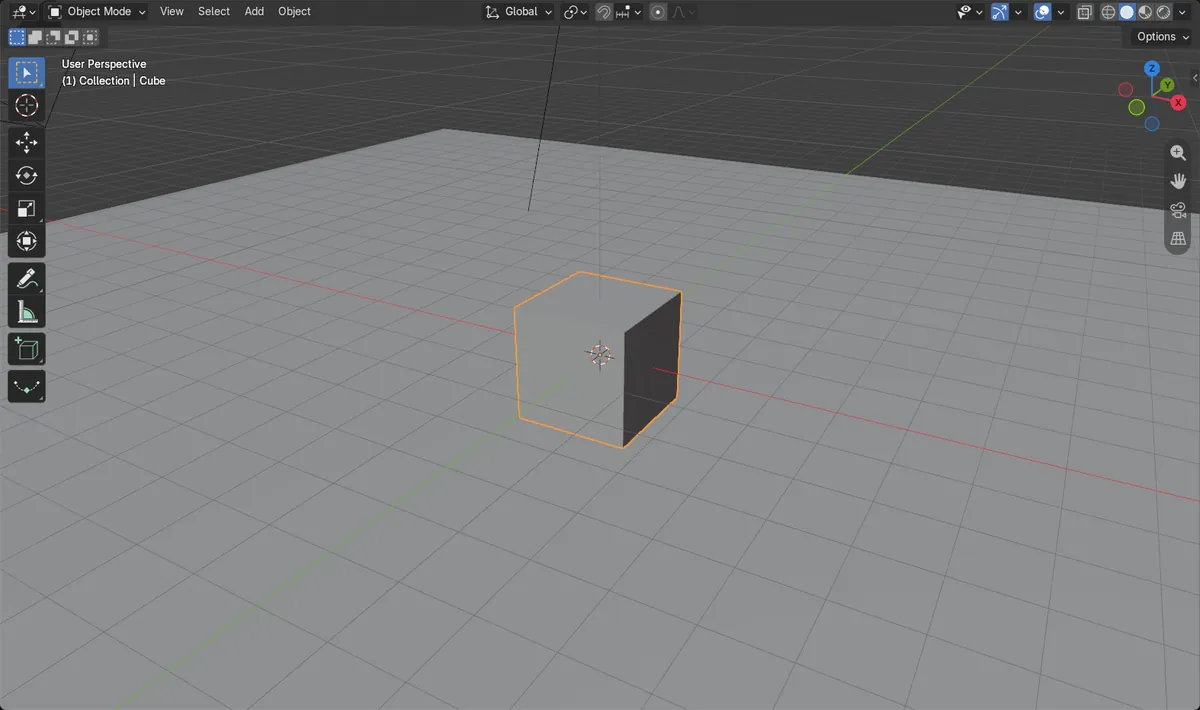
One checkbox
Untick Shadow in the Visibility panel of the Object tab.
Select first
Only the active object is affected, so click it first.
Camera unaffected
The object still renders. Only its shadow disappears.
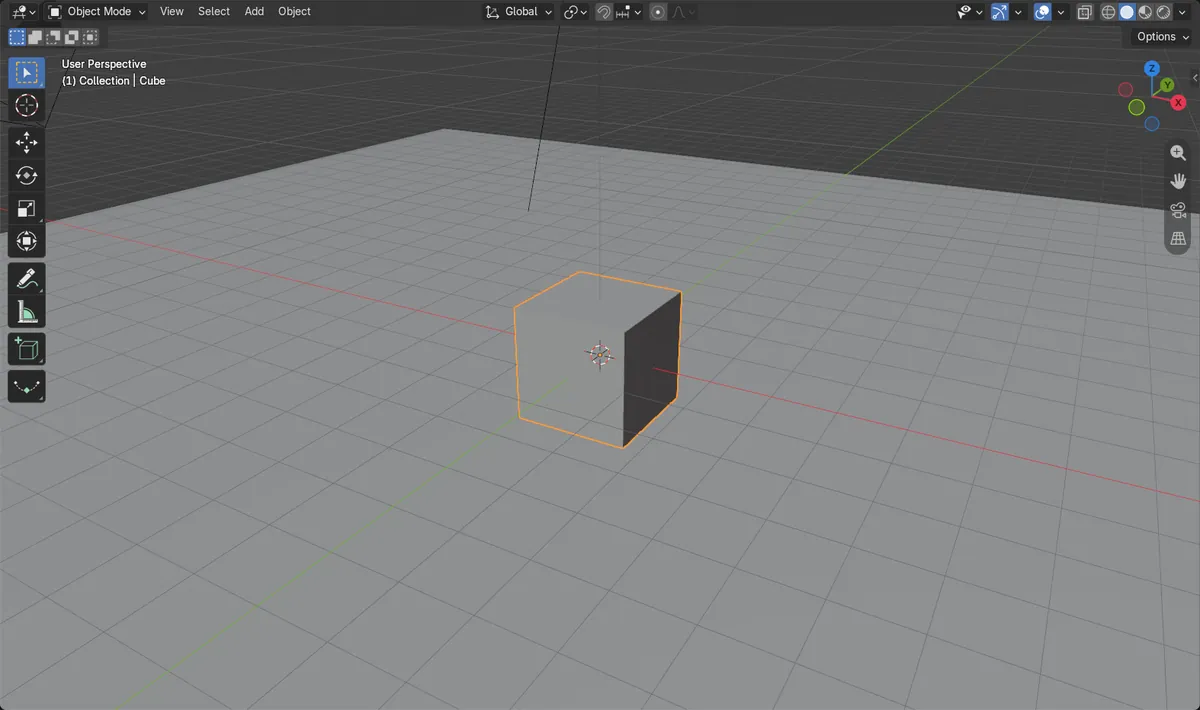
Before and after

AI Scene Builder is a Blender add-on. You type what you want, and it builds it in your scene: buildings, neon signs, wet pavement, fog and lights. Nothing in this picture was modeled by hand.
On a phone now? The add-on runs in Blender on a computer. Send yourself the link and open it there.
Step by step (Blender 5.x)
- Click the object in the 3D Viewport or Outliner so it is the active object.
- In the Properties editor, open the Object tab.
- Expand the Visibility panel.
- Untick Shadow. In Cycles you can also find it under Visibility › Ray Visibility.
- Render the image with F12 to check that the shadow is gone.
Other ways to do it
- Cycles: Object tab › Visibility › Ray Visibility › Shadow
- Keep Camera ticked in the same panel if you want the object to remain visible in the render.
Common snags
Wrong object selected
If the shadow stays, another object may be casting it or the wrong object is active. Click the shadow-casting object and check its Object tab.
Can't find the setting
The Properties editor must show the Object tab. Expand the Visibility panel if it is collapsed.
Or type one line in AI Scene Builder
AI Scene Builder is a Blender add-on that carries out the steps for you from one typed request. For this task, type a request like this one, using your own object names:
Stop the selected object from casting a shadow but keep it visible to the camera A log cabin room built with the add-on from 9 typed requests. See every request →
Questions
Can an object be visible but not cast a shadow?
Yes. Untick Shadow in the Object tab's Visibility panel and leave Camera ticked. The object still renders but casts no shadow.
Where is the Shadow checkbox?
In the Object tab's Visibility panel. With Cycles it is also listed under Visibility › Ray Visibility.
What the pictures show
- Shadow was on before and off after for the cube.
- Dark shadow pixels in a 320x180 test render dropped from about 2195 to 0.
- The brightness of the lit floor stayed the same (0.7412) before and after.
- Results matched in Blender 4.2 LTS and Blender 5.x.