How to Duplicate Multiple Shape Keys at Once in Blender (Blender 5.3)
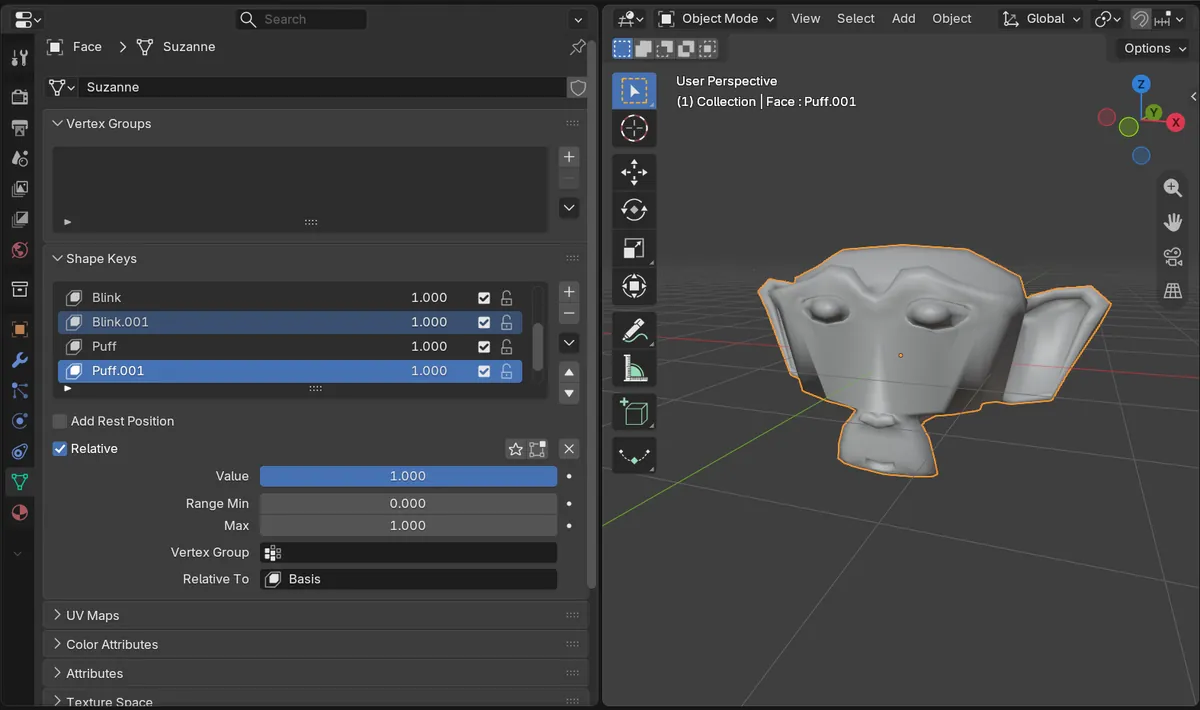
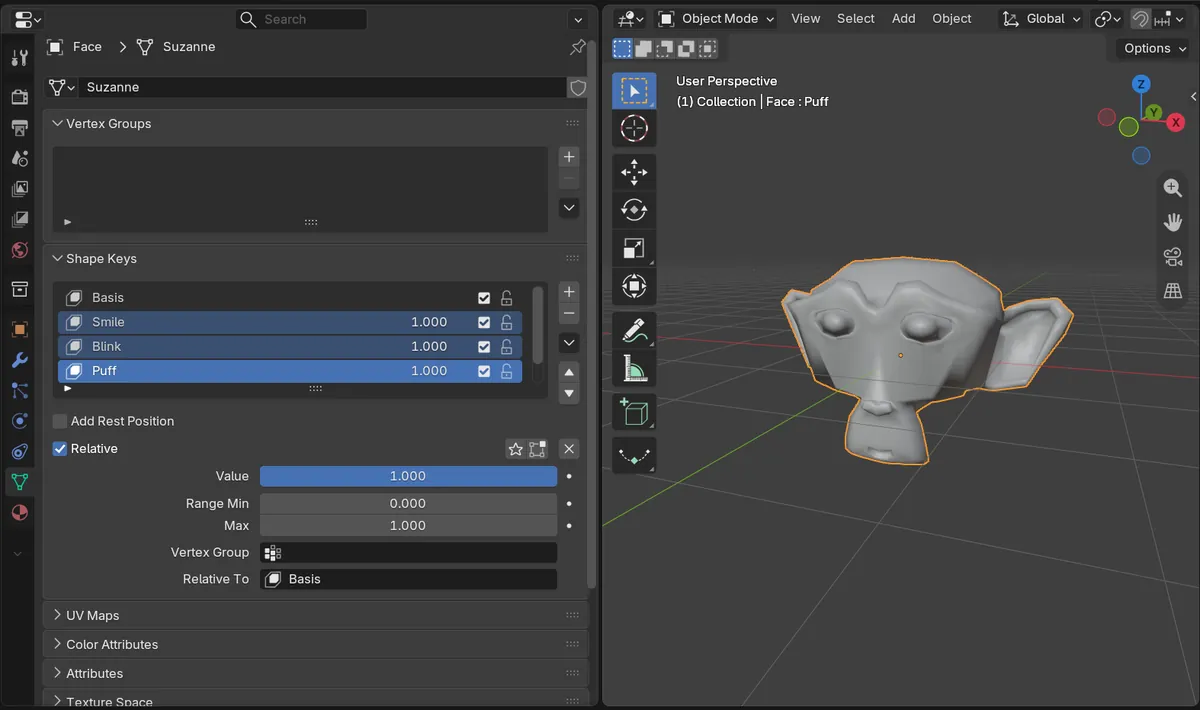
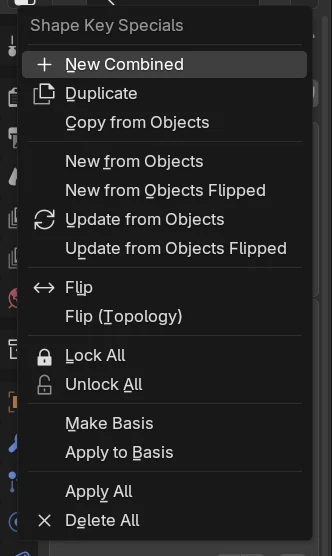
In Blender 5.3, select the shape keys you want in the Shape Keys list of the Object Data properties, then open the Shape Key Specials menu (the down arrow beside the list) and click Duplicate. Each selected key gets a copy named with .001 right below it. In the test, Smile, Blink and Puff were selected and one Duplicate made Smile.001, Blink.001 and Puff.001, each with the same shape as its original.
- Mode
- Properties, Object Data tab
- Menu
- Shape Key Specials › Duplicate
Same Duplicate command
Duplicate is in the Shape Key Specials menu beside the list and in the right-click menu of the list.
Three copies in one click
With three keys selected, one Duplicate went from 5 shape keys to 8, and each copy matched its original vertex for vertex.
New in 5.3
In Blender 5.2 LTS Duplicate copies the active key and leaves the others, so you repeat it for each key.
Before and after

AI Scene Builder is a Blender add-on. You type what you want, and it builds it in your scene: buildings, neon signs, wet pavement, fog and lights. Nothing in this picture was modeled by hand.
On a phone now? The add-on runs in Blender on a computer. Send yourself the link and open it there.
Step by step (Blender 5.3)
- Select the mesh and open the Object Data tab in the Properties editor.
- In the Shape Keys list, click the first key you want to copy, then Ctrl-click the other keys to add them to the selection.
- Open the Shape Key Specials menu with the down arrow on the right of the list, or right-click a selected key.
- Click Duplicate. Each selected key gets a copy named with .001 placed right after it, and the copies become the selection.
- Double-click a copy to rename it, then edit it as a new shape.
Other ways to do it
- Shift-click a key in the Shape Keys list to select every key between it and the active one
Blender 5.2 LTS vs Blender 5.3
| What | Blender 5.2 LTS | Blender 5.3 |
|---|---|---|
| Duplicate on several shape keys | In Blender 5.2 LTS Duplicate copies the active shape key and ignores the rest; in the test it made Puff.001 and no other copy. | Blender 5.3 copies every selected shape key in one Duplicate. |
Common snags
One copy was made
One key was selected. Ctrl-click the others in the list so they are selected before you click Duplicate.
A copy changed the original
The copy is a separate key. Check that the active key in the list is the .001 one before you start editing.
The copies are hard to tell apart
Each copy has its original name with .001 added. Double-click each copy in the list and give it a new name before you change its shape.
An AI add-on for Blender
AI Scene Builder is a Blender add-on that builds and edits your scene from one typed request, such as “a small wooden table with two chairs”. Each request can be undone in one click.
 A lighthouse island at sunset built with the add-on from 10 typed requests. See every request →
Questions
How do I copy several shape keys in Blender?
In Blender 5.3, select them in the Shape Keys list and click Duplicate in the Shape Key Specials menu. Every selected key is copied at once.
Where is Duplicate Shape Key in Blender?
Open the Shape Key Specials menu with the down arrow beside the Shape Keys list in the Object Data tab, or right-click a key in the list.
Does a duplicated shape key keep its shape?
Yes. In the test each copy had the same vertex positions as the key it came from.
What the pictures show
- Before: a face mesh of 507 vertices with five shape keys, Basis, Smile, Blink, Puff and Frown; Smile, Blink and Puff were selected and Puff was the active key.
- After one Duplicate: 8 shape keys, Basis, Smile, Smile.001, Blink, Blink.001, Puff, Puff.001 and Frown. Each copy had the same vertex positions as its original, and the three copies were selected with Puff.001 active.
- In Blender 5.2 LTS the same Duplicate made Puff.001 and no other copy, for 6 shape keys.