Modeling with metric units (cm) in Blender
Open the Properties editor, click the Scene tab, and in the Units panel set Unit System to Metric and Length to Centimeters. Blender then shows lengths in cm, while the model keeps its real size: a 2 m cube reads as 200 cm.
- Mode
- Properties editor (any mode)
- Menu
- Properties › Scene tab › Units › Length
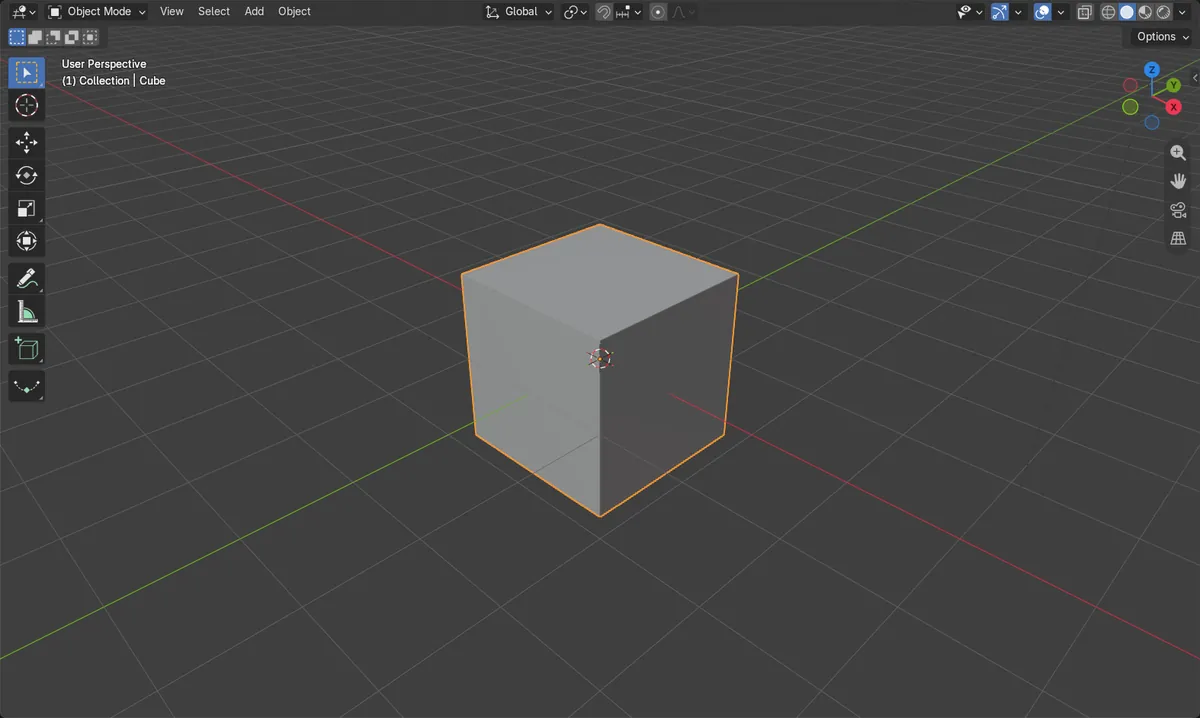
Scene tab, Units
Units panel holds Unit System and Length.
Size stays the same
The cube stays 2 m (200 cm) wide when you switch.
Keep Unit Scale 1.0
Unit Scale stayed at 1.0 in the test.
Before and after

AI Scene Builder is a Blender add-on. You type what you want, and it builds it in your scene: buildings, neon signs, wet pavement, fog and lights. Nothing in this picture was modeled by hand.
On a phone now? The add-on runs in Blender on a computer. Send yourself the link and open it there.
Step by step (Blender 5.x)
- Hover over the Properties editor and click the Scene tab.
- Open the Units panel.
- Set Unit System to Metric (the choices are None, Metric and Imperial).
- Set Length to Centimeters.
- Leave Unit Scale at 1.0. Select an object and look at its dimensions: they now show in cm (a 2 m cube shows 200 cm).
Other ways to do it
- Units panel also has Separate Units, which shows pairs such as 1m 0cm.
- The Units panel also has a Mass setting for the mass unit.
Common snags
No length options
If Unit System is None, the unit settings are disabled and lengths show no units. Set Unit System to Metric first.
Model looks unchanged
Changing Length only changes the displayed unit. The cube stays 2 m wide, now written as 200 cm. To resize the model, edit its dimensions.
Changing Unit Scale by mistake
Unit Scale converts between Blender units and real dimensions. For simple cm display leave it at 1.0 and change only Length.
Or type one line in AI Scene Builder
AI Scene Builder is a Blender add-on that carries out the steps for you from one typed request. For this task, type a request like this one, using your own object names:
Set the scene units to metric with centimeters as the length unit and keep the unit scale at 1 A log cabin room built with the add-on from 9 typed requests. See every request →
Questions
Does switching to centimeters resize my model?
No. Only the displayed unit changes. A 2 m cube becomes 200 cm.
Where is the Length unit setting in Blender?
In the Properties editor, Scene tab, Units panel, under Length. It works the same in Blender 4.2 LTS and Blender 5.x.
What the pictures show
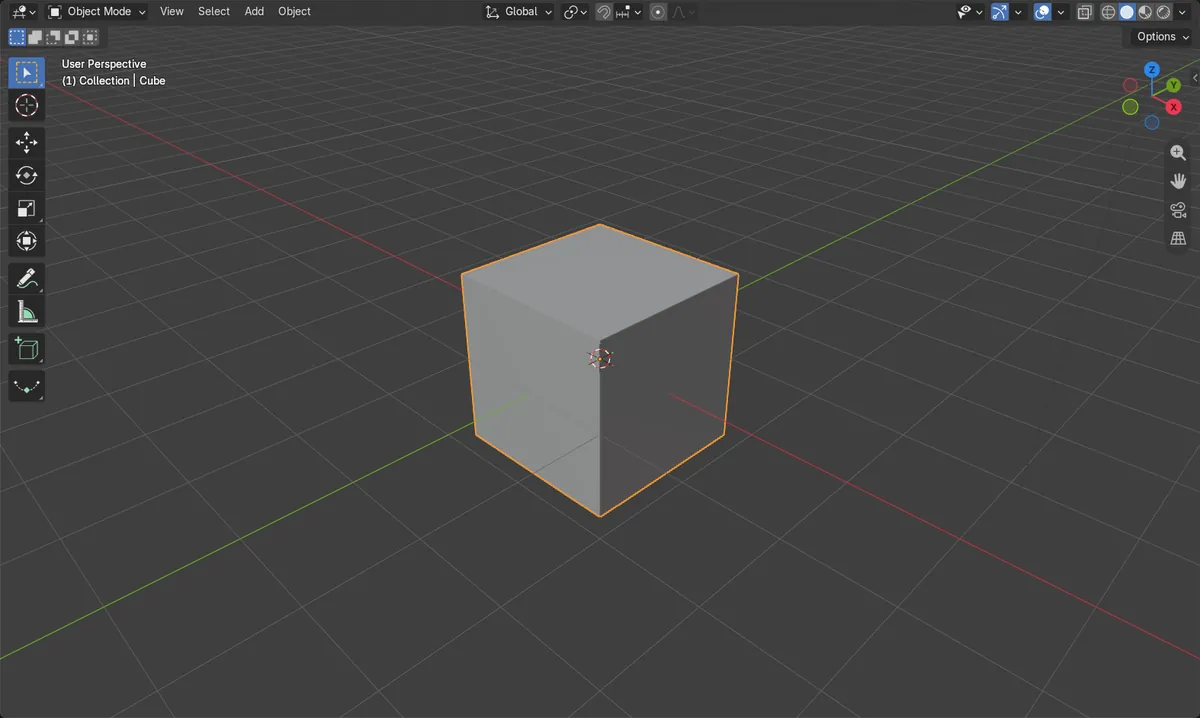
- Before: Length was Meters and the cube measured 2 m on each side.
- After: Length is Centimeters, system is Metric, and the cube still measures 2 m (200 cm).
- Unit Scale stayed at 1.0 in both Blender 4.2 LTS and Blender 5.x.