How to Make All Faces Face the Right Way in Blender
In Edit Mode, press A to select all faces, then press Shift + N. This runs Mesh › Normals › Recalculate Outside and makes every face point the same way, outward from the mesh.
- Mode
- Edit Mode
- Menu
- Mesh › Normals › Recalculate Outside
- Shortcut
- Shift + N
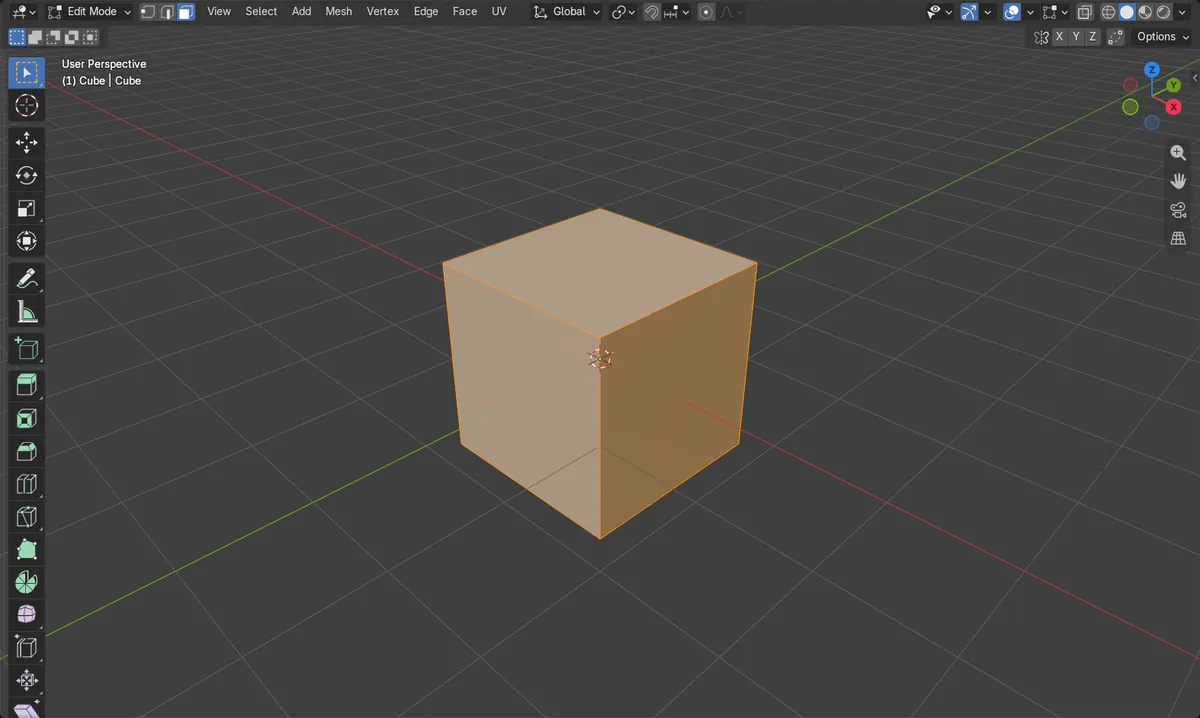
Shift + N
Recalculates normals so they point outside.
Mesh > Normals
Choose Recalculate Outside or Recalculate Inside.
Select faces first
Only selected faces are recalculated, so select all.
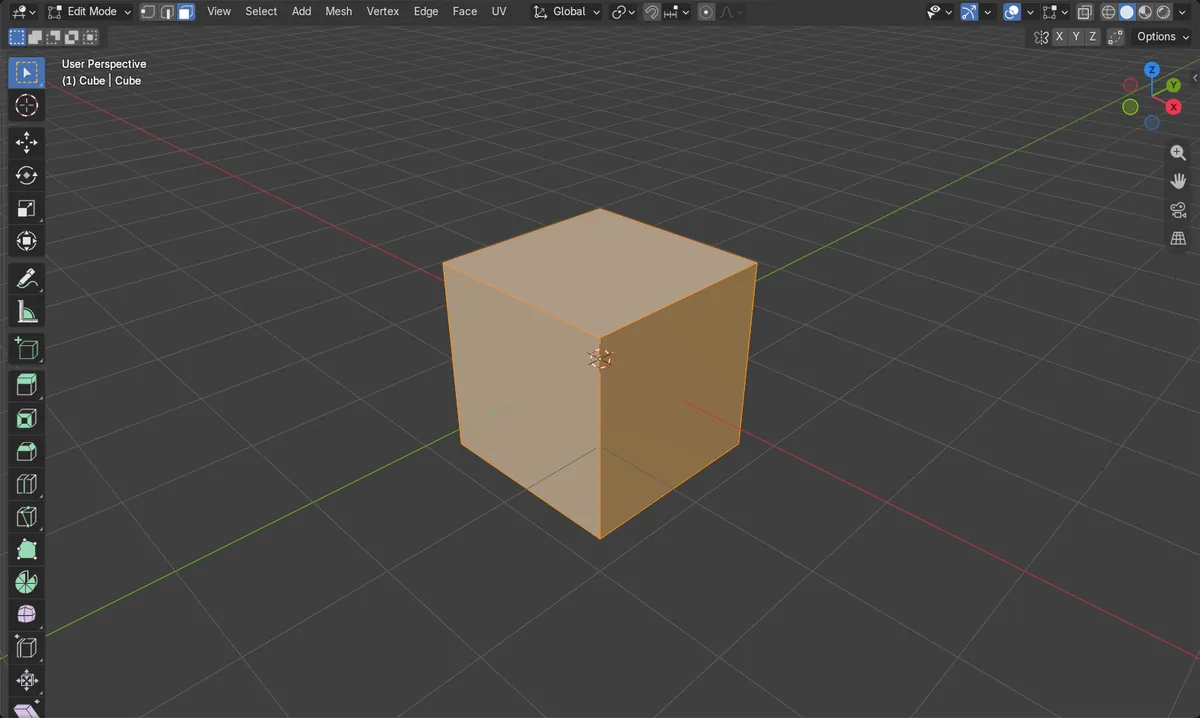
Before and after

AI Scene Builder is a Blender add-on. You type what you want, and it builds it in your scene: buildings, neon signs, wet pavement, fog and lights. Nothing in this picture was modeled by hand.
On a phone now? The add-on runs in Blender on a computer. Send yourself the link and open it there.
Step by step (Blender 5.x)
- Select your object and press Tab to enter Edit Mode.
- Select all faces (press A with the mouse over the 3D Viewport).
- Choose Mesh › Normals › Recalculate Outside, or press Shift + N.
- If you want the faces to point inward instead, choose Mesh › Normals › Recalculate Inside, or press Ctrl + Shift + N.
Other ways to do it
- Mesh › Normals › Recalculate Inside (Ctrl + Shift + N)
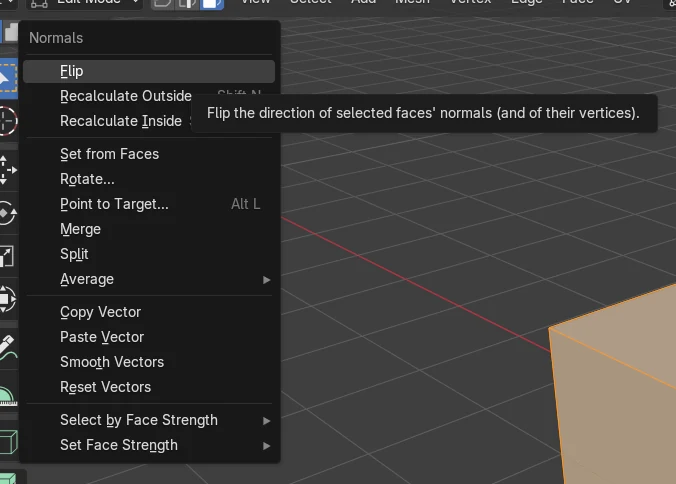
- To flip only the selected faces by hand, use Mesh › Normals › Flip (no default key)
Common snags
Wrong mode
The Mesh menu and Shift + N for normals only work in Edit Mode. Press Tab with the mesh selected to enter it.
Only some faces fixed
Only the selected faces are recalculated. Select all faces first, then run Recalculate Outside.
Everything points inward
You may have used Recalculate Inside by mistake. Run Mesh › Normals › Recalculate Outside (Shift + N) instead.
An AI add-on for Blender
AI Scene Builder is a Blender add-on that builds and edits your scene from one typed request, such as “a small wooden table with two chairs”. Each request can be undone in one click.
 A lighthouse island at sunset built with the add-on from 10 typed requests. See every request →
Questions
What is the shortcut to recalculate normals in Blender?
In Edit Mode, Shift + N recalculates normals outward. Ctrl + Shift + N recalculates them inward.
What is the difference between Flip and Recalculate?
Flip reverses the selected faces' normals. Recalculate Outside or Inside works out a consistent direction for all selected faces.
What the pictures show
- Before: a cube with 6 faces had 3 pointing outward and 3 pointing inward.
- After running Recalculate Outside with all faces selected: 6 outward, 0 inward.