How to Select an Edge Loop in Blender
In Edit Mode, hold Alt and left-click an edge: Blender selects the whole loop that edge belongs to. Hold Ctrl + Alt and click to select the edge ring (the parallel edges across the loop) instead. For edges you already selected, use Select › Select Loops › Edge Loops or Edge Rings.
- Mode
- Edit Mode, 3D Viewport (Edge select works best)
- Menu
- Select › Select Loops › Edge Loops
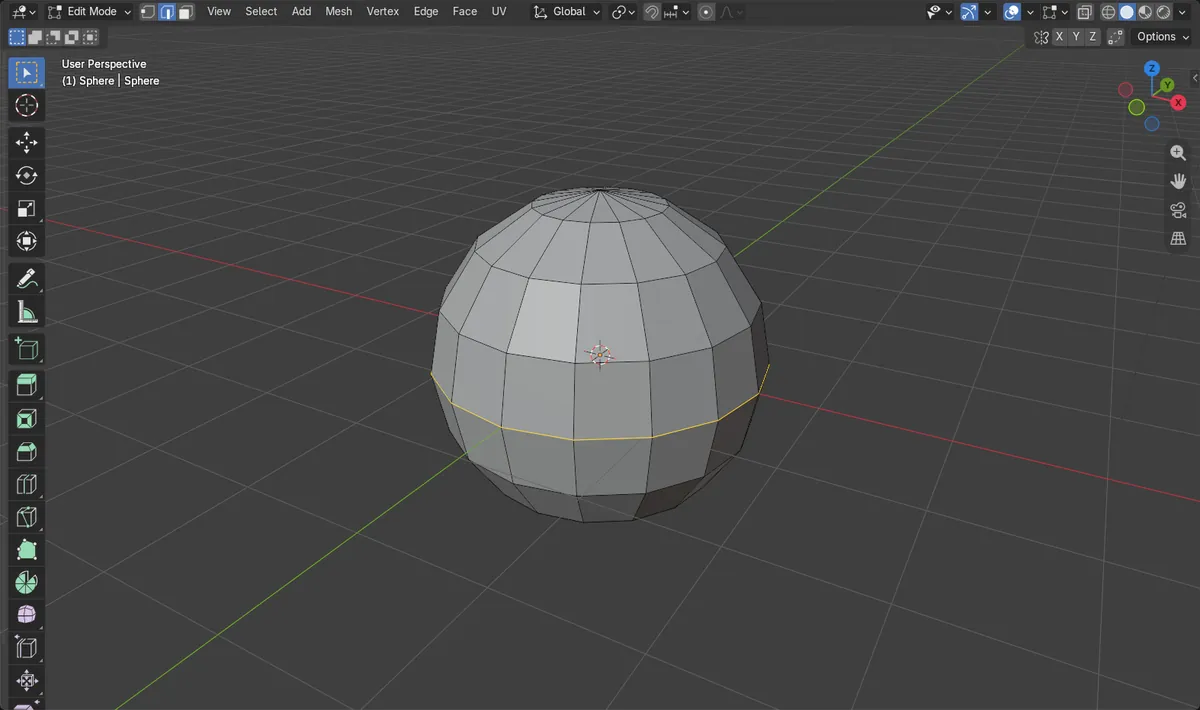
Alt + click
Click one edge with Alt held to select its full loop.
Ctrl + Alt + click
Selects the edge ring across the loop.
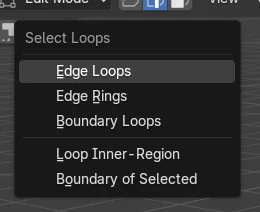
Select Loops menu
Turns every selected edge into its loop or ring.
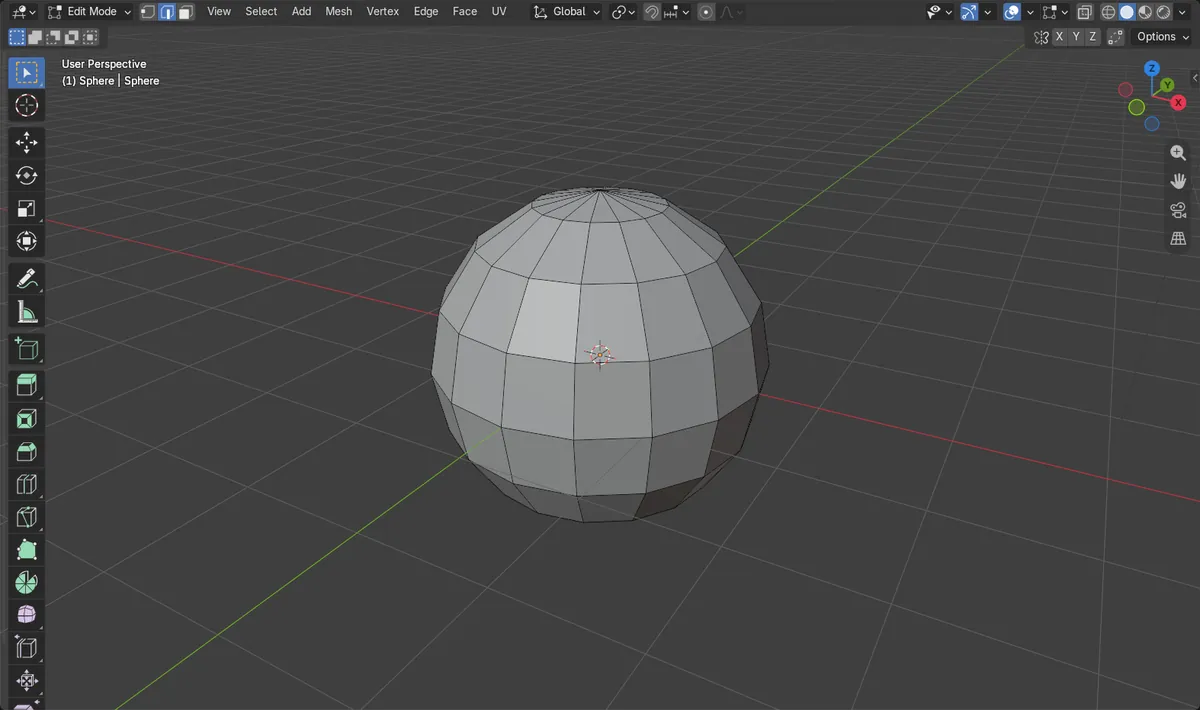
Before and after

AI Scene Builder is a Blender add-on. You type what you want, and it builds it in your scene: buildings, neon signs, wet pavement, fog and lights. Nothing in this picture was modeled by hand.
On a phone now? The add-on runs in Blender on a computer. Send yourself the link and open it there.
Step by step (Blender 5.x)
- Select the mesh and press Tab to enter Edit Mode.
- Press 2 to switch to Edge select mode.
- Hold Alt and left-click an edge. The whole loop through that edge is selected.
- To add another loop to the selection, hold Shift + Alt and click a second edge.
- For an edge ring, hold Ctrl + Alt and click an edge instead.
- If edges are already selected, open Select › Select Loops and choose Edge Loops (or Edge Rings) to grow each one into its loop.
Other ways to do it
- Select › Select Loops › Edge Loops (works on the edges that are already selected)
- Select › Select Loops › Edge Rings for rings instead of loops
Common snags
Alt + click orbits the view
If Emulate 3 Button Mouse is turned on in the Input section of Preferences, Alt + left mouse acts as the middle mouse button and orbits the view. Turn that setting off, or use Select › Select Loops › Edge Loops on a selected edge.
Only part of the loop is selected
A loop stops where the mesh has a vertex with more or fewer than four edges, such as a pole or a triangle. That is where the loop really ends; select the rest with another Shift + Alt click.
A face loop instead of edges
In Face select mode, Alt + click selects a loop of faces. Press 2 first if you want only the edges.
An AI add-on for Blender
AI Scene Builder is a Blender add-on that builds and edits your scene from one typed request, such as “a small wooden table with two chairs”. Each request can be undone in one click.
 A log cabin room built with the add-on from 9 typed requests. See every request →
Questions
What is the shortcut to select an edge loop in Blender?
Alt + left-click an edge in Edit Mode. Shift + Alt + click adds another loop to the selection.
How do I select an edge ring in Blender?
Hold Ctrl + Alt and left-click an edge in Edit Mode, or use Select › Select Loops › Edge Rings for edges that are already selected.
Why does my edge loop stop halfway?
Loops end at vertices that do not have exactly four edges, such as poles or triangles. Add the rest of the loop with Shift + Alt + click.
What the pictures show
- Before: on a UV sphere with 240 edges, 1 edge on the equator was selected.
- After running Edge Loops: 16 edges were selected, all 16 lying on the equator.
- The edge count stayed at 240, so nothing was added or removed.
- Results were identical in Blender 4.2 LTS and Blender 5.x.