Make a 3D Tube with a Bézier Curve in Blender
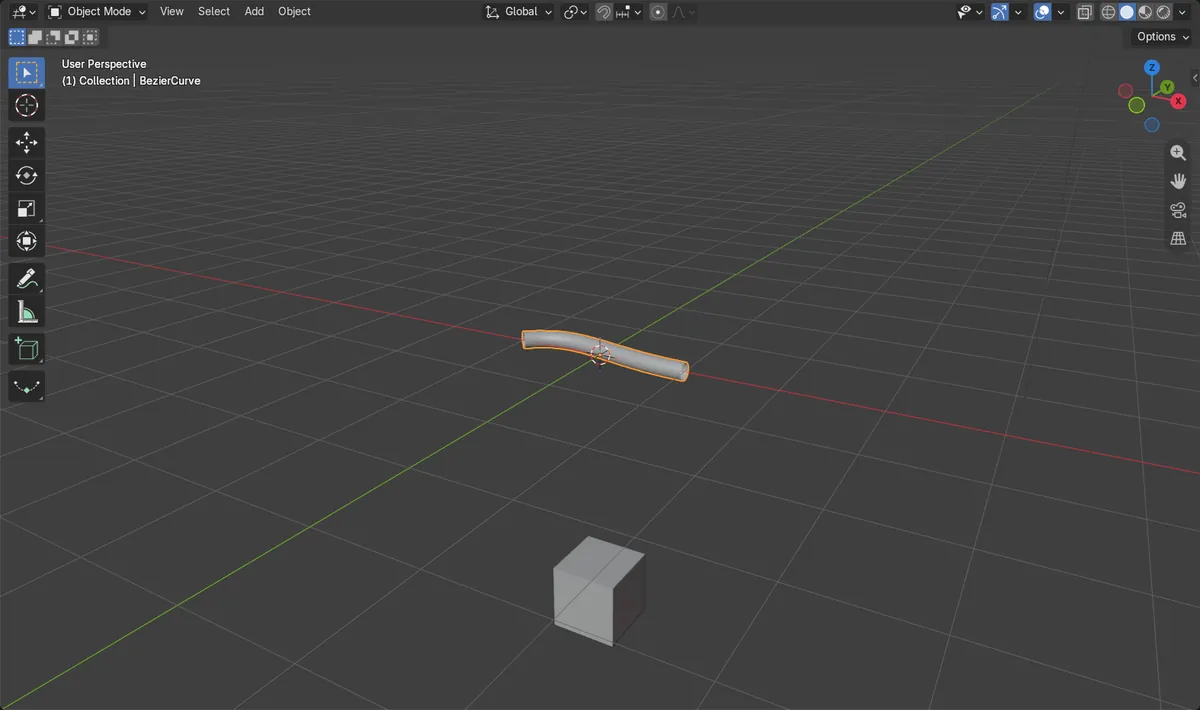
Add a curve with Add › Curve › Bézier, then open the Data tab in the Properties editor and set Geometry › Bevel › Depth to a value above 0, such as 0.1. The line becomes a round tube that follows the curve, and you can keep reshaping the curve afterwards.
- Mode
- Object Mode, 3D Viewport and Properties editor
- Menu
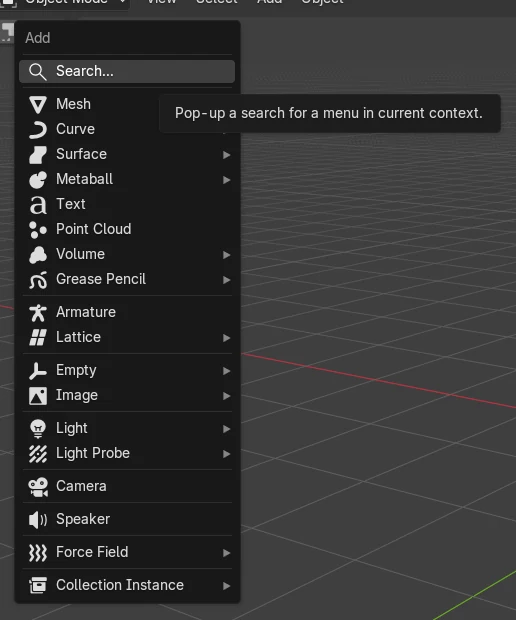
- Add › Curve › Bézier
Add the curve
Add › Curve › Bézier creates the path.
Set Bevel Depth
Data tab › Geometry › Bevel › Depth is the tube radius.
Still editable
Press Tab to edit the curve points and the tube follows.
Before and after

AI Scene Builder is a Blender add-on. You type what you want, and it builds it in your scene: buildings, neon signs, wet pavement, fog and lights. Nothing in this picture was modeled by hand.
On a phone now? The add-on runs in Blender on a computer. Send yourself the link and open it there.
Step by step (Blender 5.x)
- Hover over the 3D Viewport in Object Mode and choose Add › Curve › Bézier.
- With the curve selected, open the Data tab in the Properties editor.
- Expand Geometry, then expand Bevel.
- Set Depth to 0.1. The curve now shows as a tube with a radius of 0.1 m.
- Raise Resolution (default 4) under Bevel for a rounder cross-section, or lower it for a lighter tube.
- Press Tab to enter Edit Mode and move the handles to bend the tube, then Tab again to leave.
- To get a real mesh, choose Object › Convert and pick the mesh target.
Other ways to do it
- Right-click menu in the 3D Viewport in Object Mode: Add › Curve › Bézier
- Object › Convert turns the finished tube into a mesh
Common snags
Nothing looks thick
The curve is still a thin line if Bevel Depth is 0. Select the curve, open the Data tab and raise Geometry › Bevel › Depth.
No Data tab settings
The Bevel panel only appears when the curve object is selected and active. Click the curve in the viewport or Outliner first.
Extrude gives a flat ribbon
Extrude under Geometry adds a flat strip, not a tube. Leave Extrude at 0 and use Bevel Depth for a round tube.
Or type one line in AI Scene Builder
AI Scene Builder is a Blender add-on that carries out the steps for you from one typed request. For this task, type a request like this one, using your own object names:
Add a Bézier curve and give it a round tube shape with a bevel depth of 0.1 An evening market street built with the add-on from 11 typed requests. See every request →
Questions
How do I change the thickness of the tube?
Change Depth under Data tab › Geometry › Bevel. It is the tube radius, so the diameter is twice the value.
Can I turn the tube into a mesh?
Yes. Select it and use Object › Convert, then pick the mesh option.
What the pictures show
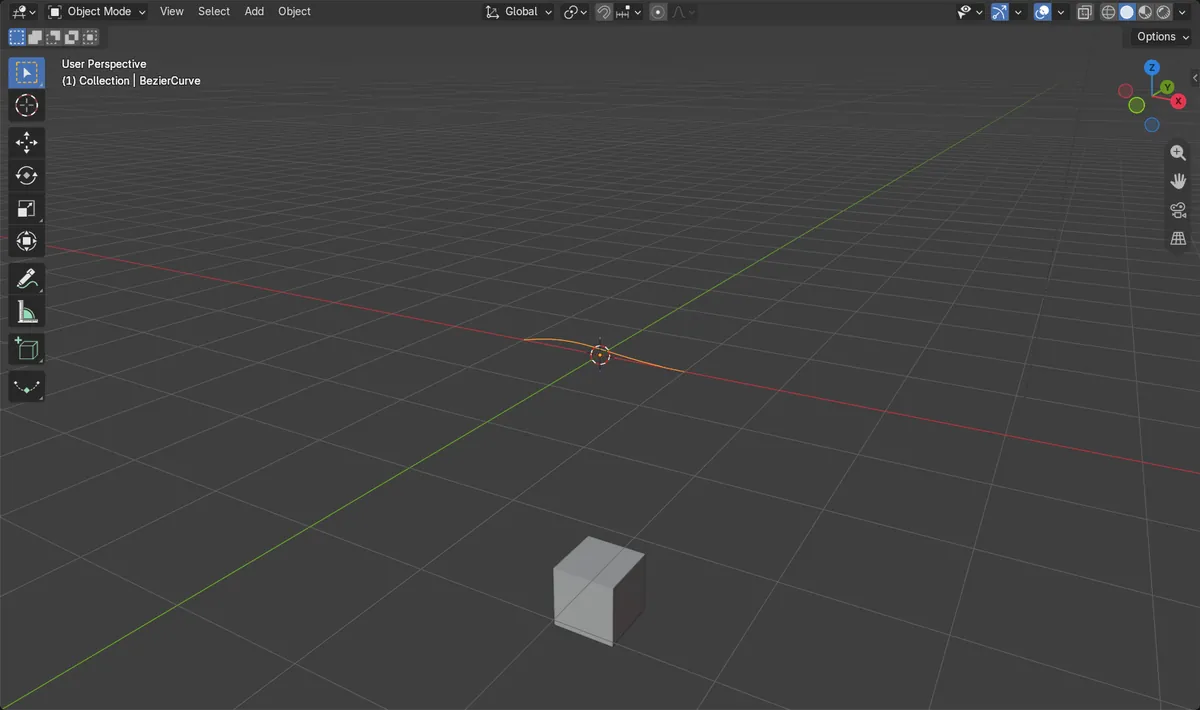
- Before: the curve had Bevel Depth 0 and about 13 evaluated vertices, with no thickness (0 m).
- After setting Depth to 0.1: the evaluated shape grew to 156 vertices.
- The tube measured about 0.2 m across, matching a 0.1 m radius.
- The same results appeared in Blender 4.2 LTS and Blender 5.x.