How to Convert Euler Rotation Animation to Quaternion in Blender 5.3
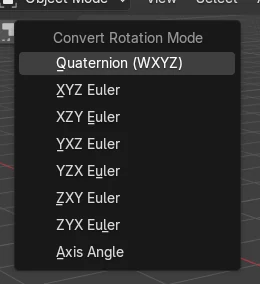
In Blender 5.3, select the animated object, open the small dropdown arrow next to Mode in Object Properties › Transform and choose Quaternion (WXYZ). The rotation mode changes and the existing Euler keys are converted to quaternion keys, so the keyed poses stay the same. Convert Rotation Mode is not in Blender 5.2 LTS.
- Mode
- Object Mode or Pose Mode, 3D Viewport
- Menu
- Object › Animation › Convert Rotation Mode
- Shortcut
- Ctrl + R (Pose Mode)
Dropdown next to Mode
Object Properties › Transform, arrow beside Mode.
Ctrl + R for bones
In Pose Mode, or Pose › Animation.
New in 5.3
Blender 5.2 LTS has no Convert Rotation Mode.
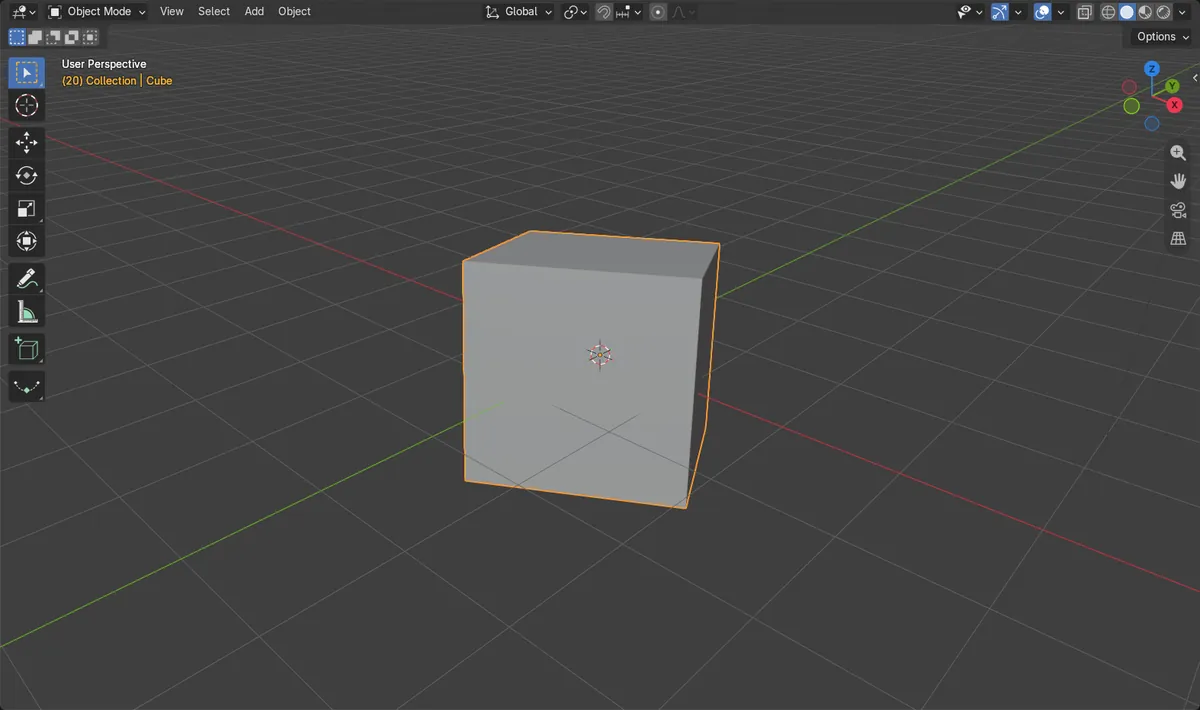
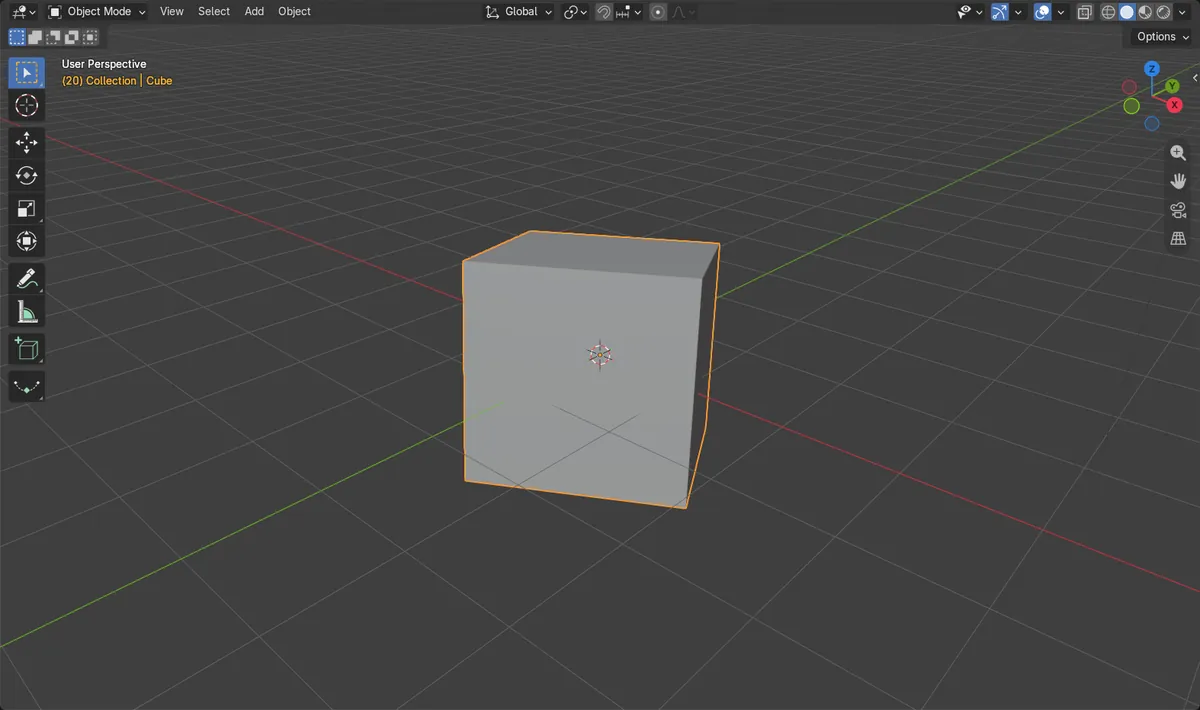
Before and after

AI Scene Builder is a Blender add-on. You type what you want, and it builds it in your scene: buildings, neon signs, wet pavement, fog and lights. Nothing in this picture was modeled by hand.
On a phone now? The add-on runs in Blender on a computer. Send yourself the link and open it there.
Step by step (Blender 5.3)
- Select the animated object in Object Mode (or the bones in Pose Mode).
- Open the Object Properties tab and the Transform panel (Bone Properties › Transform for a bone).
- Click the small dropdown arrow to the right of Mode.
- Under Convert Rotation Mode, choose Quaternion (WXYZ), or any Euler order or Axis Angle you need.
- Scrub the timeline and check that the keyed poses look the same as before.
Other ways to do it
- Object › Animation › Convert Rotation Mode in the 3D Viewport header
- Pose › Animation › Convert Rotation Mode in Pose Mode
- Ctrl + R in Pose Mode
Blender 5.2 LTS vs Blender 5.3
| What | Blender 5.2 LTS | Blender 5.3 |
|---|---|---|
| Convert Rotation Mode | Not in Blender 5.2 LTS. There is no dropdown next to Mode and no Convert Rotation Mode item in Object › Animation. | Blender 5.3 has the dropdown next to Mode, Object › Animation › Convert Rotation Mode, and Ctrl + R in Pose Mode. |
Common snags
Changing Mode broke the animation
Picking a new value in the Mode field itself only switches the mode; the old Euler keys no longer drive the rotation. Undo it and use the dropdown arrow next to Mode instead.
In-between frames look different
The keyed frames match, but the motion between keys can change, most with large turns between keys. Scrub the timeline after converting and add keys where the motion must match exactly.
Nothing happened
Only selected objects or bones are converted. Select them first, in Pose Mode for bones.
An AI add-on for Blender
AI Scene Builder is a Blender add-on that builds and edits your scene from one typed request, such as “a small wooden table with two chairs”. Each request can be undone in one click.
 An evening market street built with the add-on from 11 typed requests. See every request →
Questions
How do I change rotation mode in Blender without breaking the animation?
In Blender 5.3, use the dropdown arrow next to Mode and pick the new mode under Convert Rotation Mode. It converts the existing keys too.
Can I convert bone rotations to quaternion?
Yes. In Pose Mode select the bones and press Ctrl + R, or use Pose › Animation › Convert Rotation Mode.
Is Convert Rotation Mode in Blender 5.2 LTS?
No. It is new in Blender 5.3.
What the pictures show
- Before: the Cube used XYZ Euler with three keys at frames 1, 20 and 40 on three rotation channels.
- After: the mode was Quaternion and the animation was on four quaternion channels with three keys each.
- At frames 1, 20 and 40 the Cube pointed the same way as before (difference under 0.001).
- Between keys, with turns of over 100 degrees, the pose differed by about 14 degrees at frame 10 and 37 degrees at frame 30.