How to Copy World Space Animation to Another Object in Blender 5.3
In Blender 5.3, select the animated object or bones, press N in the 3D Viewport, open the Animation tab and click Copy Playback Range in the World Space Animation panel. Then select the target and click Paste (or At Playhead to start at the current frame). The target moves along the same path in world space, even under a different parent. World Space Animation is not in Blender 5.2 LTS.
- Mode
- Object Mode or Pose Mode, 3D Viewport
- Shortcut
- N (open the Sidebar)
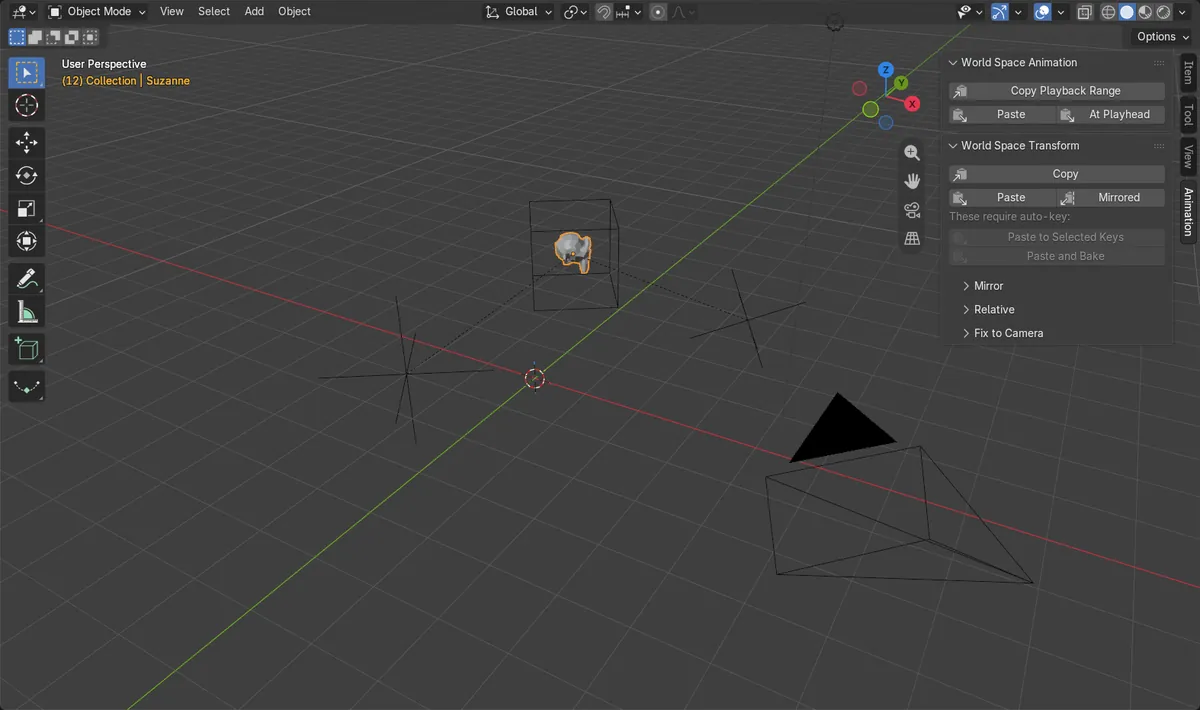
Sidebar > Animation
Press N, then the World Space Animation panel.
Copy, then Paste
Copy on the source, Paste on the target.
New in 5.3
Blender 5.2 LTS has no World Space Animation panel.
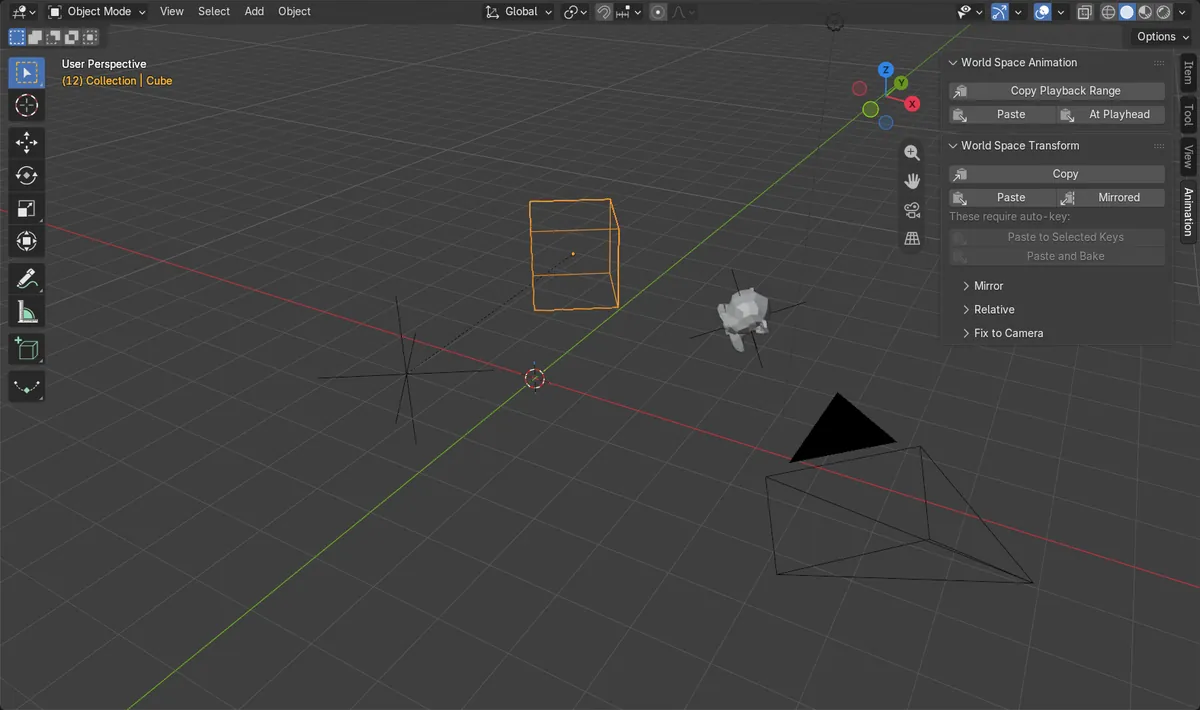
Before and after

AI Scene Builder is a Blender add-on. You type what you want, and it builds it in your scene: buildings, neon signs, wet pavement, fog and lights. Nothing in this picture was modeled by hand.
On a phone now? The add-on runs in Blender on a computer. Send yourself the link and open it there.
Step by step (Blender 5.3)
- Select the animated object (or the animated bones in Pose Mode).
- Hover over the 3D Viewport, press N and click the Animation tab on the right edge of the Sidebar.
- In World Space Animation, click Copy Playback Range.
- Select the object or bones that should get the motion.
- Click Paste to use the same frames, or At Playhead to start the motion at the current frame.
- Play the timeline and check that the target follows the same path.
Other ways to do it
- F3 search: Copy World Space Range, then Paste World Space
- World Space Transform panel (same tab) to copy a single pose instead of the whole range
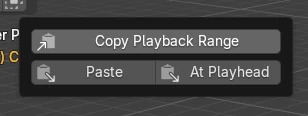
Blender 5.2 LTS vs Blender 5.3
| What | Blender 5.2 LTS | Blender 5.3 |
|---|---|---|
| World Space Animation panel | Not in Blender 5.2 LTS. The Animation tab only has the Global Transform panel, which copies one pose at a time. | Blender 5.3 adds World Space Animation (Copy Playback Range, Paste, At Playhead), and the old panel is now called World Space Transform. |
Common snags
Only part of the animation was copied
If a preview range is set on the timeline, only that range is copied instead of the full scene range. Turn off the preview range (the clock button left of Start in the timeline header) before copying.
Paste did nothing
Paste works on the selected objects or bones. Copy first, then select the target so it is the one highlighted before you click Paste.
The target has a constraint
Pasting onto objects or bones with constraints is not supported yet. Mute or apply the constraint first.
An AI add-on for Blender
AI Scene Builder is a Blender add-on that builds and edits your scene from one typed request, such as “a small wooden table with two chairs”. Each request can be undone in one click.
 A log cabin room built with the add-on from 9 typed requests. See every request →
Questions
How do I copy animation from one object to another in world space in Blender?
In Blender 5.3, open the Sidebar with N, go to Animation › World Space Animation, click Copy Playback Range on the source, then Paste on the target.
Can I copy animation from a bone to an object?
Yes. Copy from the bones in Pose Mode, then select the object in Object Mode and click Paste. It works with several selected objects or bones.
Is World Space Animation in Blender 5.2 LTS?
No. It is new in Blender 5.3. Blender 5.2 LTS only has Global Transform, which copies one pose.
What the pictures show
- Before: the animated Cube sat under a rotated, scaled parent, and the monkey under another parent had no animation and was up to 5.9 m away.
- After Copy Playback Range on the Cube and Paste on the monkey, the monkey had a key on each of the 24 frames.
- At frames 1, 6, 12, 18 and 24 the monkey was at the Cube's world position (distance 0) and turned the same way (0 degrees).
- The monkey kept its own parent, Holder.