How to Delete All Keyframes of an Object in Blender
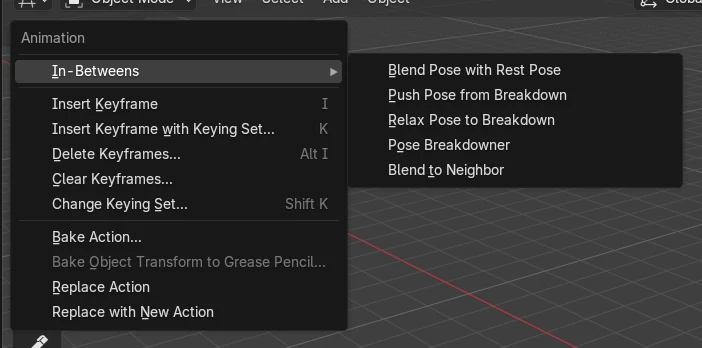
Select the object, then in the 3D Viewport choose Object › Animation › Clear Keyframes.... This runs the Remove Animation command, which removes all keyframe animation for the selected objects. The object stays where it is on the current frame and no longer moves along the timeline.
- Mode
- Object Mode, 3D Viewport
- Menu
- Object › Animation › Clear Keyframes...
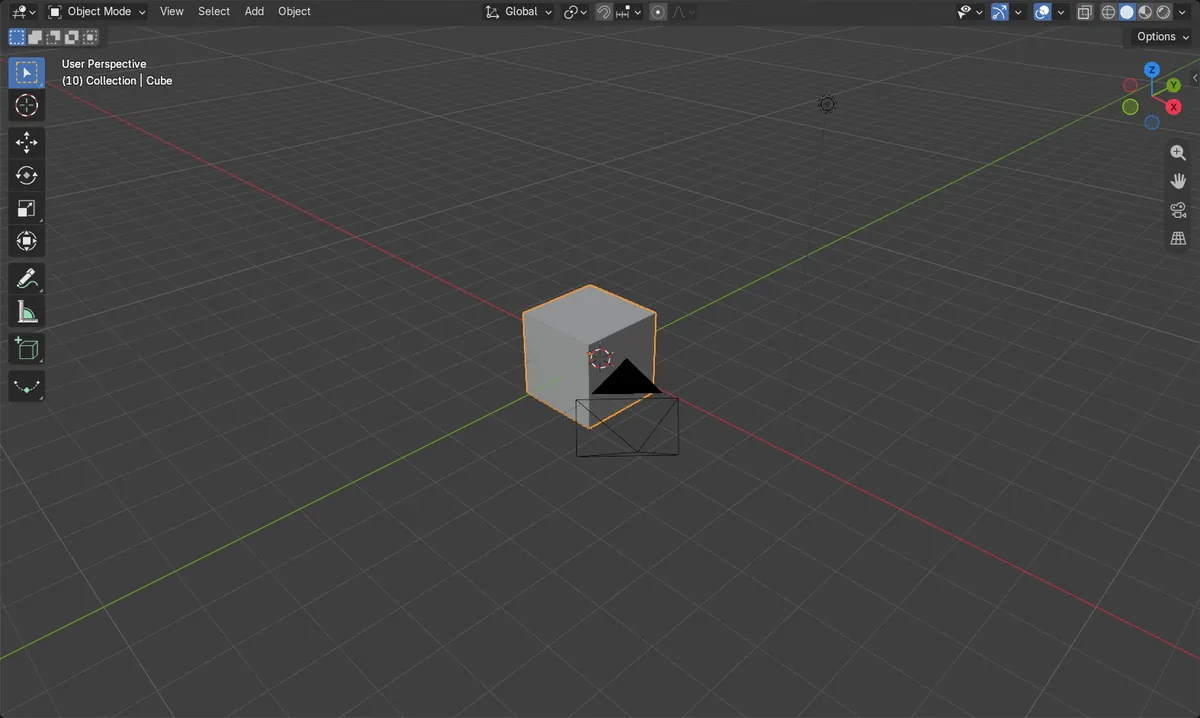
Use Object menu
Object › Animation › Clear Keyframes... Removes all keyframes of selected objects.
Selection matters
Only selected objects are cleared. Select the object first.
Animation stops
The object no longer changes between frames. It keeps its current position.
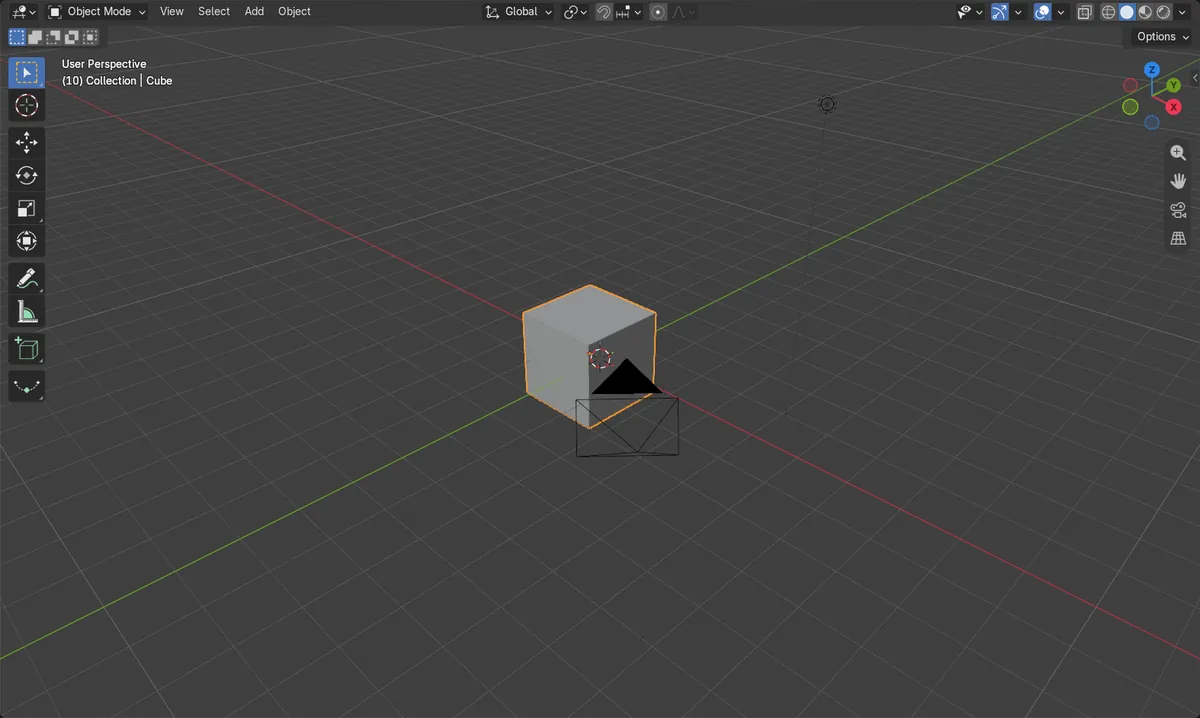
Before and after

AI Scene Builder is a Blender add-on. You type what you want, and it builds it in your scene: buildings, neon signs, wet pavement, fog and lights. Nothing in this picture was modeled by hand.
On a phone now? The add-on runs in Blender on a computer. Send yourself the link and open it there.
Step by step (Blender 5.x)
- Hover over the 3D Viewport and click the object to select it (or select several objects).
- Open the Object menu in the 3D Viewport header and go to Animation.
- Click Clear Keyframes... and confirm if asked. All keyframes of the selected objects are removed.
- Scrub the timeline to check that the object no longer moves between frames.
Other ways to do it
- Use Object › Animation › Insert Keyframe (key I in Object Mode) when you want to add keyframes again.
Blender 4.2 LTS vs Blender 5.x
| What | Blender 4.2 LTS | Blender 5.x |
|---|---|---|
| Action data-block after clearing | The object has no action assigned after clearing. | An empty action stays assigned to the object, but it contains no keyframes. |
| Insert Keyframe with Keying Set menu label | Shown as "Insert Keyframe with Keying Set". | Shown as "Insert Keyframe with Keying Set...". |
Common snags
Nothing happens
No object is selected, so nothing is cleared. Click the object in the 3D Viewport so it is selected, then run Clear Keyframes... again.
Menu not visible
The Object menu belongs to the 3D Viewport and shows Animation in Object Mode. Make sure you are in Object Mode and using the 3D Viewport header.
Other objects still animated
Only the selected objects are cleared. Select every object you want to clear before running the command.
Or type one line in AI Scene Builder
AI Scene Builder is a Blender add-on that carries out the steps for you from one typed request. For this task, type a request like this one, using your own object names:
Delete all keyframes of the selected object An evening market street built with the add-on from 11 typed requests. See every request →
Questions
How do I delete a single keyframe instead of all of them?
Clear Keyframes... removes every keyframe of the selected objects. Removing only the keyframe on the current frame is a separate command (Delete Keyframe) that is not part of this menu path.
Does clearing keyframes move the object back?
No. The object keeps its current transform on the current frame; it just stops being animated.
What the pictures show
- Before: the Cube had 6 keyframe points, moving from x = -4 m at frame 1 to x = 4 m at frame 20.
- After: the Cube had 0 keyframe points.
- After: the Cube's x position was the same at frames 1 and 20 (about -0.32 m), so the movement was gone.