Delete All Materials From All Objects in Blender
Click an object, open the Material tab in the Properties editor, click the down-arrow (Material Specials) menu and choose Remove All Materials. In Blender 5.x this clears every material slot on the active object, so repeat it for each object. Blender 4.2 LTS does not have this entry.
- Mode
- Object Mode, Properties editor > Material tab
- Menu
- Material tab › Material Specials (down arrow) › Remove All Materials
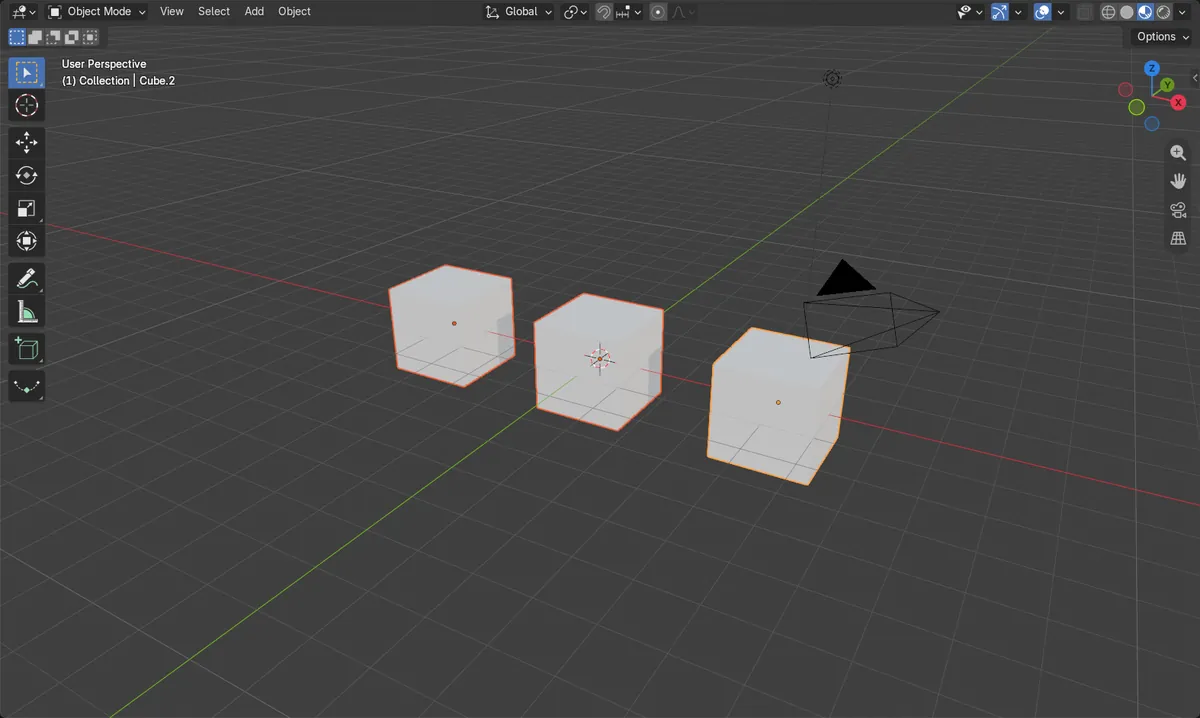
Material Specials menu
Down-arrow beside the slot list in the Material tab. Choose Remove All Materials.
One active object at a time
Click each object to make it active. Objects stay in the scene.
Blender 5.x only
Blender 4.2 LTS lacks Remove All Materials. Use the minus button there.
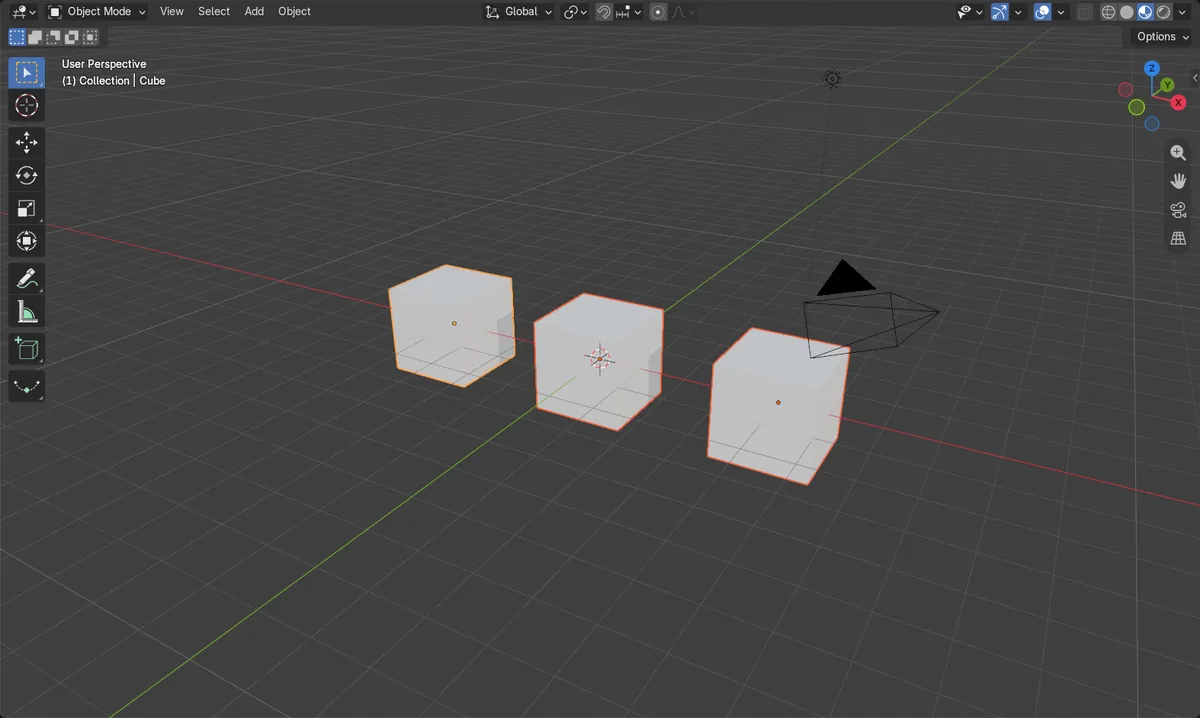
Before and after

AI Scene Builder is a Blender add-on. You type what you want, and it builds it in your scene: buildings, neon signs, wet pavement, fog and lights. Nothing in this picture was modeled by hand.
On a phone now? The add-on runs in Blender on a computer. Send yourself the link and open it there.
Step by step (Blender 5.x)
- Hover over the 3D Viewport in Object Mode.
- Click an object to make it active, open the Material tab in the Properties editor.
- Click the down-arrow (Material Specials) menu next to the slot list and choose Remove All Materials.Blender 4.2 LTS: The Material Specials menu has no Remove All Materials entry in Blender 4.2 LTS. Instead click the minus button under the slot list (Remove Material Slot) once per slot, per object.
- Make each other object active in turn and repeat, until every object's slot list is empty.
Blender 4.2 LTS vs Blender 5.x
| What | Blender 4.2 LTS | Blender 5.x |
|---|---|---|
| Remove All Materials | Not available in the Material Specials menu. | Material Specials menu contains Remove All Materials. |
Common snags
Slots remain on other objects
Only the active object loses its slots when you use the menu. Click each object to make it active and repeat.
Menu entry missing
In Blender 4.2 LTS the Material Specials menu has no Remove All Materials. Use the minus button (Remove Material Slot) for each slot.
Wrong tab or no object
The Material tab only appears with an active object that can hold materials. Click a mesh object first.
Or type one line in AI Scene Builder
AI Scene Builder is a Blender add-on that carries out the steps for you from one typed request. For this task, type a request like this one, using your own object names:
Remove all material slots from every mesh object in the scene A log cabin room built with the add-on from 9 typed requests. See every request →
Questions
Does removing materials delete the objects?
No. Only the material slots are cleared; the objects remain in the scene.
Can I remove materials from all objects in one click?
The menu entry works on the active object, so repeat it per object.
What the pictures show
- Three mesh objects each had 1 material slot (3 in total) before.
- After running Remove All Materials on each in Blender 5.x, every object had 0 slots (0 in total).
- All three objects were still in the scene and selected.
- In Blender 4.2 LTS the command was not found and the 3 slots remained.