How to Grow a Selection in Blender (Select More)
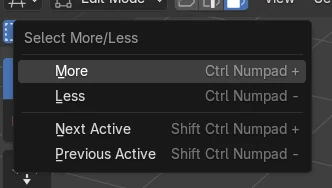
In Edit Mode, with part of the mesh selected, hover the 3D Viewport and press Ctrl + numpad + (Select More). Each press adds the next ring of faces, edges or vertices around the selection. Ctrl + numpad - (Select Less) shrinks it again. Without a numpad, use Select › More/Less › More in the header.
- Mode
- Edit Mode, 3D Viewport
- Menu
- Select › More/Less › More
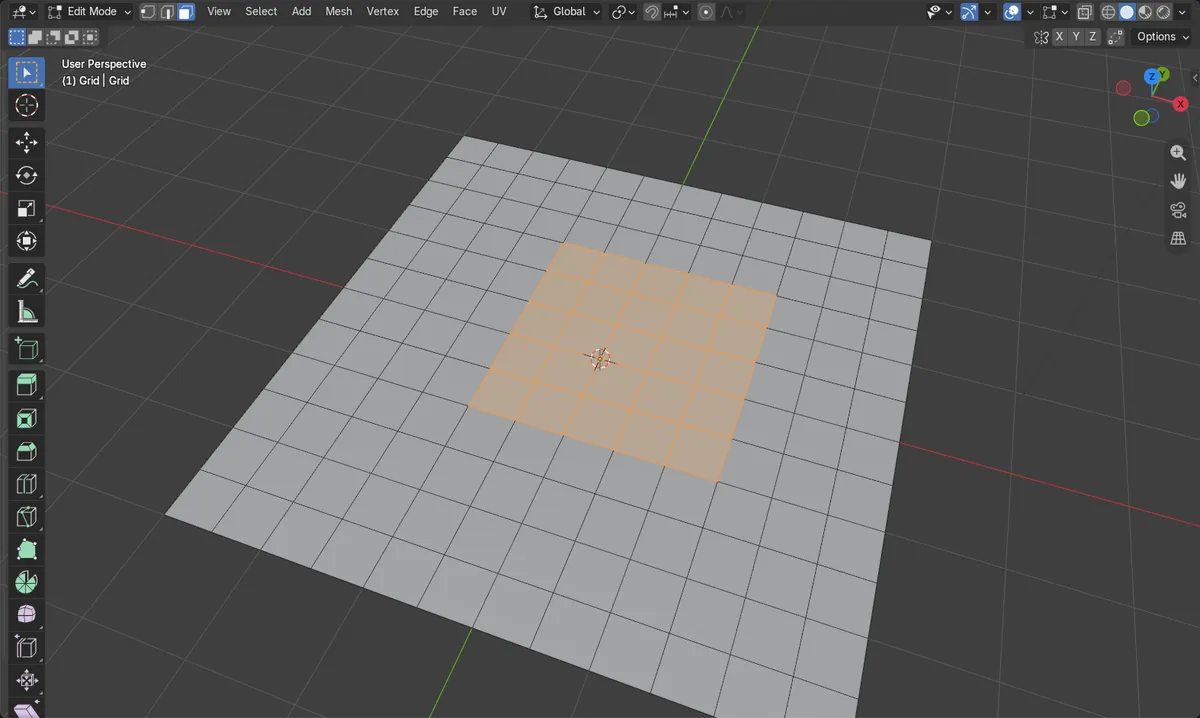
Ctrl + numpad +
Adds one ring around the selection.
Ctrl + numpad -
Removes the outer ring again.
No numpad?
Select › More/Less › More does the same.
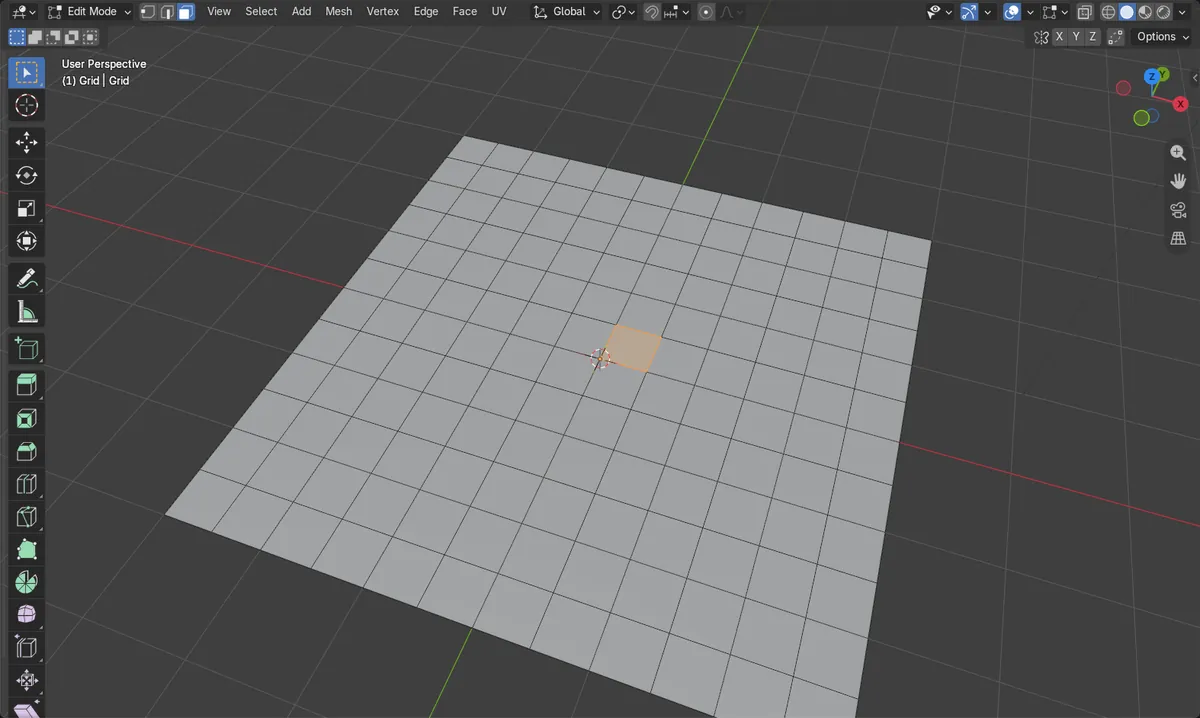
Before and after

AI Scene Builder is a Blender add-on. You type what you want, and it builds it in your scene: buildings, neon signs, wet pavement, fog and lights. Nothing in this picture was modeled by hand.
On a phone now? The add-on runs in Blender on a computer. Send yourself the link and open it there.
Step by step (Blender 5.x)
- Select the object and press Tab for Edit Mode.
- Select a starting face, edge or vertex.
- Hover the 3D Viewport and press Ctrl + numpad +.
- Press it again to keep growing; press Ctrl + numpad - to shrink.
Other ways to do it
- Select › More/Less › More and Less in the header
- Ctrl + L (Select Linked All) to select the whole connected piece at once
Common snags
The selection grows in a square, not a cross
Face Step is on by default, so faces touching only at a corner are added too. Turn it off in the panel at the bottom left for a diamond-shaped growth.
Ctrl + plus zooms instead
Use the plus key on the numpad, or the Select menu.
An AI add-on for Blender
AI Scene Builder is a Blender add-on that builds and edits your scene from one typed request, such as “a small wooden table with two chairs”. Each request can be undone in one click.
 A lighthouse island at sunset built with the add-on from 10 typed requests. See every request →
Questions
How do I expand a selection in Blender without a numpad?
Use Select › More/Less › More in the 3D Viewport header.
How do I select everything connected?
Press Ctrl + L to select the whole linked piece.
What the pictures show
- Before: one face selected in the middle of a flat grid of 144 faces.
- Select More twice grew it from 1 to 9 to 25 faces, a growing square.
- With Face Step off, the same two steps gave 5 and then 13 faces, a diamond shape.
- Results were identical in Blender 4.2 LTS and Blender 5.x.