How to Hide Unselected Objects in the Blender Outliner
In Blender 5.3, select the objects you want to keep, move the mouse over the Outliner and press Shift + H. Every unselected object is hidden and the selected ones stay visible. Press Alt + H over the Outliner to bring everything back.
- Mode
- Outliner editor (Object Mode)
- Menu
- 3D Viewport: Object › Show/Hide › Hide Unselected
- Shortcut
- Shift + H (mouse over the Outliner)
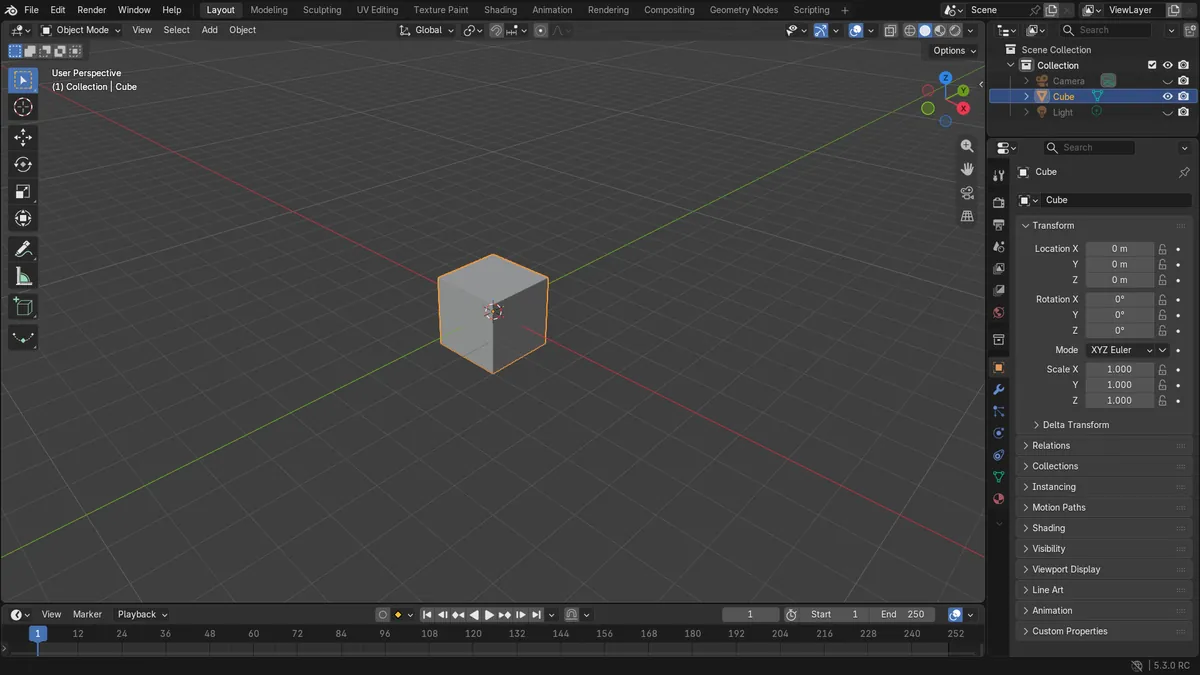
Shift + H
Over the Outliner, hides all unselected objects in Blender 5.3.
Hover first
The key works in the editor under the mouse pointer.
Alt + H restores
Unhide All shows hidden objects and collections again.
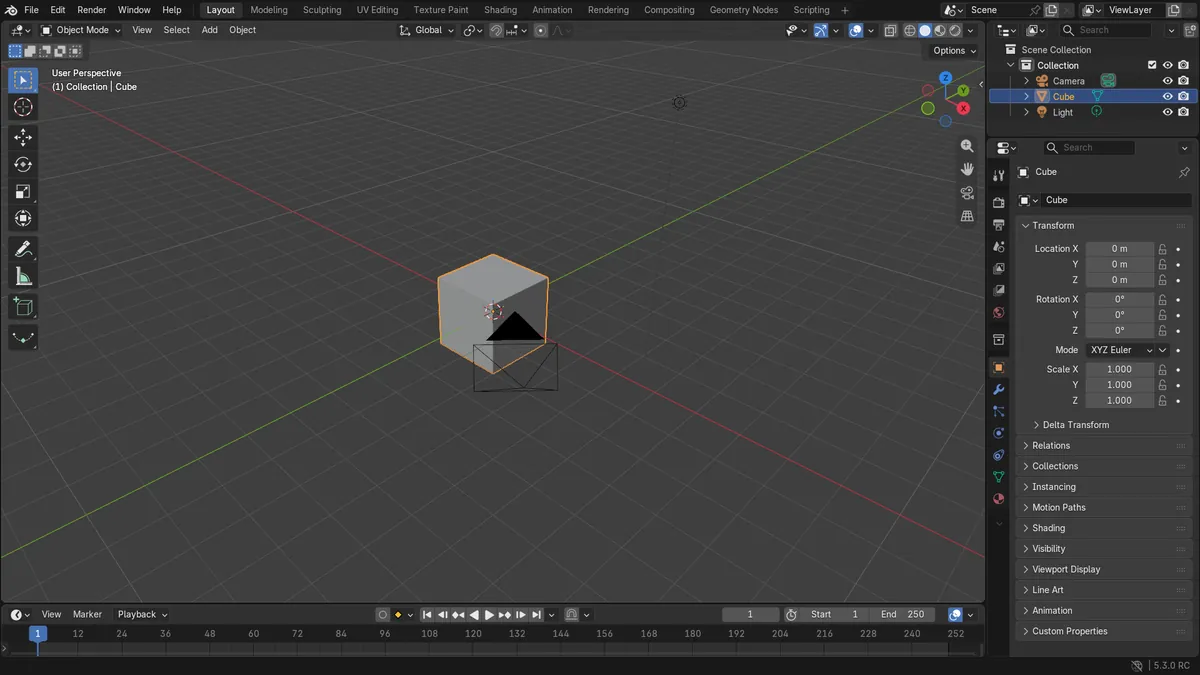
Before and after

AI Scene Builder is a Blender add-on. You type what you want, and it builds it in your scene: buildings, neon signs, wet pavement, fog and lights. Nothing in this picture was modeled by hand.
On a phone now? The add-on runs in Blender on a computer. Send yourself the link and open it there.
Step by step (Blender 5.3)
- Click the object you want to keep visible in the Outliner or the 3D Viewport. Ctrl-click to add more objects to the selection.
- Move the mouse pointer over the Outliner.
- Press Shift + H. All objects that were not selected are hidden, and the selected objects stay visible.
- To show everything again, keep the pointer over the Outliner and press Alt + H (Unhide All).
Other ways to do it
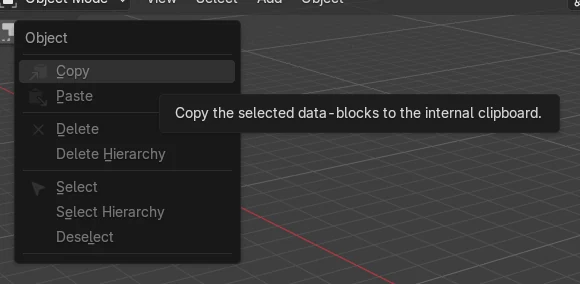
- 3D Viewport: Object › Show/Hide › Hide Unselected (Shift + H with the mouse over the 3D Viewport in Object Mode)
- 3D Viewport: Object › Show/Hide › Hide Selected (H) hides the selected objects instead
- Show hidden objects again from the 3D Viewport with Alt + H in Object Mode
Blender 5.2 LTS vs Blender 5.3
| What | Blender 5.2 LTS | Blender 5.3 |
|---|---|---|
| Shift + H in the Outliner (Hide Unselected) | Not available in Blender 5.2 LTS. There, only H (Hide) is bound in the Outliner, and it has no unselected option. | Blender 5.3 binds Shift + H in the Outliner to Hide with the unselected option, so unselected objects are hidden. |
Common snags
Not available in 5.2 LTS
In Blender 5.2 LTS the Outliner has no Shift + H binding and no Hide Unselected option. Use Blender 5.3 for this.
Pointer over the wrong editor
Shift + H acts on the editor under the mouse. Over the 3D Viewport it runs Hide Unselected for objects there, so hover the Outliner if you want that behavior.
Nothing selected
If no object is selected, everything counts as unselected and gets hidden. Select the objects to keep first, or press Alt + H to restore them.
Or type one line in AI Scene Builder
AI Scene Builder is a Blender add-on that carries out the steps for you from one typed request. For this task, type a request like this one, using your own object names:
Hide all unselected objects except the selected one An evening market street built with the add-on from 11 typed requests. See every request →
Questions
What is the shortcut to hide unselected objects in the Outliner?
In Blender 5.3 it is Shift + H with the mouse over the Outliner. Alt + H shows everything again.
Does this work in Blender 5.2 LTS?
No. In Blender 5.2 LTS the Outliner only binds H to Hide, without an unselected option.
What the pictures show
- Before: Cube, Camera and Light were all visible (0 hidden).
- With only the Cube selected, Shift + H over the Outliner hid the Camera and the Light.
- After: the Cube stayed visible and 2 objects were hidden in total.