How to Make an Object Unselectable in Blender
Select the object, open the Object tab in the Properties editor, and in the Visibility panel untick Selectable. The object can no longer be selected in the viewport, and Select All skips it.
- Mode
- Object Mode, Properties editor
- Menu
- Properties › Object tab › Visibility › Selectable
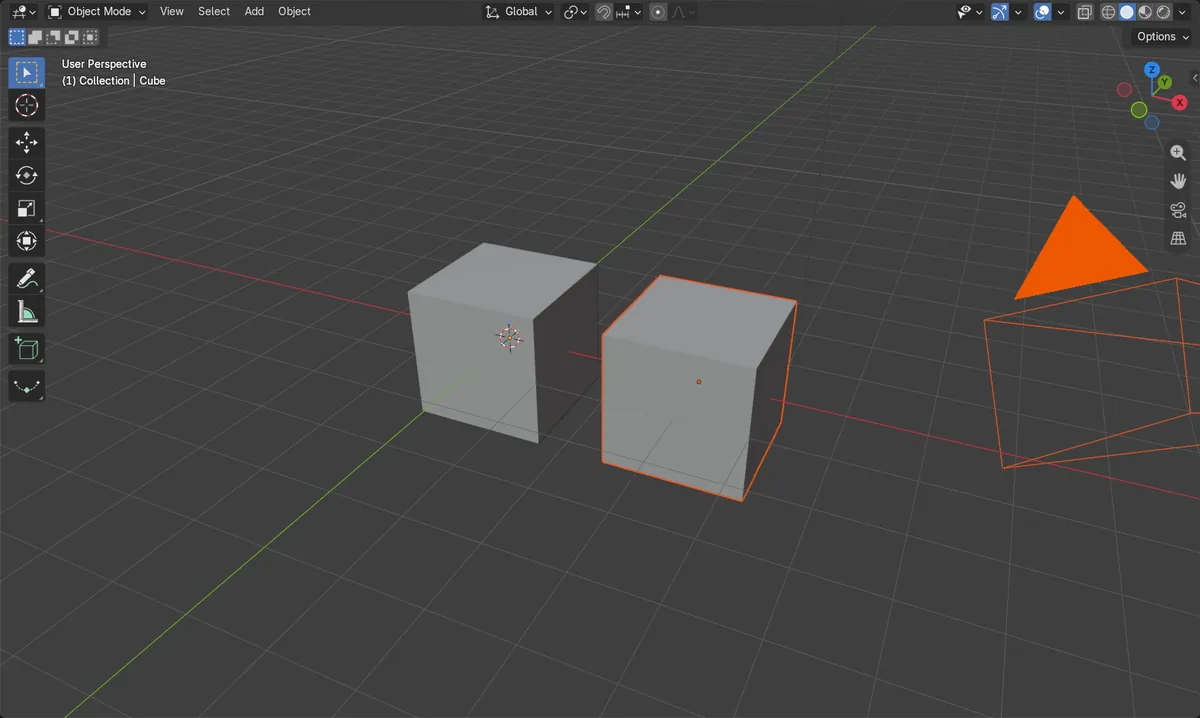
Untick Selectable
Object tab › Visibility › Selectable.
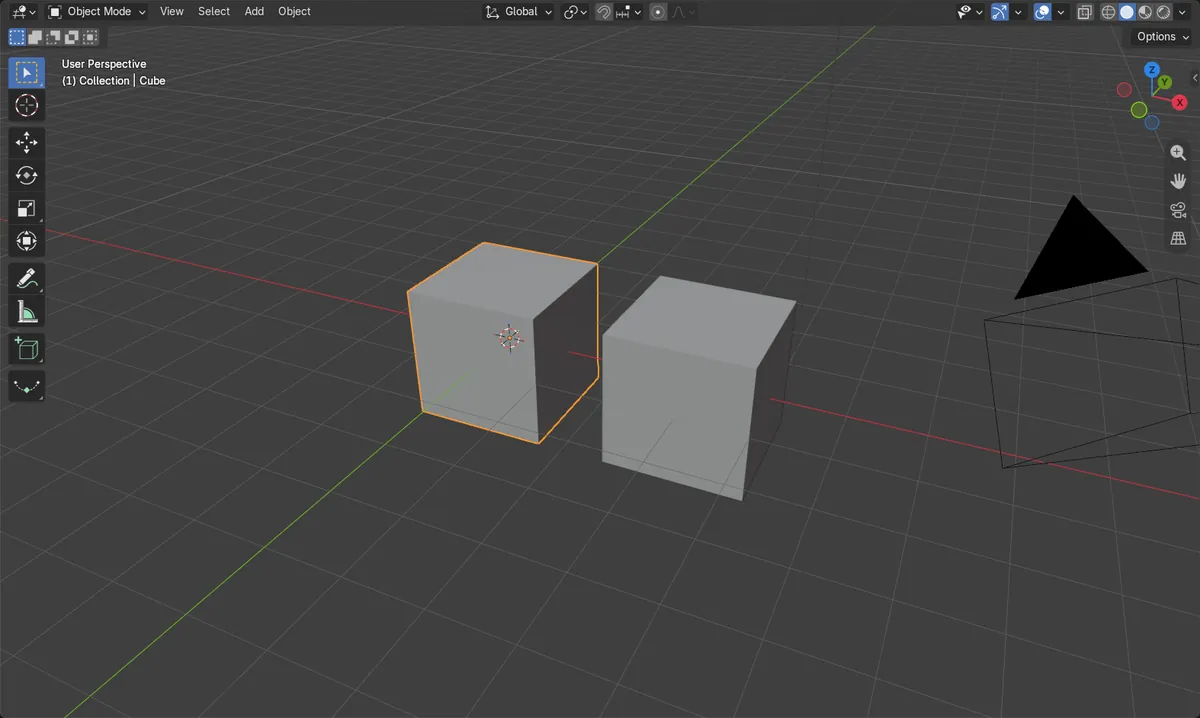
Select All skips it
Pressing A selects everything else but leaves this object alone.
Re-enable to select
Tick Selectable again to make it selectable.
Before and after

AI Scene Builder is a Blender add-on. You type what you want, and it builds it in your scene: buildings, neon signs, wet pavement, fog and lights. Nothing in this picture was modeled by hand.
On a phone now? The add-on runs in Blender on a computer. Send yourself the link and open it there.
Step by step (Blender 5.x)
- Click the object to select it (or make it active).
- In the Properties editor, open the Object tab.
- Open the Visibility panel and untick Selectable.
- Press A in the viewport: the object stays unselected, while other objects get selected.
Other ways to do it
- In the Outliner, open the filter popover (Filter in 4.2, Options in 5.x) and enable the Selectable restriction column to toggle it per object from the list.
Blender 4.2 LTS vs Blender 5.x
| What | Blender 4.2 LTS | Blender 5.x |
|---|---|---|
| Collection panel name | The Collection tab panel is called Restrictions. | The Collection tab panel is called Visibility. |
| Outliner filter popover | The popover is labelled Filter. | The popover is labelled Options, with Search and Filter sub-panels. |
Common snags
Can't re-select the object
Once Selectable is off, clicking it in the viewport does nothing. Turn Selectable back on in the Object tab.
Wrong tab
If you can't find the checkbox, make sure you are on the Object tab, not Data or Modifiers, and look in the Visibility panel.
Object still visible
Selectable only blocks selection; the object stays visible. To hide it, untick Viewports in the same panel or press H.
Or type one line in AI Scene Builder
AI Scene Builder is a Blender add-on that carries out the steps for you from one typed request. For this task, type a request like this one, using your own object names:
Make the Cube object unselectable in the viewport A log cabin room built with the add-on from 9 typed requests. See every request →
Questions
How do I make an object selectable again?
Open Object tab › Visibility and tick Selectable.
Does making an object unselectable hide it?
No. It stays visible in the viewport; you just can't select it by clicking or with Select All.
What the pictures show
- Before: the cube was selected and Selectable was on (1 object selected).
- After turning Selectable off and choosing Select All, the cube was not selected.
- The other 3 objects in the scene (second cube, camera, light) were still selected.