Model a Simple 3D Spiral Shape in Blender
Add a Circle with Add › Mesh › Circle, then open the Modifiers tab and add a Screw modifier from Add Modifier › Generate › Screw. Set Screw to 1 m and Iterations to 3 and the circle turns into a spiral that rises about 3 m.
- Mode
- Object Mode, 3D Viewport and Properties editor
- Menu
- Add › Mesh › Circle, then Properties › Modifiers › Add Modifier › Generate › Screw
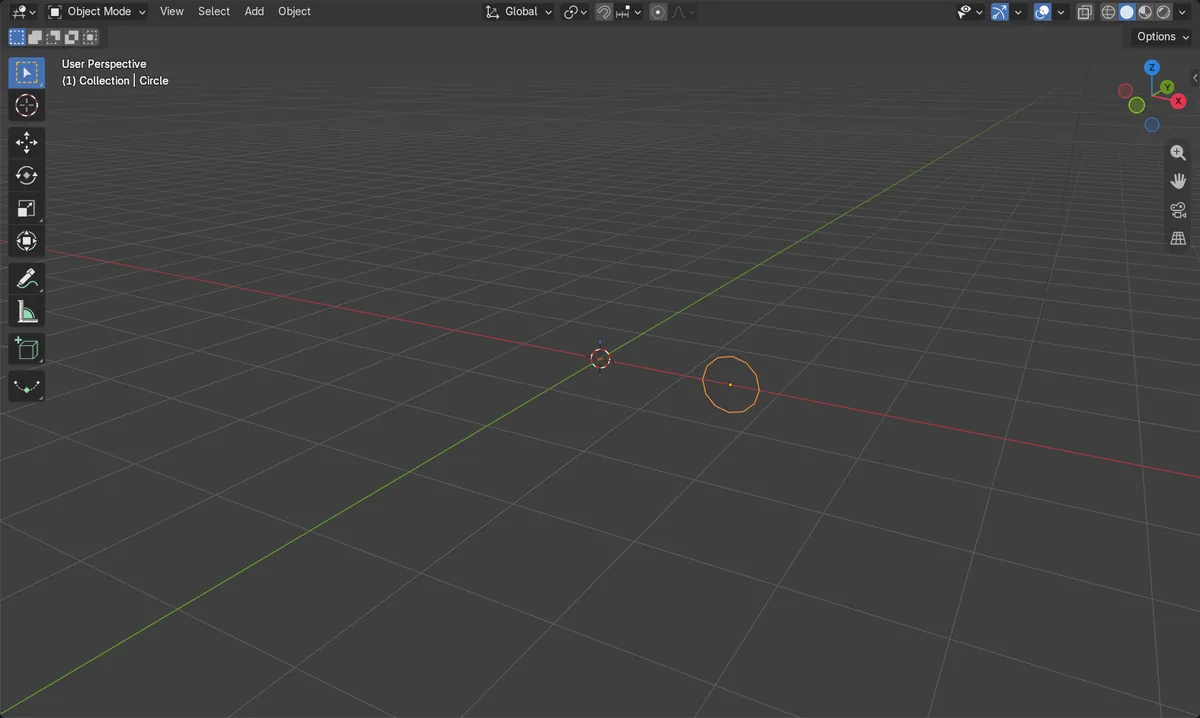
Start with a circle
Add › Mesh › Circle gives the profile to spin.
Screw modifier
Add Modifier › Generate › Screw revolves the profile.
Set Screw and Iterations
Screw lifts each turn; Iterations repeats it.
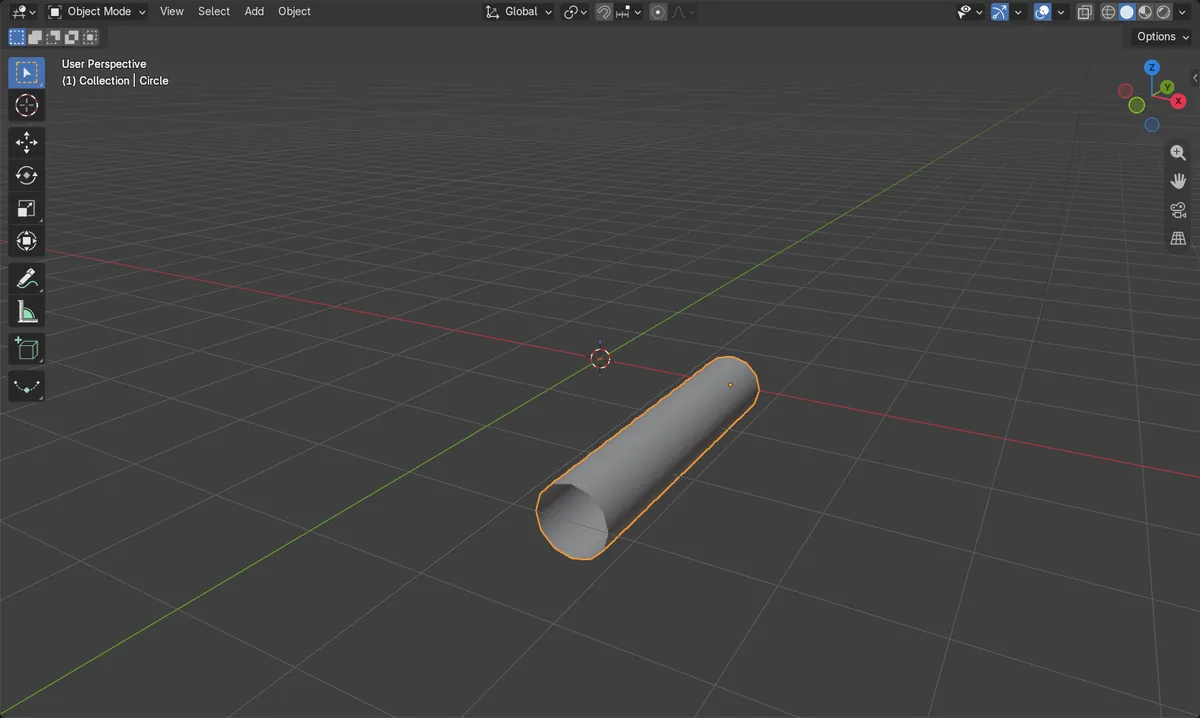
Before and after

AI Scene Builder is a Blender add-on. You type what you want, and it builds it in your scene: buildings, neon signs, wet pavement, fog and lights. Nothing in this picture was modeled by hand.
On a phone now? The add-on runs in Blender on a computer. Send yourself the link and open it there.
Step by step (Blender 5.x)
- In the 3D Viewport, choose Add › Mesh › Circle. In the Adjust Last Operation panel, set Radius to about 0.3 m and Vertices to 12 if you like.
- Move the circle away from the world origin on X, for example to X = 1.5 m, and rotate it 90° on X so it stands upright. The Screw modifier spins the shape around the Z axis, so the distance from the origin sets the spiral's width.
- With the circle selected, open the Modifiers tab in the Properties editor and choose Add Modifier › Generate › Screw.
- Set Screw to 1 m and Iterations to 3. Leave Axis on Z and Angle at 360° (the default).
- Orbit the view to check that the spiral rises as expected.
Other ways to do it
- Object › Modifiers › Add Modifier › Generate › Screw in the 3D Viewport header
- In the Modifiers tab, click Add Modifier and use the Search... entry to find Screw
Common snags
Flat ring only
If the result is only a ring, Screw is still 0 m. Set Screw to 1 m or more.
Spiral has no width
A circle centred on the Z axis collapses into a column. Move it away from the origin on X.
No Modifiers tab
The tab appears only when an object is selected. Click the circle first and keep the mouse over the Properties editor.
Or type one line in AI Scene Builder
AI Scene Builder is a Blender add-on that carries out the steps for you from one typed request. For this task, type a request like this one, using your own object names:
Create a circle and add a screw modifier so it forms a spiral three turns high A lighthouse island at sunset built with the add-on from 10 typed requests. See every request →
Questions
How do I make a spiral taller?
Raise Screw or Iterations in the Screw modifier. Height is roughly Screw times Iterations.
How do I make the spiral wider?
Move the circle farther from the origin on X before or after adding the modifier.
What the pictures show
- Before the modifier the circle had 12 vertices, no modifiers and no height (0 m).
- After adding Screw with Screw 1 m and Iterations 3, the evaluated mesh had 588 vertices.
- The spiral rose 3.0 m in Z, and the base mesh still had 12 vertices.
- Results were identical in Blender 4.2 LTS and 5.2.