How to Render an Image and Save It as PNG in Blender
Press F12 to render the scene from the active camera. The result opens in a separate render window. In that window choose Image › Save As, pick a folder and a file name, and click Save As Image. PNG is already the default File Format, and the image has the size set in Output Properties › Format.
- Mode
- Any mode, render window
- Menu
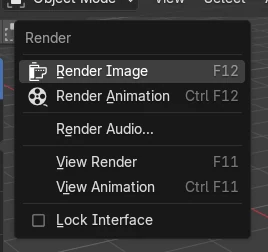
- Render › Render Image, then Image › Save As
- Shortcut
- F12
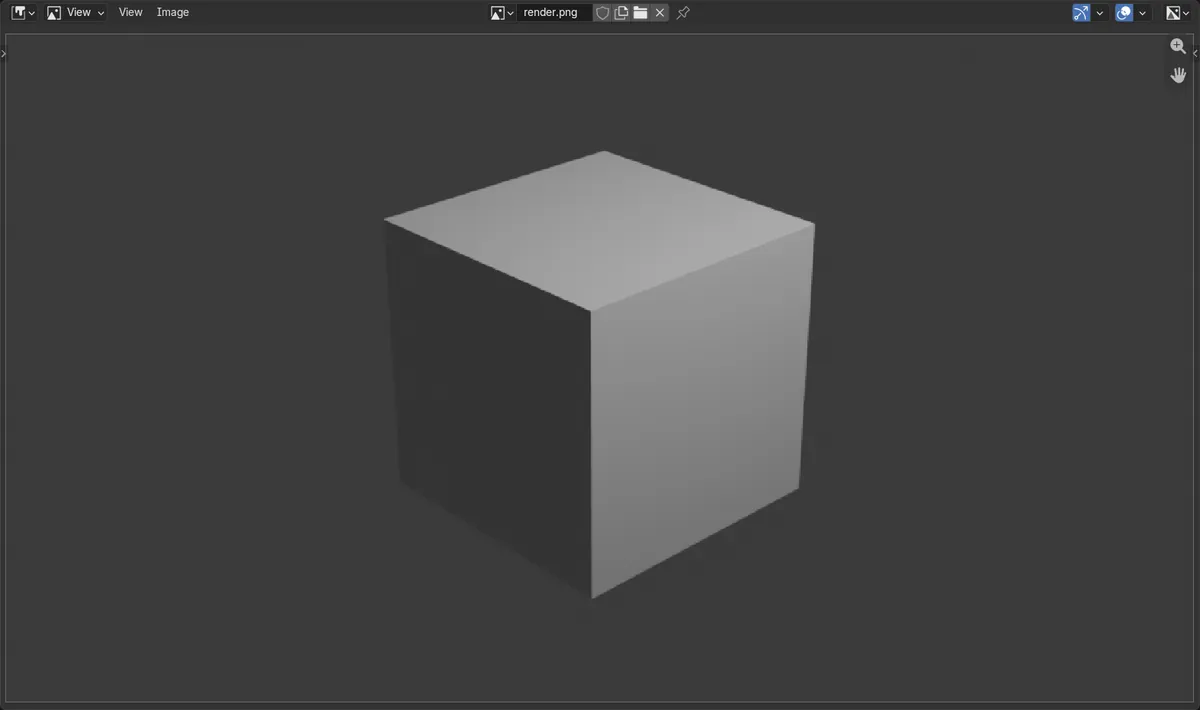
F12 renders
Renders the current frame from the active camera.
Image > Save As
Saves the render from the render window.
PNG by default
File Format in Output Properties starts as PNG.
Before and after
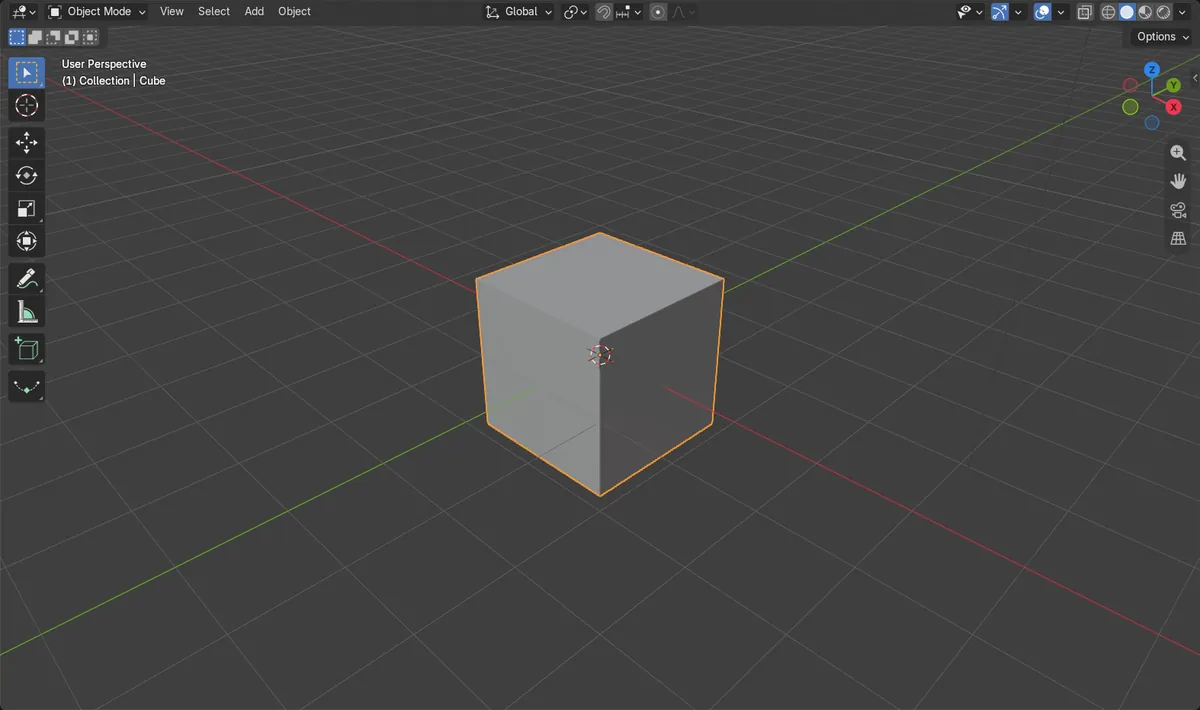

AI Scene Builder is a Blender add-on. You type what you want, and it builds it in your scene: buildings, neon signs, wet pavement, fog and lights. Nothing in this picture was modeled by hand.
On a phone now? The add-on runs in Blender on a computer. Send yourself the link and open it there.
Step by step (Blender 5.x)
- Make sure the scene has a camera and that it points at your objects. Numpad 0 shows the camera view.
- Set the size in Output Properties › Format: Resolution X, Resolution Y and the % scale below them.
- Press F12, or choose Render › Render Image in the top bar. Wait until the render window finishes.
- In the render window choose Image › Save As.
- Pick a folder, type a file name and click Save As Image. The file is saved as PNG unless you change the format on the right.
Other ways to do it
- Render › Render Image in the top bar instead of F12
- F11 (Render › View Render) shows the last render again if you closed the window
- Output Properties › Output › File Format to pick JPEG or another format before saving
Common snags
F12 shows an error about a camera
The scene has no active camera. Add one (press Shift + A and choose Camera), or select a camera and press Ctrl + Numpad 0 to make it active.
I closed the render window and lost the image
The last render is kept until you render again. Press F11 to show it, then use Image › Save As.
The PNG is smaller than expected
The % value under Resolution X and Y scales the image. At 100% the PNG has the full size; in the test 960 x 540 at 100% gave a 960 x 540 PNG.
An AI add-on for Blender
AI Scene Builder is a Blender add-on that builds and edits your scene from one typed request, such as “a small wooden table with two chairs”. Each request can be undone in one click.
 A lighthouse island at sunset built with the add-on from 10 typed requests. See every request →
Questions
Where does Blender save rendered images?
Nowhere until you save. A single image from F12 must be saved with Image › Save As in the render window.
How do I render with a transparent background?
Open Render Properties › Film and turn on Transparent, then save as PNG to keep the transparency.
How do I change the render size?
Change Resolution X and Resolution Y in Output Properties › Format.
What the pictures show
- Before: the scene had a camera, a resolution of 960 x 540 at 100% and no saved image.
- After F12 and Image > Save As, a PNG file was written with a size of 960 x 540 pixels.
- File Format was PNG without changing it.
- Results were identical in Blender 4.2 LTS and Blender 5.x.