How to Use a Shadow Catcher in Blender Cycles
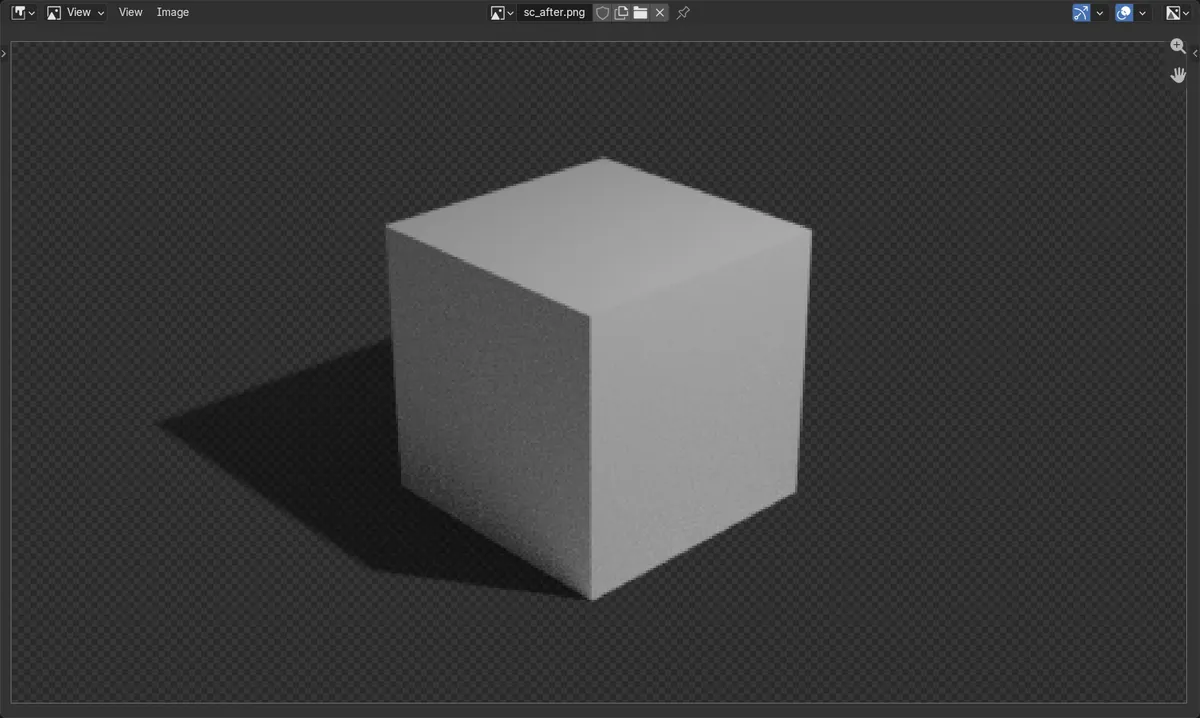
With Cycles as the render engine, select the ground plane and open the Object Properties tab › Visibility, then tick Shadow Catcher. In the Render Properties tab › Film, tick Transparent. When you render, the ground disappears and only the shadows on it remain, over a transparent background, ready to place over a photo or video.
- Mode
- Cycles, Properties editor
- Menu
- Object Properties › Visibility › Shadow Catcher; Render Properties › Film › Transparent
- Shortcut
- F12 to render
Visibility > Shadow Catcher
The ground only keeps the shadows it receives.
Film > Transparent
The background renders transparent.
Cycles only
Set the render engine to Cycles first.
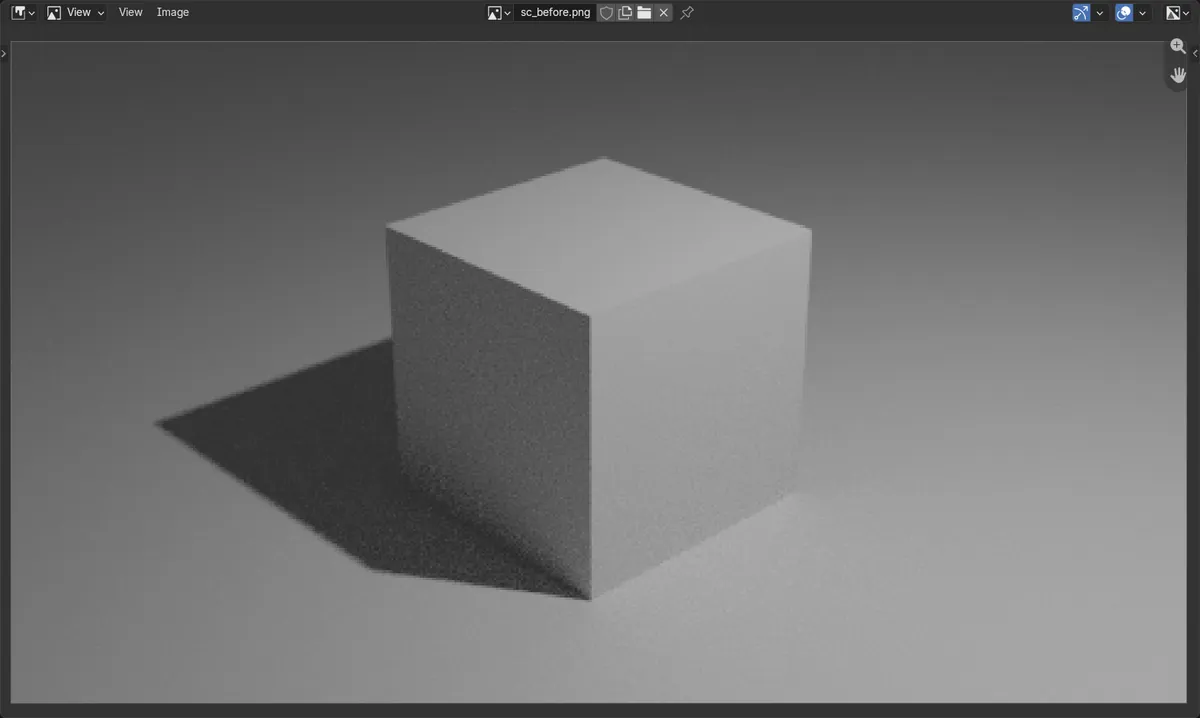
Before and after

AI Scene Builder is a Blender add-on. You type what you want, and it builds it in your scene: buildings, neon signs, wet pavement, fog and lights. Nothing in this picture was modeled by hand.
On a phone now? The add-on runs in Blender on a computer. Send yourself the link and open it there.
Step by step (Blender 5.x)
- In the Render Properties tab, set Render Engine to Cycles.
- Select the ground plane under your object.
- Open the Object Properties tab, expand Visibility and tick Shadow Catcher.
- In the Render Properties tab expand Film and tick Transparent.
- Press F12 and save the render as PNG to keep the transparency.
Other ways to do it
- Holdout, also in Visibility, cuts an object out of the render without keeping its shadows
Common snags
I cannot find Shadow Catcher
It appears only with Cycles. Switch the render engine in the Render Properties tab.
The background is still grey
Shadow Catcher hides the ground but the world still renders. Tick Film › Transparent.
The saved image lost its transparency
JPEG cannot store transparency. Save as PNG with RGBA.
An AI add-on for Blender
AI Scene Builder is a Blender add-on that builds and edits your scene from one typed request, such as “a small wooden table with two chairs”. Each request can be undone in one click.
 An evening market street built with the add-on from 11 typed requests. See every request →
Questions
Does EEVEE have a shadow catcher?
The Shadow Catcher option shown here is a Cycles setting. Use Cycles for it.
How do I put a Blender object on a photo with its shadow?
Use a Shadow Catcher plane and Film › Transparent in Cycles, render to PNG, then place the PNG over the photo.
What the pictures show
- Before: the render showed a solid grey ground under the cube.
- After Shadow Catcher and Film > Transparent: the ground was gone, the cube stayed, and the soft shadow under it remained, semi-transparent over a transparent background.
- Results were identical in Blender 4.2 LTS and Blender 5.x.