Blender AI Assistant: Type the Step, It Does It for You
AI Scene Builder is an AI assistant inside Blender: type a step in plain English, such as “Set up my render to save a PNG with a transparent background”, and it carries it out in your open scene. Every request can be undone in one click.
- Ask for
- One step or a whole object, in plain English
- Works on
- Your selection, your objects, your render settings
- Try it
- 15 free credits, no card
Plain English, no menu hunting
Say the step the way you would ask a friend. No need to know which menu or modifier it lives in.
Works on what you selected
For mesh steps, select the vertices, edges or faces in Edit Mode first, then type the request.
Easy to take back
Undo this request reverses the whole request if the result is not what you wanted.
Steps you can hand to the assistant
Each of these was typed into the add-on as written and did the step. Copy one, select what it should work on, and press Run.
Set up my render to save a PNG with a transparent backgroundPrefer to do it by hand? Can Blender render PNGs with a transparent background?
Bevel only the selected edge of my cube with a width of 0.2Prefer to do it by hand? Bevel Specific Edges in Blender
Make the selected object red by changing its material colorPrefer to do it by hand? How to Change the Color of an Object in Blender
Turn on depth of field for the camera, focus on the Cube and set the f-stop to 0.5 to blur the backgroundPrefer to do it by hand? How to Add Depth of Field (Blur Background) in Blender
Set the render resolution to 1080 by 1920 pixels at 100 percentPrefer to do it by hand? How to Change the Render Resolution in Blender
Switch the render engine to CyclesPrefer to do it by hand? How to Switch the Render Engine to Cycles in Blender
Make the camera always look at the Cube using a Track To constraintPrefer to do it by hand? Constrain the Camera to Look at an Object in Blender
Join the selected Cube, Sphere and Cone into one objectPrefer to do it by hand? How do I make multiple Blender objects into one?
Install it in 3 steps
- Download the .zip from the add-on page and keep it zipped. Drag it into the Blender window, or use Edit › Preferences › Get Extensions › ⌄ menu › Install from Disk….
- Allow online access. The add-on needs the internet to reach the AI. If Blender asks, turn on Allow Online Access in Edit › Preferences › System › Network.
- Start free and type. With the mouse over the 3D Viewport, press N, open the AI tab, press Start free, type a request and press Run.
Price and free trial
Start with 15 free credits. Pick a plan when you want more; cancel anytime.
Free
$0
15 credits to try it. About 5 requests. One trial per computer. No card.
A big request takes at most 5 credits.
Basic
$19 / month
200 credits a month. About 66 requests a month.
A big request takes at most 12 credits.
Pro Recommended
$39 / month
450 credits a month. About 150 requests a month.
A big request takes at most 18 credits.
Studio
$79 / month
1000 credits a month. About 333 requests a month.
A big request takes at most 24 credits.
Try AI Scene Builder in your Blender
Type one request and get editable objects in your open scene. Every request can be undone in one click.
 A lighthouse island at sunset built with the add-on from 10 typed requests. See every request →
Questions
Can the AI assistant change objects I already have?
Yes. A request can change your own model and scene, not only add to it, for example “Bevel only the selected edge of my cube with a width of 0.2”.
Are credits spent when a request fails?
Credits are spent only when the AI sends back an answer. If the connection or the AI service fails, nothing is counted.
What does the assistant send with each request?
The text you typed, a short text summary of the scene (object names, sizes, material names) and one small preview picture of the viewport. Your .blend file, textures and preferences are never sent.
Can I still learn to do the step by hand?
Yes. Each request on this page links to a step-by-step page that shows the same step with Blender’s own menus and shortcuts.
Limitations
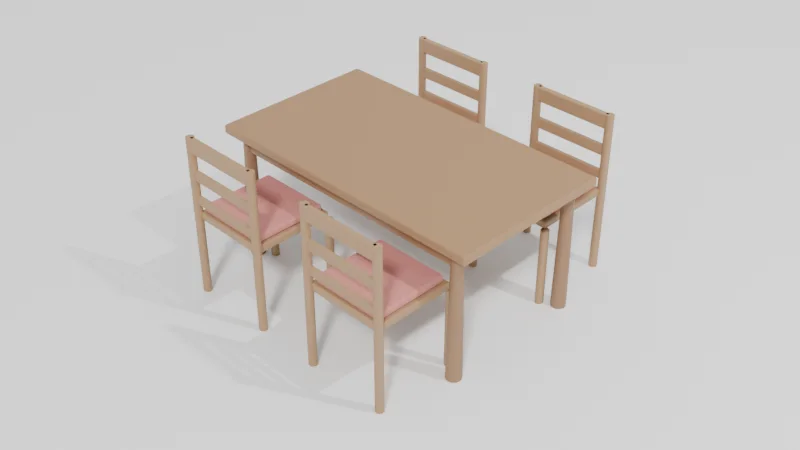
- It is best at props, furniture, simple buildings and small scenes. On complex shapes it can miss details; Undo this request and a more detailed request help.
- It needs Blender 4.2 or newer and an internet connection while a request runs.
- The free trial is one per computer. Payment is not available from China or Russia.
- Something not working? Write to contact
@saas-diary.com and we will help.